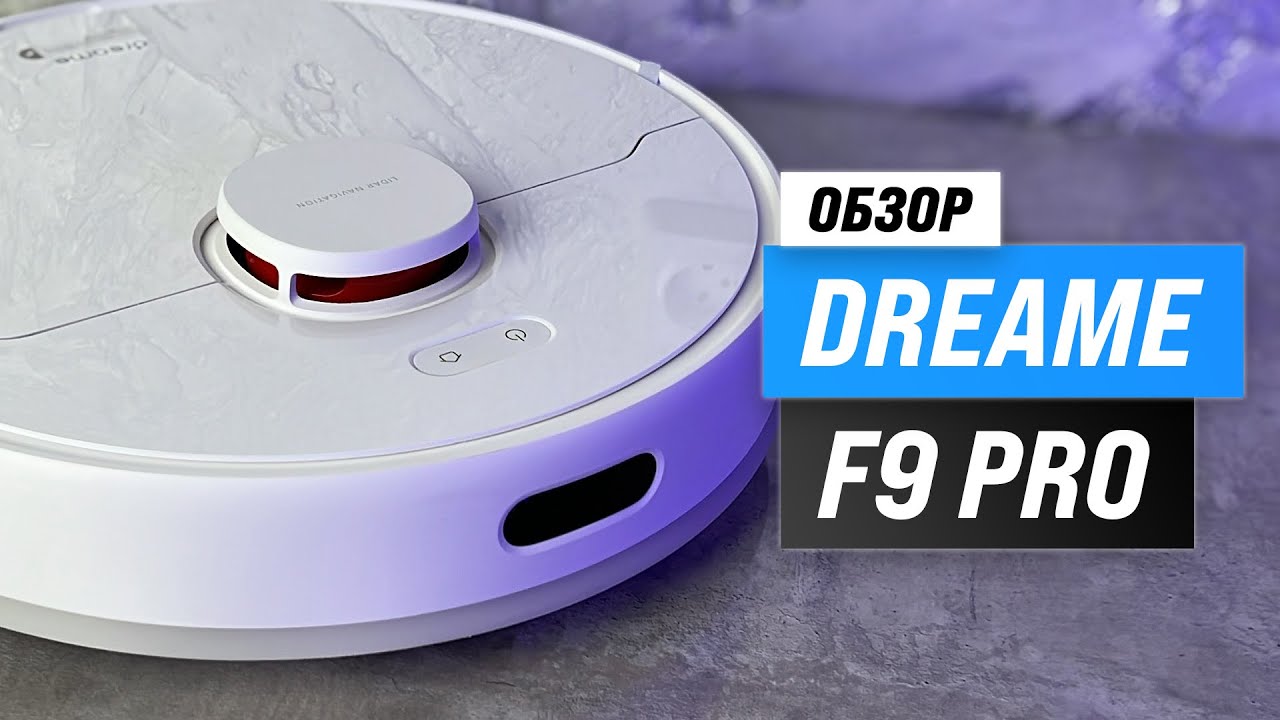
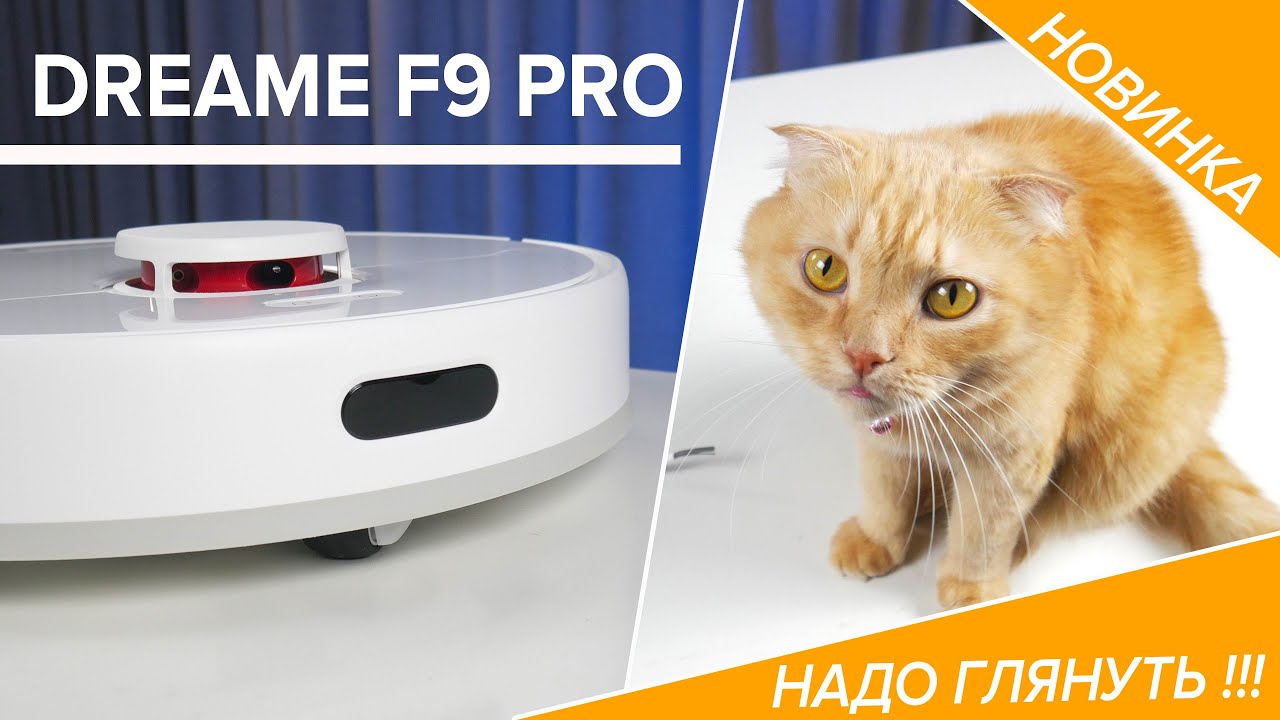
How to Set Up Dreame F9 Robot Vacuum
Автор: Dreame Tech
Загружено: 2021-03-22
Просмотров: 26579
Описание:
It's simple to set up your Dreame F9 robot vacuum by watching this episode. In this video, we'll kick off by unboxing the Dreame F9 together, guide you through essential preparations, demonstrate the proper placement of the charging dock, and show you how to ensure a clear home environment for optimal performance. Plus, unlock the secrets to utilizing the Dreame F9's impressive mopping function.
✨Elevate your cleaning routine with the Dreame F9 – designed to make your life easier and your home cleaner. Watch now and embark on a journey to a smarter, more efficient cleaning experience!
-- TIMESTAMPS --
0:00 Unbox Dreame F9 Robot Vacuum
0:16 Preparation for Using Dreame F9
0:31 How to Place the Dreame F9 Charging Dock
1:01 Clear Home Environment wiht Dreame F9
1:18 How to Use the Dreame F9 Mopping Function
Unboxing: Remove the protective films on the side of collision buffer.
Preparation: Install the side brush until it clicks into place.
Place the Charging Dock: Remove the protective film, place the charging dock on the level ground against wall and connect to a power outlet. Make sure there is a distance of 0.5 meters or more on either side of the charging dock, and more than 1.5 meters in front of it. Place the robot onto the charging dock to recharge. The robot will turn on automatically and charge.
Clearing Home Environment: Pack up easily entangled items such as wires, earphones or small items before cleaning.
Use the Mopping Function: Open the water tank lid, fill the tank with water, then securely close the lid. Dampen the mop pad and wring out excess water. Slide the pad all the way into the slot of the water tank until it is securely in place. Align the mopping module as indicated by the arrow, then slide it into the back of the robot until it clicks into place.
🥰We also want to hear from you! Share your Dreame F9 experiences and cleaning tips in the comments below. Get more information about Dreame F9👉https://global.dreametech.com/product...
🔔Don't forget to subscribe for more product information, brand stories, and any Dreame updates!
Stay connected with us on social media:
YouTube: / @dreametech
Instagram: / dreame_tech
Facebook: / dreametechnology
Twitter: / dreameglobal
LinkedIn: / dreame-technology
#DreameF9 #DreameTech #DreameGuide
Повторяем попытку...

Доступные форматы для скачивания:
Скачать видео
-
Информация по загрузке:







![Divine Music - The Year Mix Vol.10 [Chill & Ethnic Deep 2025]](https://imager.clipsaver.ru/Q3XBH_FhuKY/max.jpg)