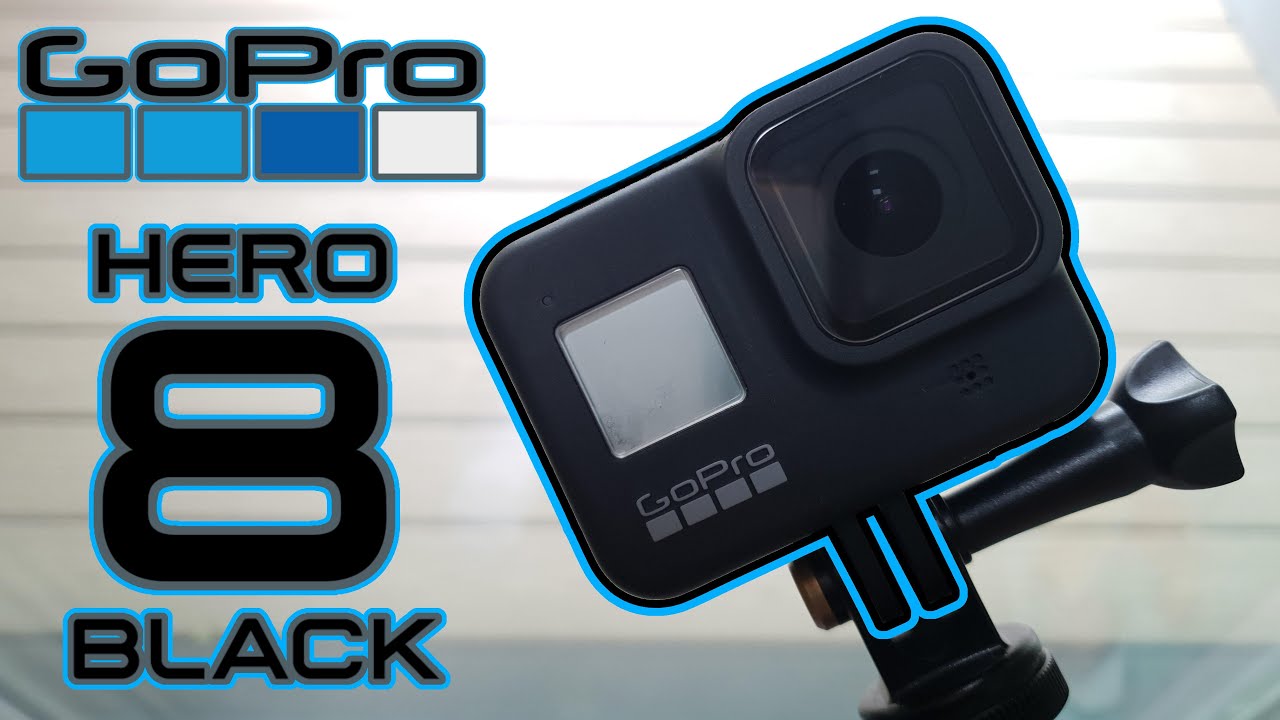
GoPro Hero 8 Black 📷 - Unboxing, Accessories, Features, and Testing
Автор: Adam Carbone
Загружено: 2022-09-13
Просмотров: 230
Описание:
This video displays my brand-new GoPro Hero 8 Black! In this video, I unbox the Hero 8 to demonstrate the experience as well as what my specific package came with in terms of accessories. I also installed lens and screen protectors on the mini-display, touch display, and lens to provide enhanced protection outside of a case. Then I proceeded to unbox GoPro's official action camera case for the Hero 8 to provide even further protection. I also demonstrated how to insert the battery and SD card, I went over features and physical specifications of the camera including the mobile app for controlling the camera and accessing other features. After all of that, I took out the camera for a test by flying it on one of my racing drones and got some amazing footage out of the box! The test footage was in 4K 60FPS in 4:3 aspect ratio with no Boost Stabilization or even post-stabilization (the only thing I touched was the color grading as seen in the video) Thanks for taking the time to stop by and read this, and thanks for watching!
🞇 Product Links:
Official Website Link (NJSJ): https://gopro.com/en/us/shop/cameras/...
Amazon Purchase Link: https://www.amazon.com/GoPro-Waterpro...
🞇Background Information: I received this GoPro as a gift on my birthday (07/25/2022) and decided to make this cool video showing it off before I started using it for filming more videos!
🞇Creator Message: Be sure to reference the chapters in the video if you would like to see different features and demonstrations! This video has a sort of a documentary type style. You can jump to the setup, function guide, watch the demonstrations, sound quality test, and more! Enjoy!
If you have any questions about this product, feel free to ask in the comments below!
🞇 (Currently as of this video being uploaded at 443 subscribers!)
#filmoraunboxing
@FilmoraWondershare
#gopro
#hero8black
#goprohero8
#goprohero8black
-------------------------------------------------------------------------------------------------------------------------
Chapters:
0:00 Intro
0:52 Unboxing GoPro Hero 8
3:44 External Features
5:13 Unboxing Screen and Lens Protectors
6:22 Peeling Seals off of Camera
6:51 Lens Protector
7:48 Mini-display Protector
8:19 Screen Protector
9:40 Installing Micro-SD Card
10:19 Unboxing Official GoPro Case
11:09 Putting GoPro into the Case
11:44 Features - Turning-on
11:53 Features - Video Mode Home Screen
12:03 Features - Switching Modes
12:14 Features - Video Presets
12:20 Features - Custom Presets
12:37 Features - Boost (Stabalization)
12:46 Features - Hide Tools and Icons
12:57 Features - Slo-Mo
13:01 Features - Video Digital Lens
13:24 Features - Touch Zoom
13:35 Features - Photo Presets
13:46 Features - Photo Output
13:57 Features - Timer (Delay)
14:02 Features - Photo Digital Lens
14:10 Features - Photo Home Screen
14:20 Features - Drop-down Menu
14:26 Features - Rotation Lock
14:40 Features - Touch Lock
15:04 Features - Voice Control
15:14 Features - Grid (frame)
15:23 Features - Beeps
15:29 Features - QuikCapture
15:41 Features - Menu Status Icons
15:56 Preferences - Connections
16:00 Preferences - General Settings
16:11 Preferences - Voice Control Settings
16:23 Preferences - Touch Screen Settings
16:40 Preferences - Regional Settings
16:55 Preferences - Video Settings
17:50 Front Display
18:08 Specifications
19:03 GoPro Quik App
20:26 Testing Preparation
21:14 Drone Test Footage
24:46 Outro
Повторяем попытку...
Доступные форматы для скачивания:
Скачать видео
-
Информация по загрузке:





![Топ-5 лучших экшн-камер [2026 года]](https://image.4k-video.ru/id-video/7ZZF-KWpha0)


![1 A.M Study Session 📚 [lofi hip hop]](https://image.4k-video.ru/id-video/lTRiuFIWV54)