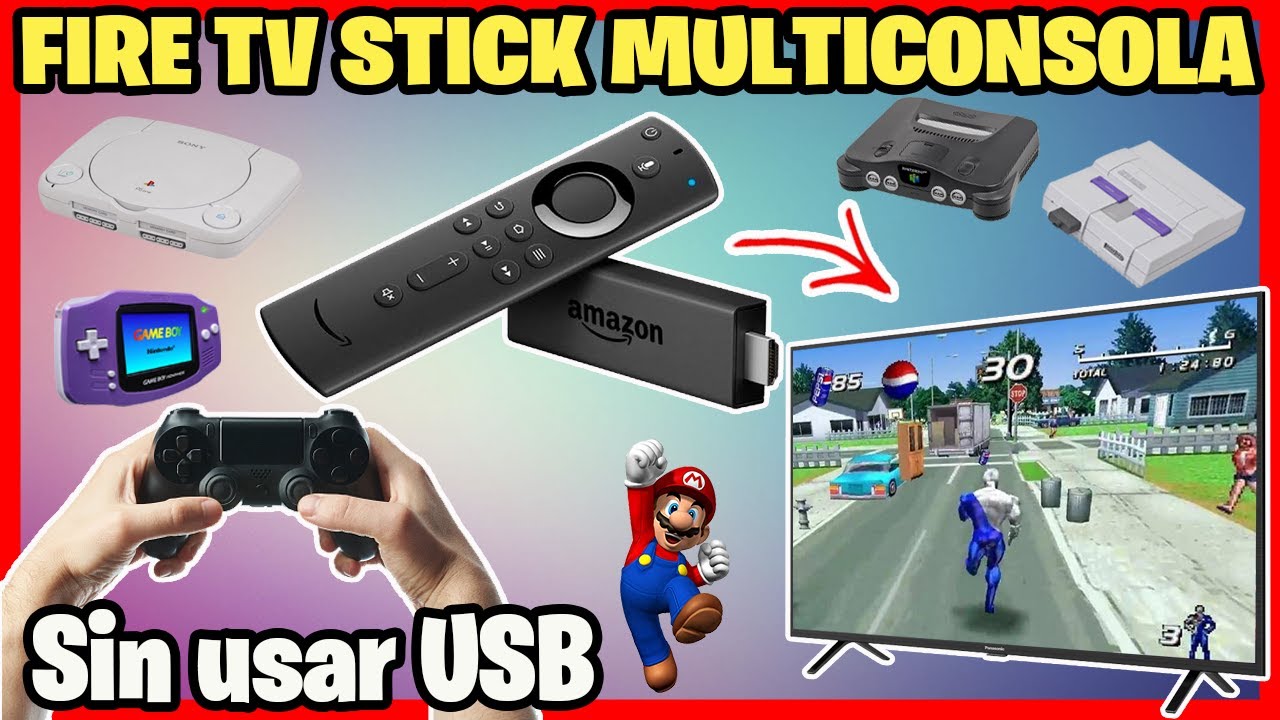
Super Nintendo on Fire TV
Автор: Screen Mirroring App
Загружено: 2022-03-19
Просмотров: 21166
Описание:
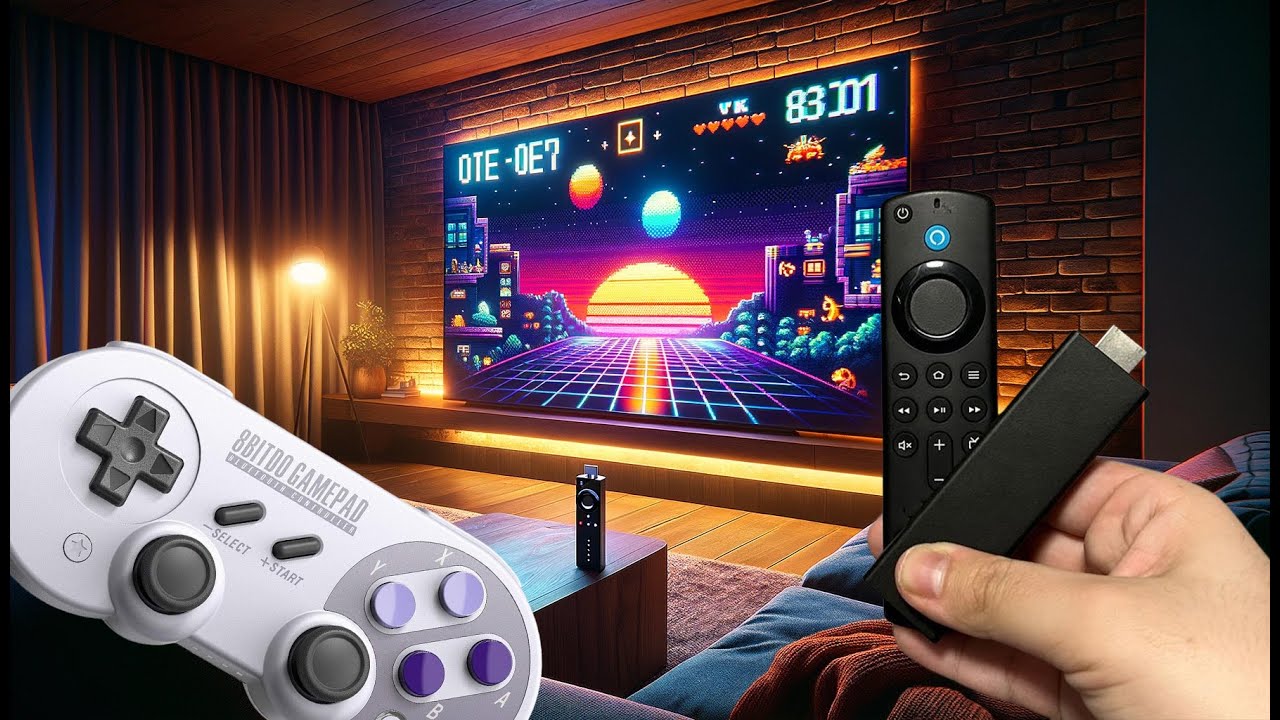
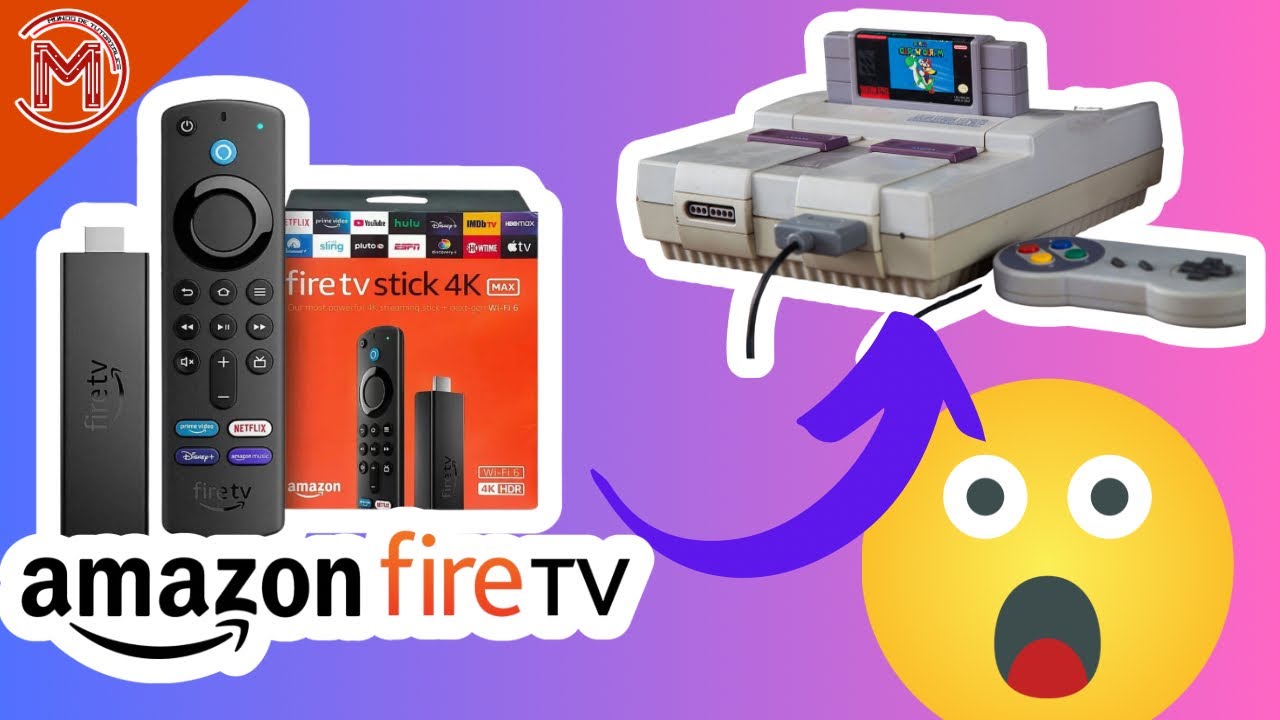
Watch this video and find out how to play super nintendo snes games on fire tv with Retroarch. Here's how to connect a controller to Fire TV, install the app, and play emulated console games with the Retroarch Emulator on Fire TV Stick, Cube or integrated. You can play games from SNES, N64, Dreamcast, Game Boy, PSP, Nintendo DS and many more.
▬▬▬▬ IMPORTANT ▬▬▬▬▬▬▬▬▬▬▬▬▬▬▬▬▬
if the connection to the Fire TV does not work, try to enable both ADB and debugging on your Fire TV device.
From the main screen of your Fire TV, select Settings.
Select Device (or My Fire TV) - Developer Options.
Turn on ADB Debugging.
Turn on Apps from Unknown Sources.
If you like this video, please try our Screen Mirroring App ⤵️
https://screenmirroring.app/#download...
▬▬▬▬▬▬▬▬▬▬▬▬▬▬▬▬▬▬▬▬▬▬▬▬▬▬▬
Learn more about Video & TV Cast by visiting
http://video-tv-cast.com 🖥
Have fun with casting!
▬▬▬▬ Connect with us ▬▬▬▬▬▬▬▬▬▬▬▬▬▬▬▬
TikTok: / screenmirroring.app
Facebook: / screenmirroringapp
Instagram: / screenmirroring
Twitter: / screenmirroring
Website: https://screenmirroring.app
▬▬▬▬▬▬▬▬▬▬▬▬▬▬▬▬▬▬▬▬▬▬▬▬▬▬▬▬
#Fire #TV #retroarch
Повторяем попытку...

Доступные форматы для скачивания:
Скачать видео
-
Информация по загрузке: