YouTube Music AI Playlist Tutorial: Create Custom Mixes with AI
Автор: Supreme Guru Tech
Загружено: 2026-02-21
Просмотров: 119
Описание:
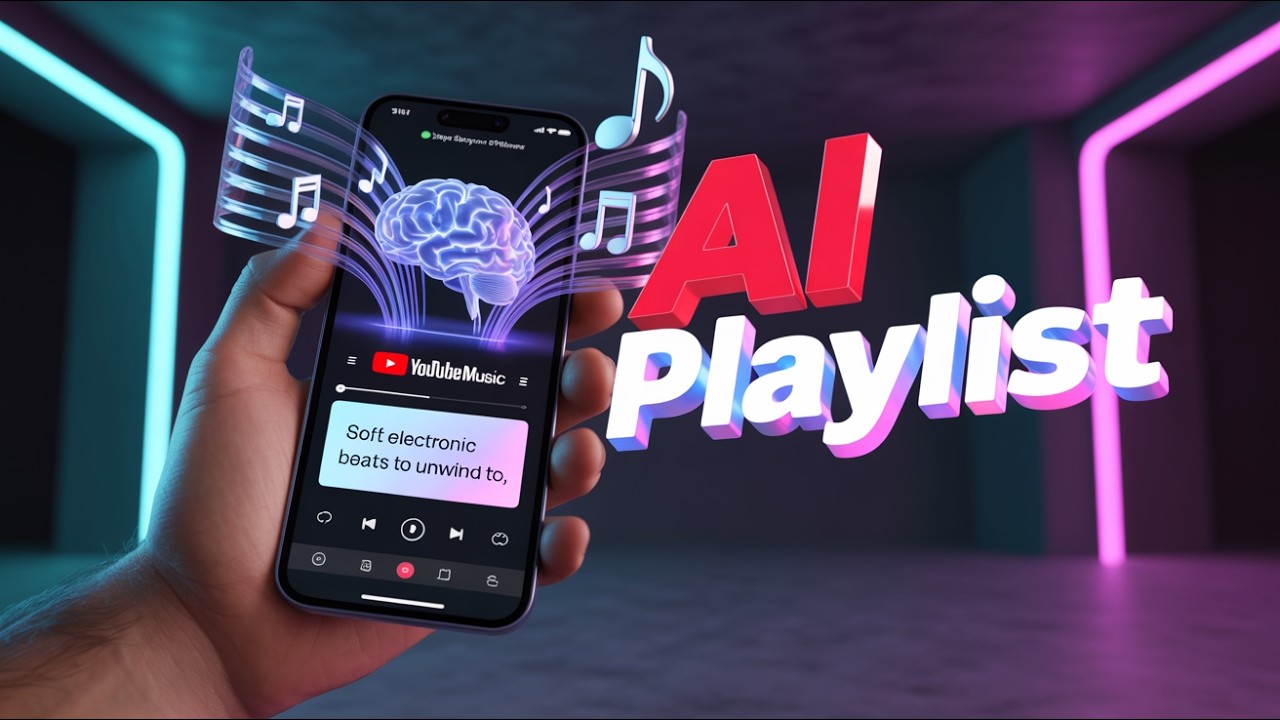
Ready to let AI build your perfect soundtrack? In this 2026 tutorial, I'll show you exactly how to use the YouTube Music AI playlist feature to create custom mixes tailored to your taste.
Whether you're looking for a specific vibe or just want to try out the latest AI tools, this step-by-step guide covers everything you need to know about generating smart playlists and managing your AI-powered library.
0:00 Important – You need YouTube Music Premium for this feature
0:09 Open the YouTube Music app and tap Library
0:21 Tap the plus button and select "AI playlist"
0:31 Type a mood or theme prompt to describe what you want
0:38 Example prompts: "soft electronic beats to unwind" or "driving music"
0:47 The AI generates around 25 tracks in about 10 seconds
1:00 Review the playlist and remove any songs you don't want
1:21 Use additional prompts to refine the mix
1:32 Save the playlist – it works just like a normal one
1:41 Share it, add more songs later, or delete it anytime
1:52 Note: It doesn't use your listening history yet
In this video, you'll learn:
How to find the AI playlist creator in the YouTube Music app.
The best way to use prompts to generate a custom AI mix.
Tips for refining your AI-generated playlists for the best listening experience.
If this AI tutorial helped you discover some great new music, please give it a thumbs up and subscribe to Supreme Guru Tech for more easy tech guides and AI tips!
#YouTubeMusic #AIPlaylist #MusicTech #CustomMix #AndroidTutorial
Повторяем попытку...
Доступные форматы для скачивания:
Скачать видео
-
Информация по загрузке: