I Turned My Phone Into a Laptop Using ONE App
Автор: PauTECtips
Загружено: 2026-02-06
Просмотров: 79
Описание:
Turn your phone into a laptop without buying a PC. In this video, I show you how to convert your Android phone into a full desktop experience using a simple app and desktop browser setup. This method lets you type documents, browse websites in desktop mode, attend online classes, use Google Docs, manage emails, and do online work directly from your phone.
This phone-to-laptop setup is perfect for students, freelancers, online workers, and anyone who doesn’t have a laptop or wants a cheap laptop alternative. You don’t need a computer, and you don’t need expensive equipment. Your smartphone becomes a mini PC.
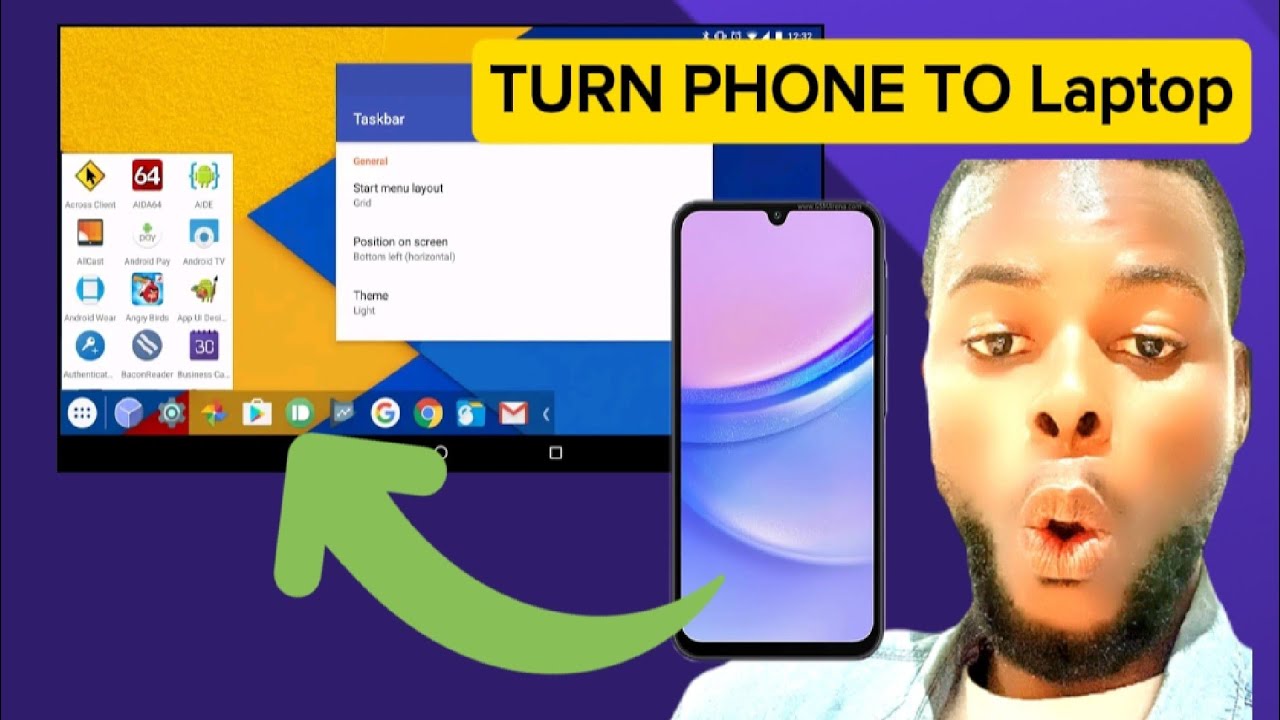
Using Taskbar, your phone gets a desktop-style interface similar to Windows or Linux, with floating windows, multitasking, keyboard and mouse support, and full productivity features. This works directly on the phone screen, and you can also connect it to a TV or monitor later for a bigger desktop experience.
If your laptop is broken, slow, or too expensive to replace, this Android desktop mode setup can handle most daily computer tasks. While it won’t replace a high-end laptop for heavy video editing or gaming, it covers up to ninety percent of everyday work.
Watch till the end to see how to fully enable desktop mode on Android and turn your phone into a powerful laptop alternative.
Subscribe to PauTECtips for daily tech tutorials, Android tricks, and real-life tech solutions.#PhoneToLaptop
#AndroidDesktop
#NoLaptop
#Taskbar
#AndroidTips
Повторяем попытку...
Доступные форматы для скачивания:
Скачать видео
-
Информация по загрузке: