Samsung Galaxy Tab 4 7.0 Review | with Latest Firmware Update | and Camera Test
Автор: ReviewLamp
Загружено: 2014-12-02
Просмотров: 92133
Описание:
This video: Samsung Galaxy Tab 4 7.0 Review
Link to the Samsung Galaxy Tab 4 7.0 (white):
http://amzn.to/1AdssiE
Link to the Samsung Galaxy Tab 4 7"(black):http://amzn.to/1pPWOqN
Links to some alternatives to the Samsung Galaxy Tab 4 7.0:
Kindle Fire HD 7: http://amzn.to/1yeMrKW
Nexus 7: http://amzn.to/1yKAd0y
Asus MemoPad 7: http://amzn.to/1CD9CXc
iPad Mini: http://amzn.to/1wndBE2
Links to some accessories for the Samsung Galaxy Tab 4 7.0:
Samsung Galaxy Tab 4 7.0 Case: http://amzn.to/1FKRoiS
Samsung Galaxy Tab 4 7.0 Car Charger: http://amzn.to/1HX1pgP
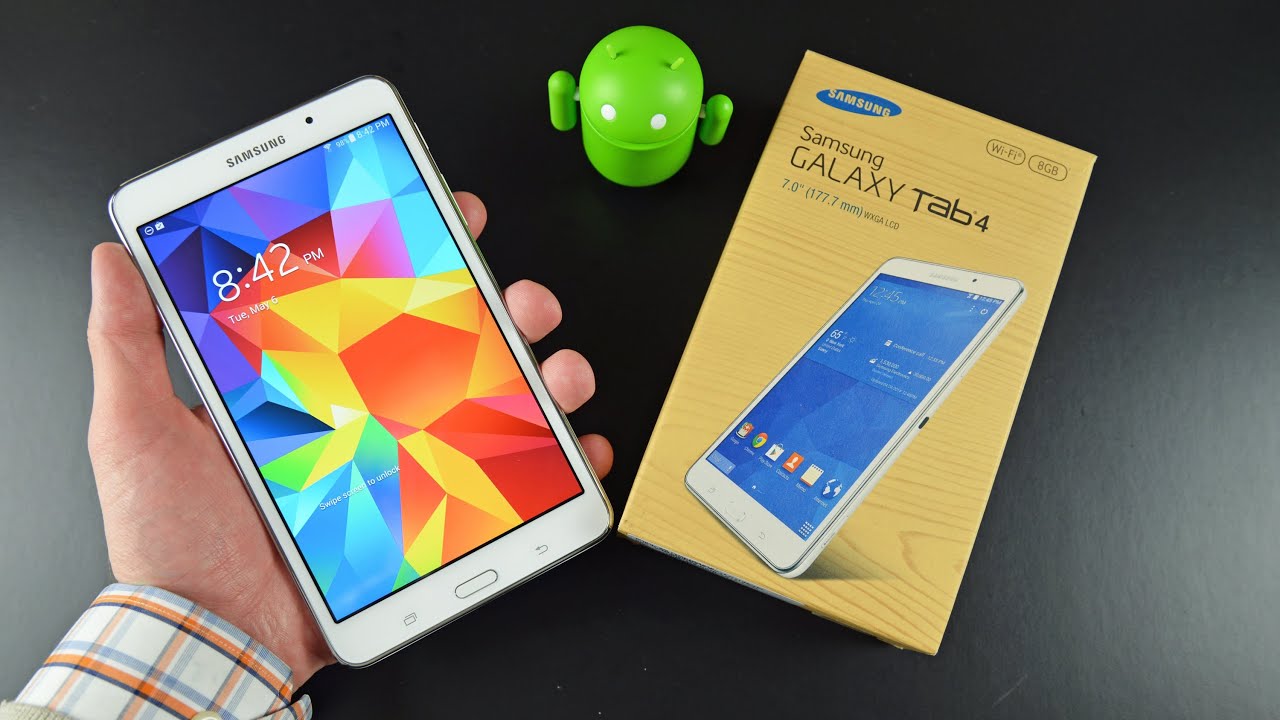
Today we’re going to be looking at the 7 inch version of the Samsung Galaxy Tab 4. So lets first take a closer look at the Samsung Galaxy Tab 4 7.0
The Samsung Galaxy Tab 4 7.0 has a thin bezel on both the left and right edge and sports a 7” display. The home button is slightly raised and has the task folder and back buttons to the left and right of it. The front-facing webcam is also embedded into the bezel on top of the screen. The top edge of the Samsung Galaxy Tab 4 7.0 houses the 3.5mm headphone jack, while the bottom edge has the micro usb charging and connection port. The right hand edge has the power button, volume rocker, the IR blaster and the micro SD card slot. The Micro SD card slot is pretty helpful to expand the Samsung Galaxy Tab 4 7.0’s memory and transfer files to and from the Tab 4. The left hand edge has nothing on it. The rear face of the Samsung Galaxy Tab 4 7.0 has a textured, soft-touch finish to it and has the rear-facing camera protruding gently from its surface. There is also a small speaker grille embedded into the right hand corner of the rear face. The Samsung Galaxy Tab 4 7.0 is reasonably light and is pretty comfortable to hold with one hand.
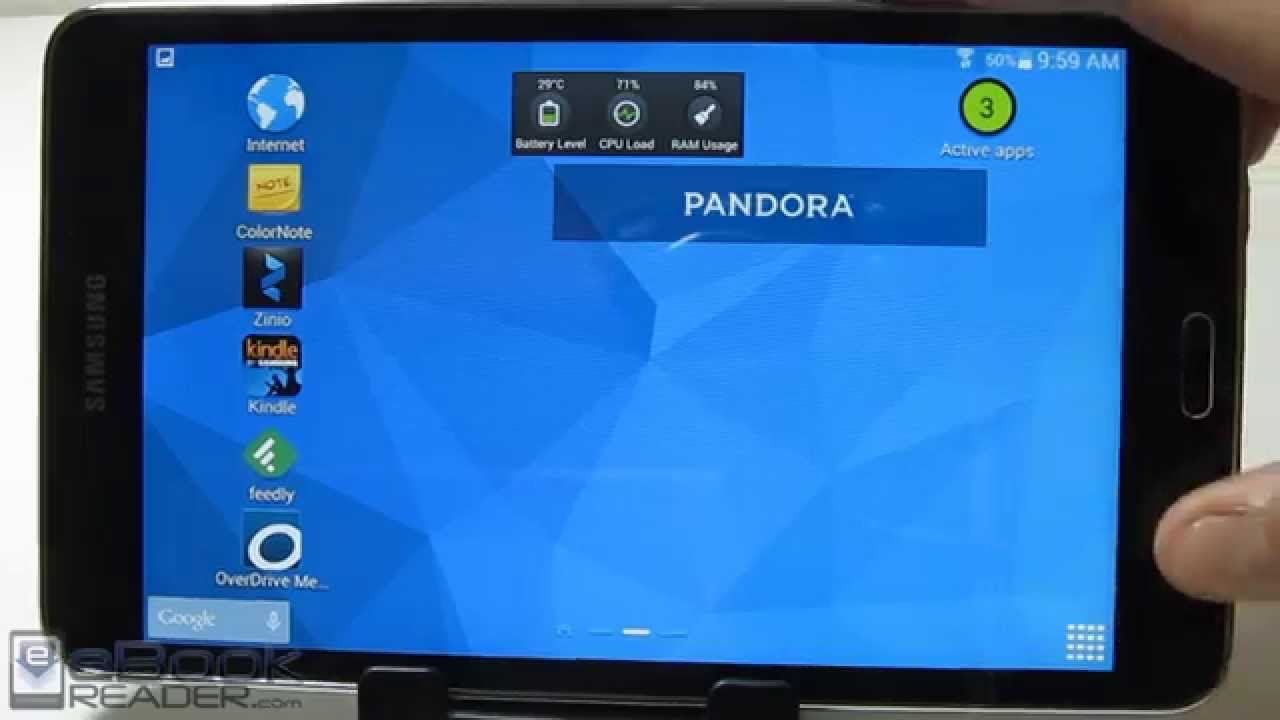
The Samsung Galaxy tab 4 7.0 is currently running a Samsung-modified version of Android KitKat. The tablet performs pretty decently overall, but does have a tendency to lag at times when running multiple intensive tasks such as say, browsing the web while apps update in the background. Web browsing, using the Chrome Browser, on the Samsung Galaxy Tab 4 7.0 is a pretty mixed experience. Sites load up reasonably fast, but there is a noticeable amount of choppiness and lag when scrolling through most sites and during pinch to zoom. And this is rather unacceptable in the year 2014, when most top-tier devices perform pretty smoothly. Definitely something Samsung should consider fixing through a software update .
The quality of the screen on the Samsung Galaxy Tab 4 7.0 is pretty good and Samsung has used a panel with slightly better resolution than their last generation of the Galaxy Tab. HD Video playback from sources such as Youtube and Netflix is excellent. The colors are very well reproduced and playback is smooth and trouble free. The screen of the Samsung Galaxy Tab 4 7.0 also has a really wide range of screen viewing angles. The sound level and quality from the speakers on the Samsung Galaxy Tab 4 7.0 is also very good, as you can see from this clip. However, the location of the speaker grille was pretty poorly thought out and its very easy to accidentally cover the grille with your hands, both in the landscape and portrait orientation.
Battery life on the Samsung Galaxy Tab 4 7.0 was fairly decent for its size. The tablet lasted about 7 hours on a single charge when playing back hd video from youtube. This was with the screen brightness at a 100% and the volume turned up all the way.
One clever feature that’s unique to the Samsung Galaxy Tab 4 7.0, is the IR blaster. Using Samsung’s Watch-On App, the tablet becomes a smart remote for your TV. You can control the functions on your TV and browse channels and content. A nifty feature that works flawlessly.
The 3MP rear-facing camera on the Samsung Galaxy tab 4 7.0 is barely usable as a spare camera for pictures and the quality lags behind cameras on devices such as the iPad mini and Nexus 7. The 1.2MP front facing camera is decent for Skype or other video-chatting apps.
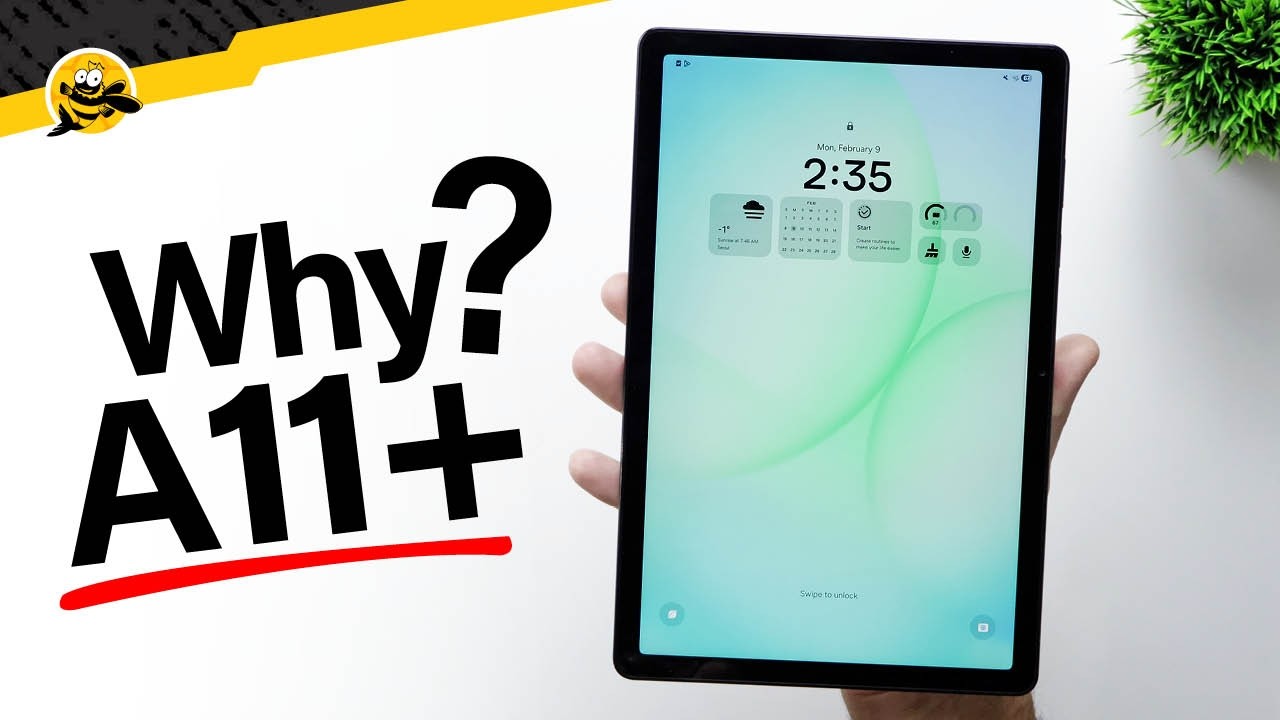
So what do we think about the Samsung Galaxy Tab 4 7.0? If you’re upgrading from the Galaxy Tab 3, its probably not worth upgrading. However if you’re in the market for a 7 inch tablet, its a decent tablet at the right price. If it were priced at a significant discount from its list price, the Tab 4 would be worth considering. If not, there are several better alternatives like the Kindle Fire HD7, the Nexus 7, the iPad mini and the Asus MemoPad 7. I’ve put links to this tablet and a few alternatives in the description below. Hope this review was useful. If it was, please LIKE this video and subscribe for more reviews. Thanks for watching.
Повторяем попытку...

Доступные форматы для скачивания:
Скачать видео
-
Информация по загрузке: