How To Track 5G Signal Strength At Home With Home Assistant!
Автор: 5G Benchmark
Загружено: 2025-05-18
Просмотров: 1107
Описание:
📡 Why is your mobile internet fast one moment and painfully slow the next?
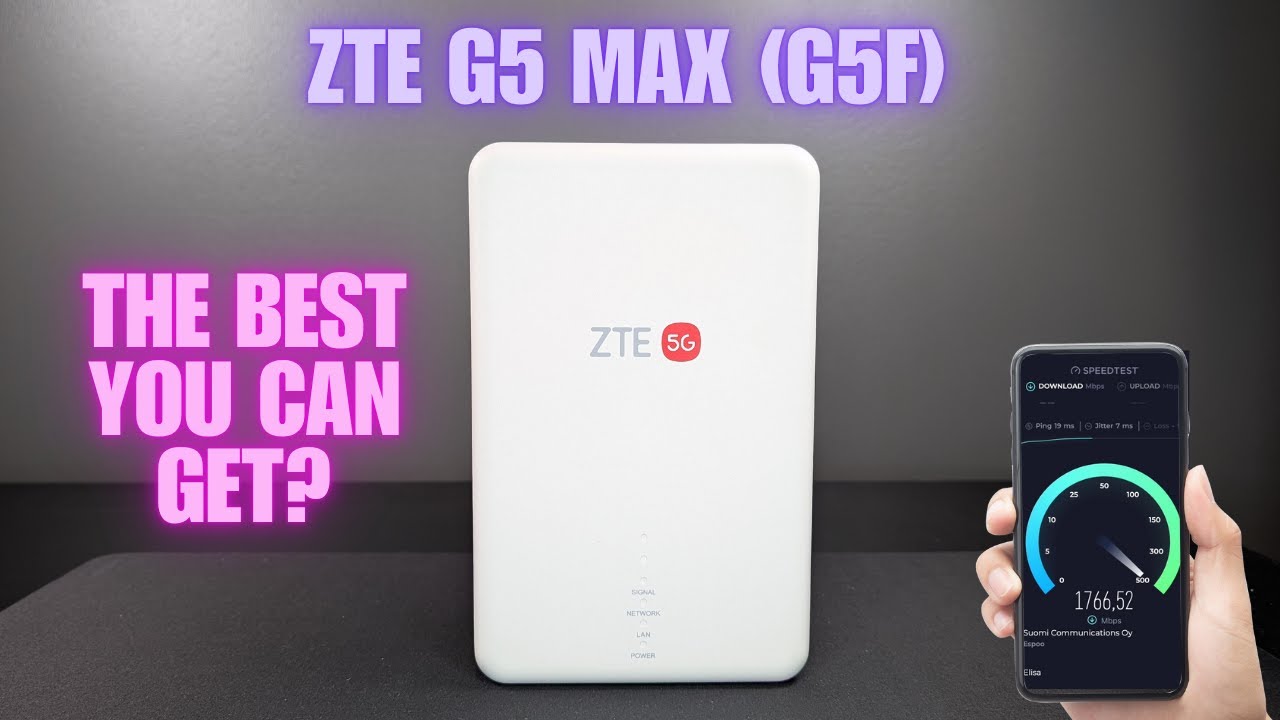
In this video, we show you how to use Home Assistant to track, analyze, and optimize the 5G signal strength and quality of your Huawei and ZTE 5G routers. From installing Home Assistant on VirtualBox to integrating and visualizing live signal metrics like RSRP, RSRQ, and SINR, this tutorial gives you the tools to take control of your mobile connectivity.
💡 What You'll Learn:
How to install Home Assistant on VirtualBox (Linux image method)
How to integrate Huawei LTE routers with built-in integration
How to manually install ZTE MC889A Pro integration
How to visualize signal data in Home Assistant
Which signal values matter most-and how to read them
00:00 - Intro
00:37 - Installing Home Assistant
02:37 - Huawei Integration
03:22 - ZTE Integration
05:44 - Summary
🔗 Resources:
VirtualBox: https://www.virtualbox.org/wiki/Downl...
Home Assistant Linux image: https://www.home-assistant.io/install...
ZTE integration GitHub repo: https://github.com/Kajkac/ZTE-MC-Home...
⚠️ Important: This setup only tracks the signal of the Primary Component Carrier (PCC).
For consistent and reliable results, we recommend locking your router to a specific frequency band. Learn how below:
🎯 How to Lock Frequencies on Your Router:
🔹 Huawei Routers: • BOOST Your ZTE Router Performance With Cel...
🔹 ZTE Routers: • Simple Tricks To Boost Your Huawei 5G Rout...
💬 Got questions? Drop a comment below and tell us what router or setup you're using-we'd love to hear your experience!
👍 If this video helped, give it a like and subscribe for more router tips and mobile signal hacks.
/ 5gbenchmark
/ 5gbenchmark
/ discord
/ 5gbenchmark
#HomeAssistant #5GRouter #homeinternet
Повторяем попытку...

Доступные форматы для скачивания:
Скачать видео
-
Информация по загрузке: