TOWNSHIP GAME COMPLETE CO OP
Автор: TownshipDotCom
Загружено: 2017-02-13
Просмотров: 57066
Описание:
IN THIS VIDEO I AM GOING TO EXPLAIN EVERY THING ABOUT CO OP IN TOWNSHIP GAME.
A co-op is a group of players who get together to chat and help each other in the game. The Co-op Building is unlocked at level 19, and you can rebuild it to create your own co-op or join someone else’s. Co-ops can have up to 30 members. All the members can exchange crops and goods with each other, letting them develop their towns faster.
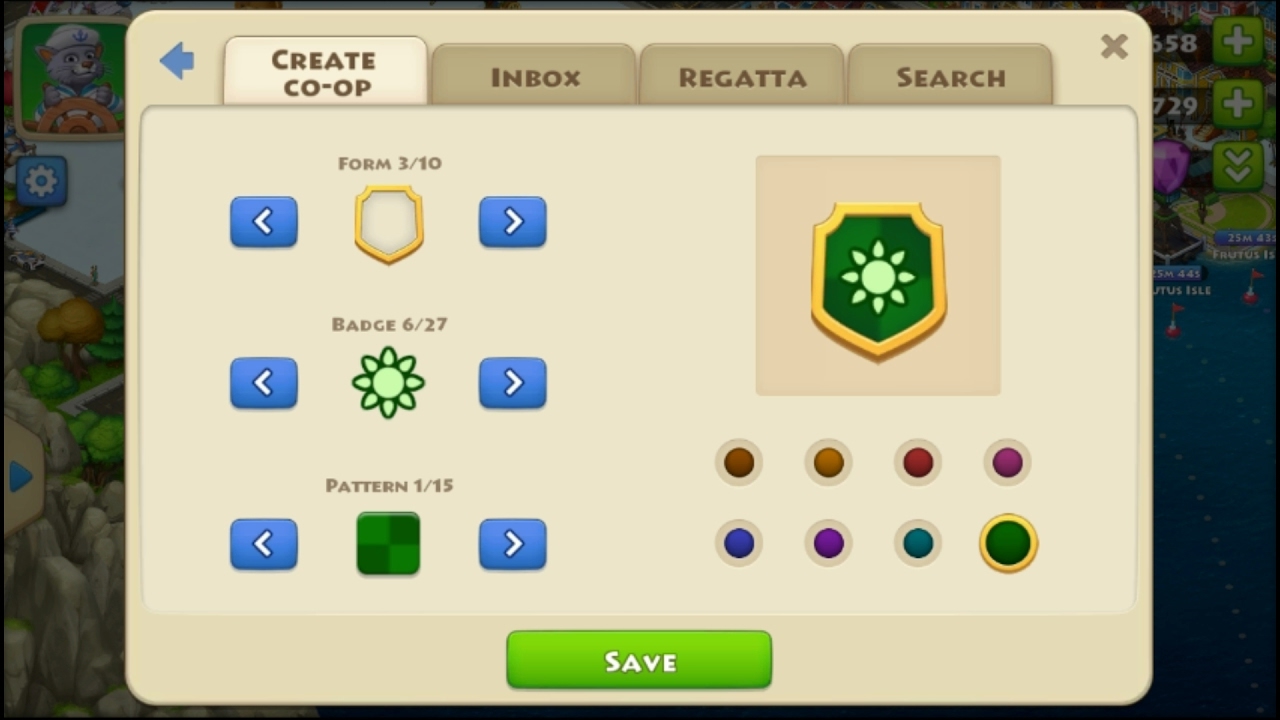
Use the tab in the Co-op Building to create a co-op. Creating a co-op costs 1,000 coins. Choose your co-op's name wisely, as you won't be able to rename it. Then choose a unique badge and co-op type: “Open” - other players don't need your permission to join your co-op; “Closed” - only players you invite can join your co-op (bear in mind that you can only invite Facebook or Game Center friends to your co-op); “By request” - players send a request to join your co-op that you can accept or decline.
If you are a Leader, a Co-leader, or an Elder in your co-op, you can send invitations to other players. No other co-op members can do so. You can only send invitations to your Facebook, Game Center (iOS) or Google+ (Android) friends. To send an invitation, go to your friend's town and then tap the button in the bottom left-hand corner with your co-op's badge. The invitation will be automatically sent to your friend’s Inbox.Unfortunately, co-op names are permanent. Choose your name wisely and avoid using any offensive words or personal information.
~-~~-~~~-~~-~
Please watch: "TOWNSHIP - MINING STRATEGY #12"
• TOWNSHIP - MINING STRATEGY #12
~-~~-~~~-~~-~
Повторяем попытку...
Доступные форматы для скачивания:
Скачать видео
-
Информация по загрузке: