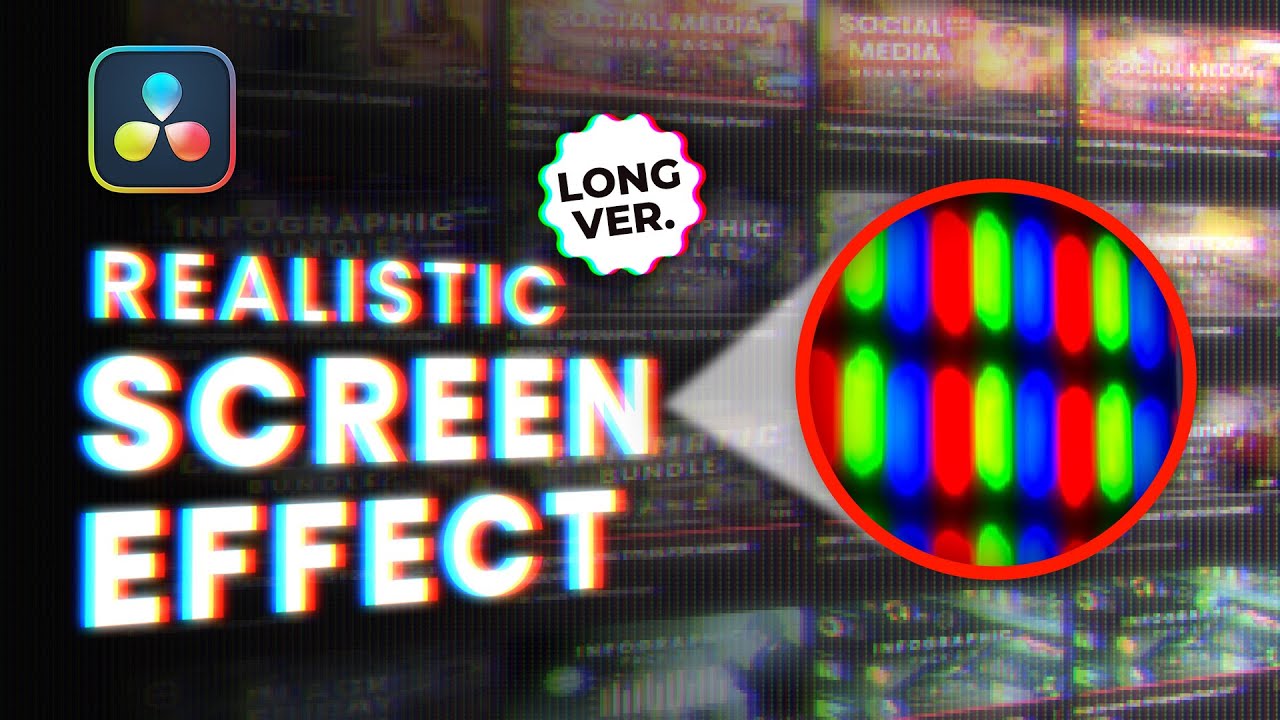
Realistic LED Screen Effect in Davinci Resolve
Автор: Video Editor Studio
Загружено: 2025-04-14
Просмотров: 5326
Описание:
🚀 Download our Free Starter Pack: https://pages.videoeditorstudio.com/f...
📦 Check out more great packs on our website: https://videoeditorstudio.com
🔴 Download LED Image:
https://shorturl.at/nlg8F
You can download the free version of Davinci Resolve here: https://www.blackmagicdesign.com/uk/p...
You can get all the music we use for our videos at Audiio.com for 70% off with code SAVE70 : https://audiio.com/partner?oid=1&affi...
In this tutorial, learn how to build a cinematic LED screen effect using Fusion inside DaVinci Resolve. We’ll cover everything from creating a custom RGB pixel grid, adding glow and chromatic aberration, to animating your screen with 3D perspective. Ideal for editors looking to make their screen recordings or digital displays look hyper-real and immersive.
I've provided timestamps so you can easily jump between sections:
0:00 - Intro
0:21 - Create Fusion Clip from Screen Recording
1:04 - Add Background Color Behind Screen
2:15 - Build Custom RGB LED Pattern
6:48 - Tile & Wrap Pattern for Grid Effect
8:12 - Export Pattern as JPEG for Performance
9:32 - Apply LED Panel to Screen Recording
10:20 - Add Mosaic Blur for Realism
11:32 - Glow Effect for Visual Impact
13:05 - Fine-Tune with Brightness & Contrast
14:10 - DIY Chromatic Aberration (RGB Split)
19:45 - Enhance with Directional Blur
22:10 - Refocus Using Position & Strength
23:42 - Animate Perspective Using DVE
26:10 - Final Touches & Recap
27:10 - Outro & Feedback Request
28:10 - Free Starter Pack Reminder
DaVinci Resolve screen effect, LED panel effect, chromatic aberration resolve, cinematic screen effect tutorial, glow screen effect, DaVinci Resolve Fusion tutorial, screen overlay animation, realistic pixel grid effect, RGB screen effect, Fusion LED pattern, video editor studio tutorial, motion design davinci resolve
Повторяем попытку...
Доступные форматы для скачивания:
Скачать видео
-
Информация по загрузке: