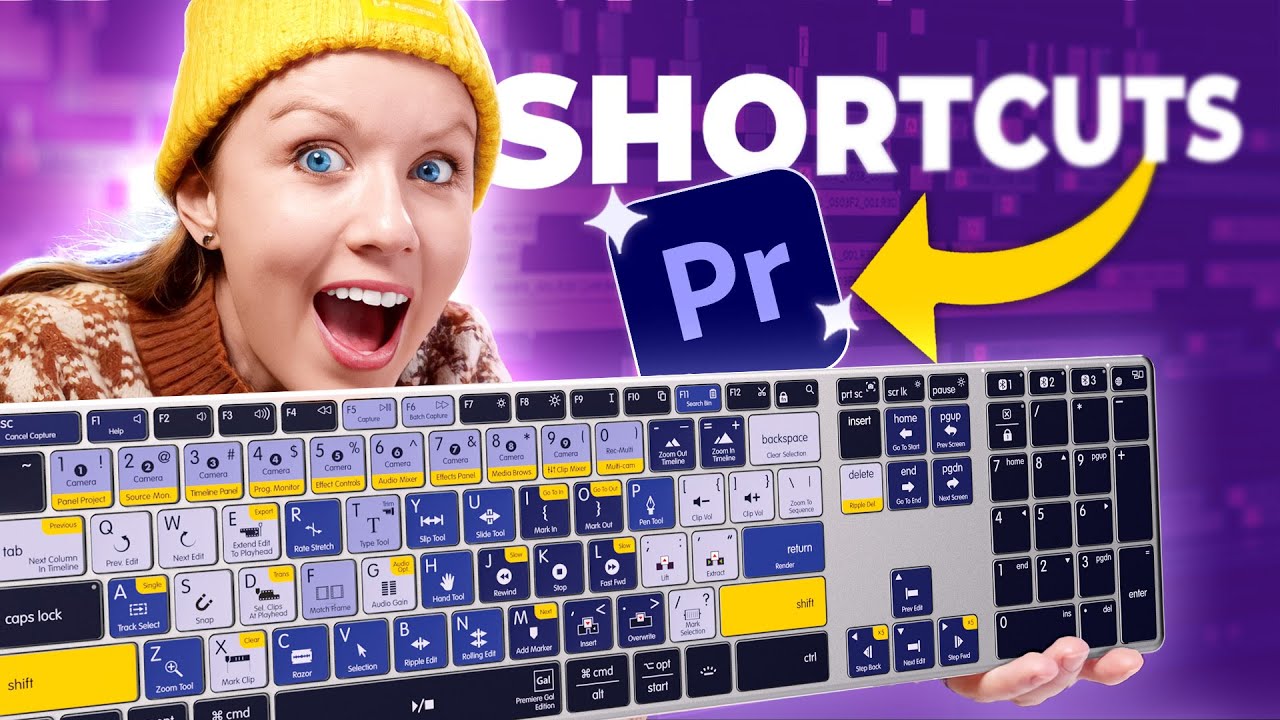
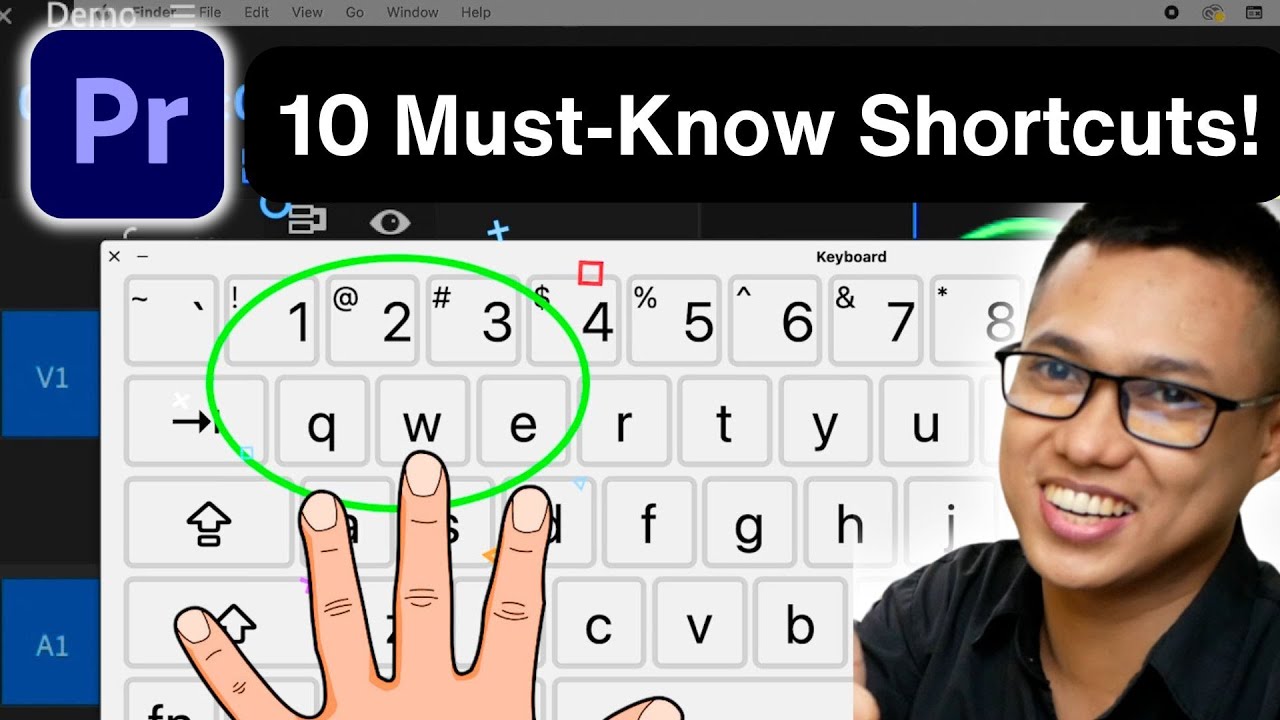
10 Essential Keyboard Shortcuts to Edit Faster in Premiere Pro 2025
Автор: Paul Nene
Загружено: 2024-10-19
Просмотров: 1243
Описание:
Unlock the full potential of Adobe Premiere Pro with these 10 essential keyboard shortcuts that every video editor must know! 🚀 In this video, I’ll guide you through each shortcut to help you edit lightning-fast and streamline your workflow.
What You'll Learn:
1. Ripple Edit Tool (Q and W) - Trim clips and adjust timings effortlessly!
2. Razor Tool (C) - Cut clips with precision in seconds.
3. Selection Tool (V) - Move and select clips easily.
4. Zoom In/Out (Plus/Minus Keys) - Navigate your timeline like a pro!
5. Play/Pause (Spacebar) - Quickly review your edits for adjustments.
6. Toggle Clip Visibility - Focus on specific parts of your project.
7. Copy and Paste Attributes (Ctrl/Cmd + C, V) - Apply effects seamlessly from one clip to another.
8. Add Default Transition (Ctrl/Cmd + D) - Smooth transitions made easy!
9. Toggle Effects Panel (Shift + 7) - Enhance your clips with just one key press.
10. Export Media (Ctrl/Cmd + M) - Perfect your final output effortlessly.
Whether you’re a beginner or a seasoned pro, mastering these shortcuts will significantly improve your editing speed and efficiency.
Don't forget to hit the like button if you find this video helpful and subscribe for more tips on mastering Premiere Pro!
-----------------------------------------------------------------
🎉 Unlock Your Creativity! 🎉
Get 1 month of Skillshare Premium for FREE—that’s unlimited access to 40,000+ hands-on classes taught by creative experts worldwide! Transform your skills and elevate your projects at absolutely no cost!
Claim your free month now! But hurry, this offer won’t last long!
👉 https://www.skillshare.com/en/r/profi...
Повторяем попытку...
Доступные форматы для скачивания:
Скачать видео
-
Информация по загрузке: