ycliper

Популярное

Музыка Кино и Анимация Автомобили Животные Спорт Путешествия Игры Юмор

Интересные видео

2025 Сериалы Трейлеры Новости Как сделать Видеоуроки Diy своими руками

Топ запросов

смотреть а4 schoolboy runaway турецкий сериал смотреть мультфильмы эдисон
Скачать

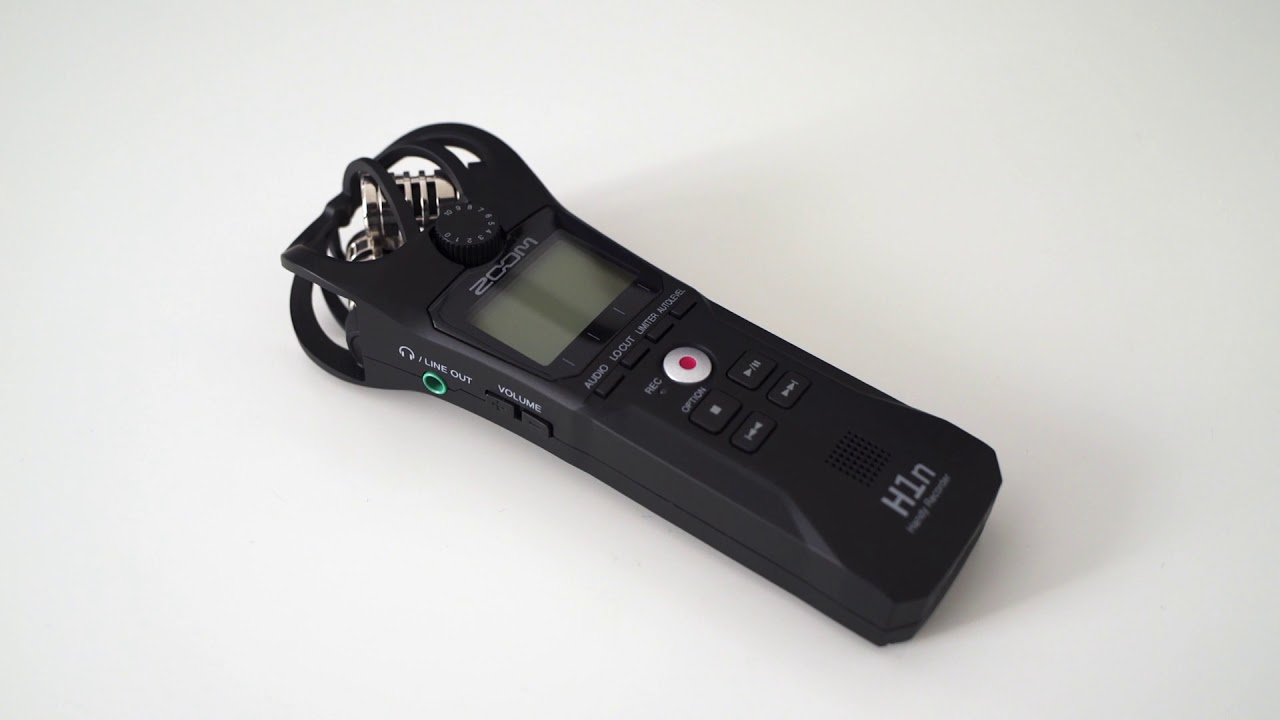
Zoom H1n: Audio Interface Mode

Автор: ZoomSoundLab

Загружено: 2019-02-01

Просмотров: 58771

Описание: DOWNLOAD WINDOWS DRIVER HERE: https://zoomcorp.com/en/us/handheld-r...

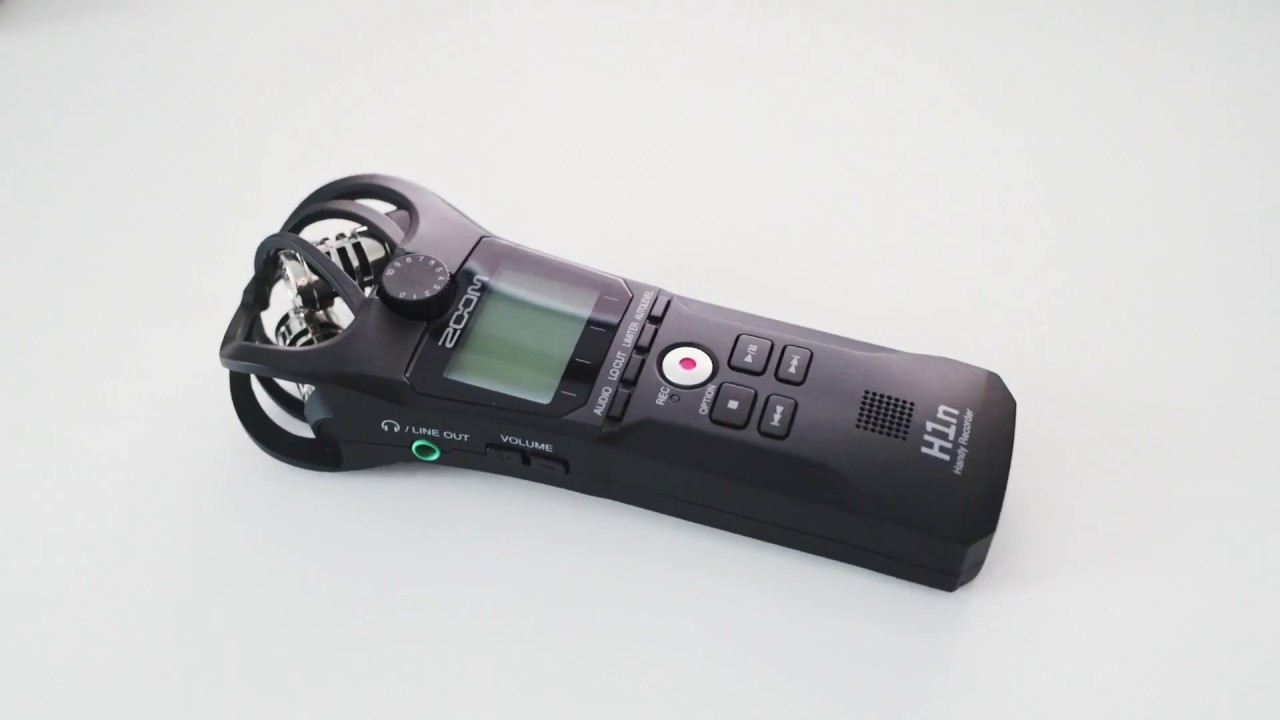
Hi everyone, this is John from Zoom and in this video we will show you how to use the H1n as an audio interface.

The H1n can operate as a 2in/2out USB audio interface. If you are using a Mac computer or iOS device, there is no driver required. You can disregard the driver installation portion of this tutorial. Please note, when connecting to an iOS device, the Apple camera connection kit is required. If you are using a Windows computer, you will need to download and install the audio driver from our website.

Go to the Zoom website at zoomcorp.com. Navigate to the Support and Downloads section in the top right of the page, then scroll down to H1n and select it. You will see the H/F Series Stereo ASIO Driver download available in the SOFTWARE section of the page. Click the link to download the zip file.

Once complete, you can then extract the zip file’s contents and open the subfolders to see the file labeled H and F Series ASIO.exe. Double-click on this application file and run the installer.

Once the installer is complete, you can now connect the H1n to your computer using a micro USB cable. The H1n should power on and display the USB menu. Select Audio I/F using the AUTO LEVEL button. If you are using a computer, select PC/Mac. If you are using an iPhone or iPad, select iOS.

Next, you will need to choose how the H1n will be powered. Bus power will provide power from the USB port without draining your batteries. The battery option will only use the AAA batteries for power.

Once you have entered USB AUDIO I/F mode, you can now open your recording software and select the H1n as the input and output device. Now you should be good to go!

For more information on the H1n, please go to ZOOMCORP.com

Не удается загрузить Youtube-плеер. Проверьте блокировку Youtube в вашей сети.
Повторяем попытку...
Zoom H1n: Audio Interface Mode

Поделиться в:

Доступные форматы для скачивания:

Скачать видео

  • Информация по загрузке:
Скачать аудио

Похожие видео

Zoom H1n: Updating the Firmware

Zoom H1n: Updating the Firmware

Zoom H1n Optimal Gain Level

Zoom H1n Optimal Gain Level

Use the ZOOM H8 as a Microphone Audio Interface - HOW TO

Use the ZOOM H8 as a Microphone Audio Interface - HOW TO

ZOOM H1n - Recording ACOUSTIC GUITAR (Sound Test Demo Review Comparison) | Natural Stereo XY Mic 🎙️

ZOOM H1n - Recording ACOUSTIC GUITAR (Sound Test Demo Review Comparison) | Natural Stereo XY Mic 🎙️

Watch this before using the LIMITER on the Zoom H1n!!!

Watch this before using the LIMITER on the Zoom H1n!!!

Арестович: На чьих условиях закончится война в Украине?

Арестович: На чьих условиях закончится война в Украине?

Кремль готовится к штурму / Переброска элитных подразделений

Кремль готовится к штурму / Переброска элитных подразделений

Увеличьте качество звука Zoom H1N в 10 раз с помощью этих советов!

Увеличьте качество звука Zoom H1N в 10 раз с помощью этих советов!

Как обновить ваш рекордер Zoom H1 за 15 долларов!

Как обновить ваш рекордер Zoom H1 за 15 долларов!

How to use Zoom H1n Recorder as PC USB Mic (Audio Interface)

How to use Zoom H1n Recorder as PC USB Mic (Audio Interface)

How to use the Zoom H1n

How to use the Zoom H1n

Руководство для начинающих по аудиорегистратору Zoom H1n

Руководство для начинающих по аудиорегистратору Zoom H1n

DSD или PCM: Что раскроет вашу систему? Экспертный разбор

DSD или PCM: Что раскроет вашу систему? Экспертный разбор

How to Turn Your Zoom H1N into an EPIC USB Microphone | Zoom Mics H1 and H1N

How to Turn Your Zoom H1N into an EPIC USB Microphone | Zoom Mics H1 and H1N

Zoom H1n limiter test

Zoom H1n limiter test

Zoom H1n Firmware Update (Step-By-Step)

Zoom H1n Firmware Update (Step-By-Step)

[Recording / Live Streaming] H1n Audio I/F Setup for iPadOS/iOS

[Recording / Live Streaming] H1n Audio I/F Setup for iPadOS/iOS

ТЕСТ Zoom H1N Audio | Записывает высококачественный ЗВУК! (На улице и в помещении)

ТЕСТ Zoom H1N Audio | Записывает высококачественный ЗВУК! (На улице и в помещении)

Setting up a Zoom H1n recorder as an audio interface

Setting up a Zoom H1n recorder as an audio interface

ÁUDIO PROFISIONAL NA LIVE - COMO FAZ? (ZOOM H1 NO PC)

ÁUDIO PROFISIONAL NA LIVE - COMO FAZ? (ZOOM H1 NO PC)

© 2025 ycliper. Все права защищены.


  • Контакты
  • О нас
  • Политика конфиденциальности


Контакты для правообладателей: [email protected]