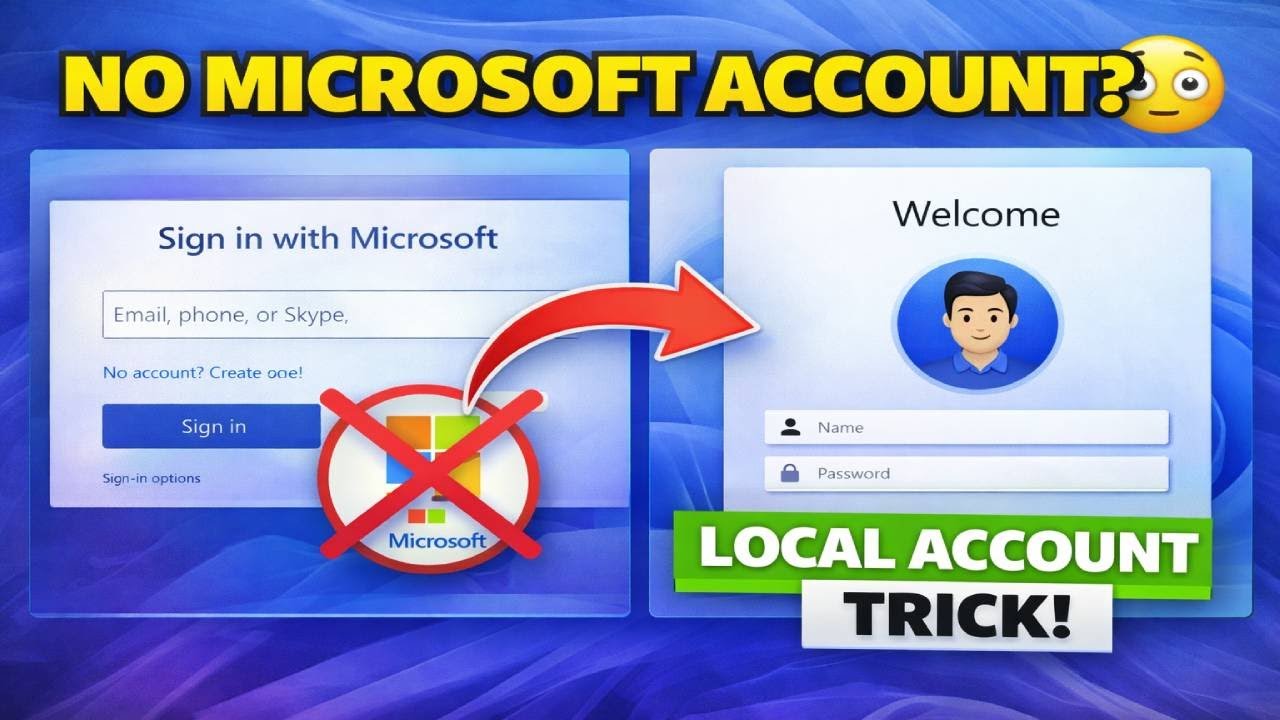
How to Create a Local Account on Windows 11 Setup 2026 Latest Trick
Автор: Tech Thumps
Загружено: 2026-02-02
Просмотров: 595
Описание:
How to Create a Local Account on Windows 11 Setup 2026 Latest Trick
In this video, I show how to create a local account on Windows 11 setup 2026
without Microsoft account. This is the latest working trick.
Windows 11 setup me local account kaise banaye
Windows 11 without Microsoft account
Create local account Windows 11 2026
This method works on Windows 11 23H2, 24H2, and 25H2 and helps you skip the Microsoft account requirement during installation — no internet needed.
👉 If you want to install Windows 11 without Microsoft account, without email, and without internet, this step-by-step tutorial is for you.
✅ What you’ll learn in this video:
How to bypass Microsoft account in Windows 11 setup
Create a local user account during installation
Windows 11 latest local account trick (2026)
Works on new Windows 11 updates
Command used in this method:
echo off
reg add HKLM\SOFTWARE\Microsoft\Windows\CurrentVersion\OOBE /v BypassNRO /t REG_DWORD /d 1 /f
shutdown /r /t 0
🔥 Important: Microsoft may remove this option in future updates, so watch till the end and try it now.
👍 Like the video if it helped
💬 Comment if it worked on your PC
🔔 Subscribe for more Windows tips & tricks
“If this trick stops working, I’ll upload an updated method — subscribe so you don’t miss it!”
windows 11 local account
windows 11 setup local account
windows 11 without microsoft account
local account windows 11 2026
windows 11 trick
windows 11 hindi
00:00 Intro
00:42 Download Rufus
01:07 Cmd Bypass Trick File Create
01:48 Install Windows 11 25H2
04:19 Open Cmd
05:47 Final Steps
#windows11 #windows11setup,#localaccount,#microsoftaccount,#skipmicrosoftaccount,#windows11trick,#windows11tips,#windows11installation,#windows11localaccount,#windows1125h2,#windows1124h2,#windows1123h2,#windowstipsandtricks,#techtricks,#2026trick
⚠️ Disclaimer
This video is for educational and informational purposes only.
All methods shown in this video are used at your own risk.
Windows updates and policies may change at any time.
I am not responsible for any data loss, system issues, or damage caused by following this tutorial.
This video is not affiliated with or endorsed by Microsoft.
All trademarks and logos belong to their respective owners.
Always backup your important data before making any system changes.
Повторяем попытку...
Доступные форматы для скачивания:
Скачать видео
-
Информация по загрузке: