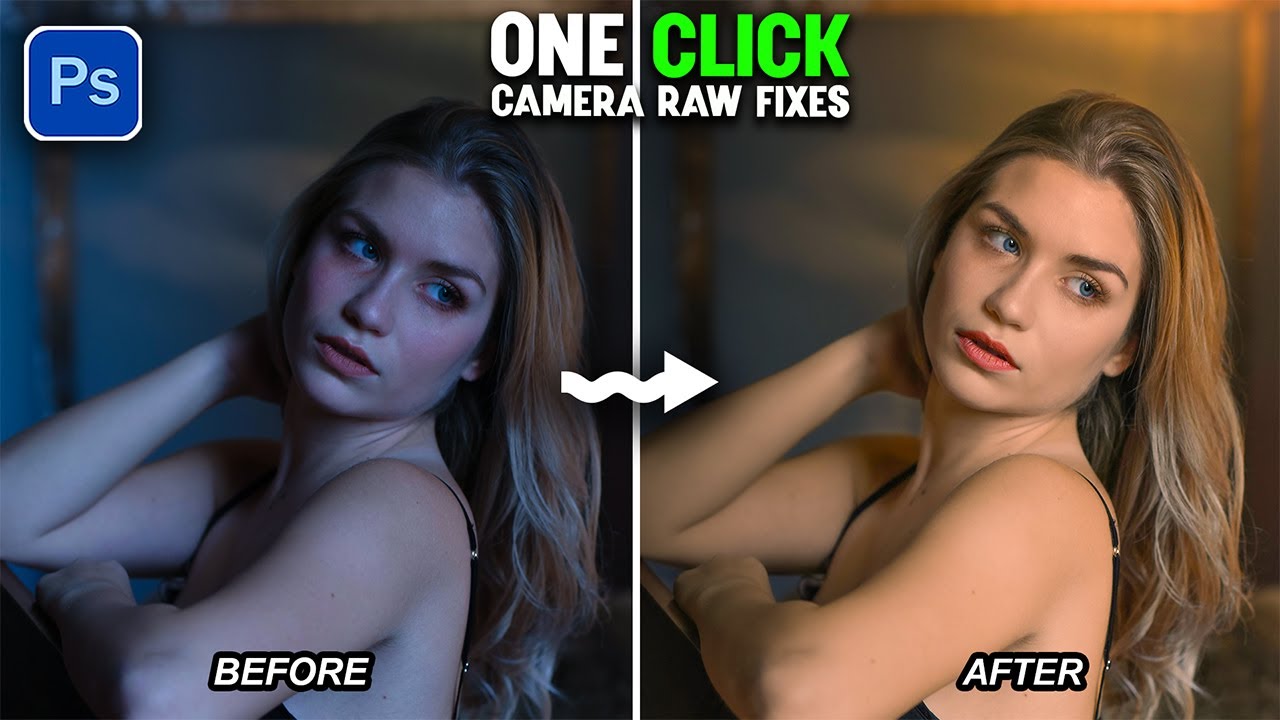
Create a Dark Blue Hour Look with Sunlight Using Camera Raw Masking
Автор: Easy Photoshop
Загружено: 2026-02-14
Просмотров: 515
Описание:
n this tutorial, we will use Camera Raw masking to manipulate colors and create a creative dark blue hour look. We will convert a normal daylight photo into a dark blue hour mood step by step. You will learn how to control colors using Curves in the RGB channels to add a fake warm sunlight effect. After that, we will add deeper shadows to make the image look more cinematic and balanced. At the end, we will fine tune the final colors using the Calibration panel to complete the blue hour style. I hope you enjoy this tutorial and learn something new. Thanks for watching
Easy photoshop on Instagram
https://instagram.com/easyphotoshop20...
Easy photoshop on fb
https://www.facebook.com/profile.php?...
Повторяем попытку...

Доступные форматы для скачивания:
Скачать видео
-
Информация по загрузке: