Row & Column Control functions in Excel 365
Автор: Data Next
Загружено: 2026-01-18
Просмотров: 35
Описание:
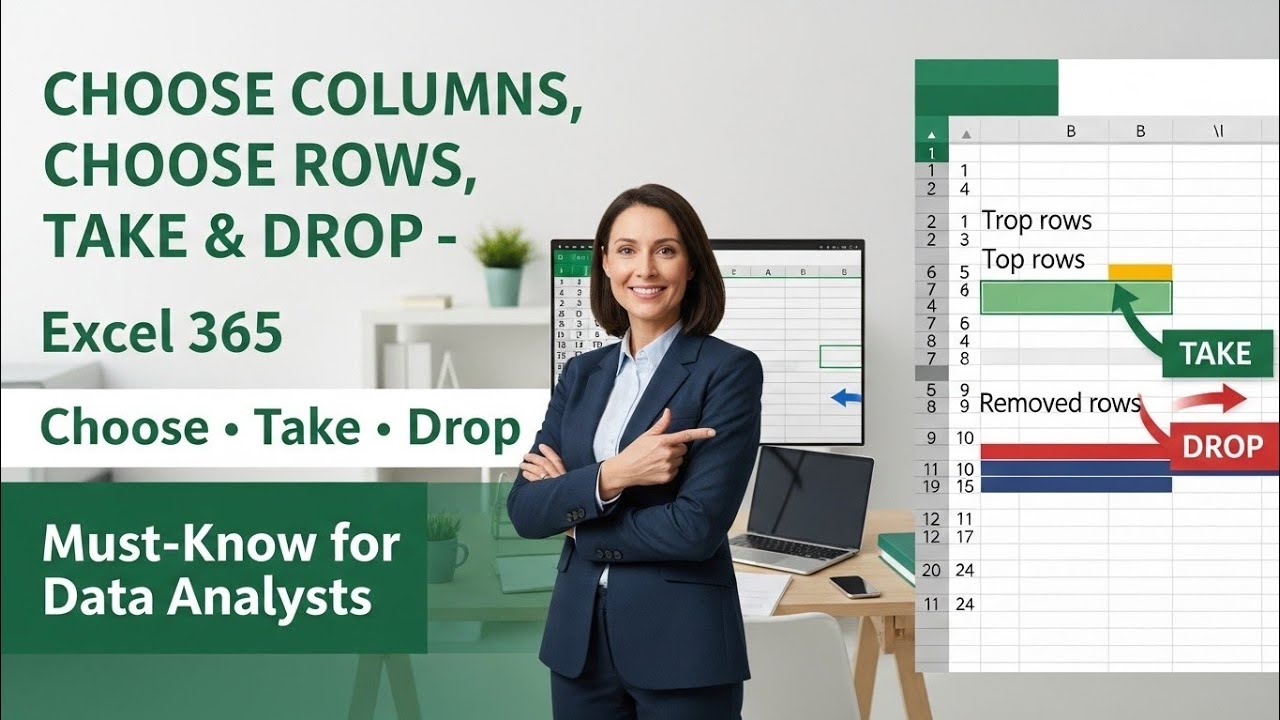
In this video, we explore Row & Column Control functions in Excel 365 that make data analysis fast and dynamic.
Learn how to use CHOOSECOLS to select columns, CHOOSEROWS to pick rows, TAKE to extract top or bottom data, and DROP to remove unnecessary rows or columns.
Perfect for Excel 365 users and data analysts looking to simplify reporting and data reshaping.
#Excel365
#ExcelDataAnalysis
#AdvancedExcel
Click Here for More Detail:
Group By in Excel 365 | Real-World Examples for Data Reshaping
• Group By in Excel 365 | Real-World Example...
Text Functions in Excel 365 Every Data Analyst Must Know
• Text Functions in Excel 365 Every Data Ana...
Dynamic Array Excel Function 365
• Dynamic Arrays in Excel 365 | The Future o...
Excel 365 Powerful Dynamic Array Function – PIVOTBY | Group & Analyze Data Instantly
• Data Cleaning in Excel - 10 Tricks (Beginn...
------------------------------------------------------------------
Timestamp for chapters
00:00 Intro
00:30 Formulas
00:50 ChooseCol
01:30 ChooseRows
02:15 Take & Sort
03:00 Drop
04:40 Take,Sort & Unique
------------------------------------------------------------------
Don’t forget to subscribe to my channel for more Excel tips!”
Повторяем попытку...
Доступные форматы для скачивания:
Скачать видео
-
Информация по загрузке: