How to Use an Auto Clicker on iPhone (Step-by-Step Guide)
Автор: iPhone tips
Загружено: 2026-02-12
Просмотров: 1688
Описание:
How to Use an Auto Clicker on iPhone
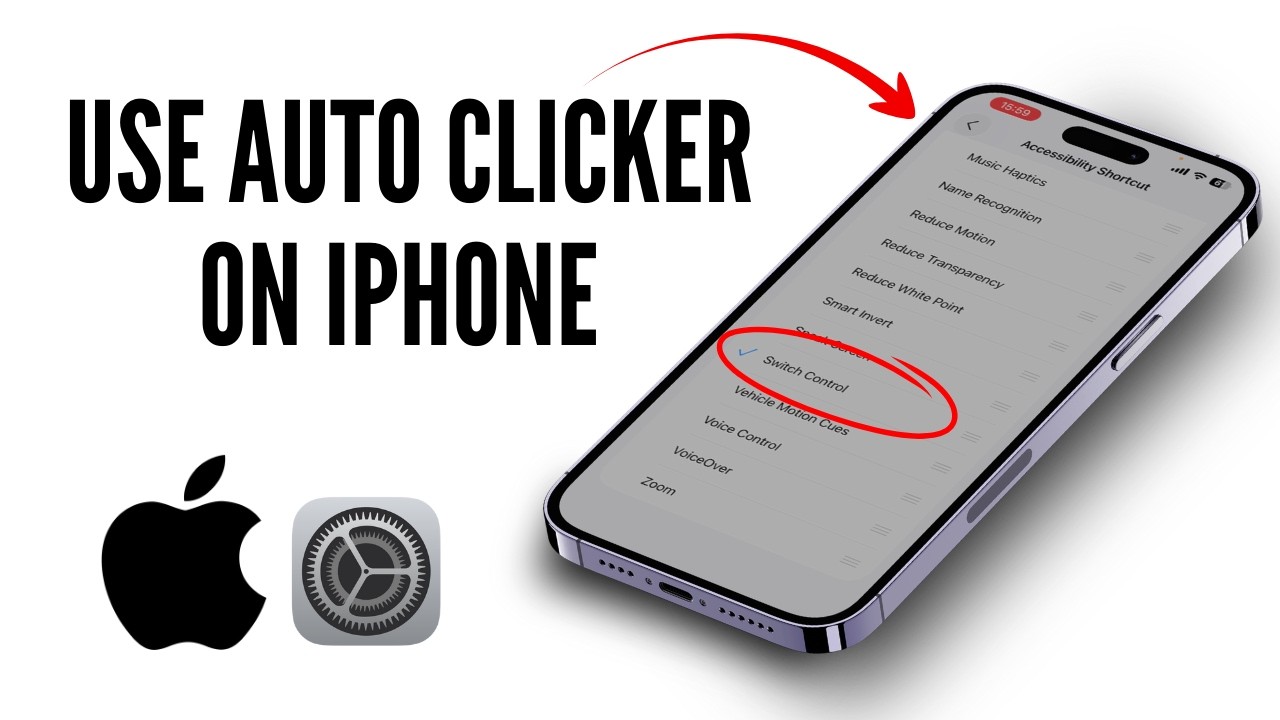
If you want to use an auto clicker on iPhone, start in your settings application and go to accessibility and switch control. This is important because once switch control and the accessibility shortcut are enabled, you can triple click the side button to activate the auto clicker and run your custom autotap gesture automatically. In switch control, go to switches and add new switch, choose screen and full screen, then under system select tap so it performs taps on the screen. Go back to recipes, create a new one, name it auto clicker, assign a switch with full screen, and select a custom gesture. Tap repeatedly to record the tapping pattern, save, then select the auto clicker under launch. Tap the screen once to start, and triple click again to stop. If you have any questions, feel free to comment below. Thanks for watching.
00:00 Introduction
00:10 use an auto clicker on iPhone
auto clicker iphone, how to use auto clicker on iphone, can i use auto clicker on iphone, how to activate auto clicker on iphone, iphone auto click
#iphonetips #accessibility #autoclicker #iphonesettings #useautoclickeroniphone #iphone2026
Повторяем попытку...
Доступные форматы для скачивания:
Скачать видео
-
Информация по загрузке: