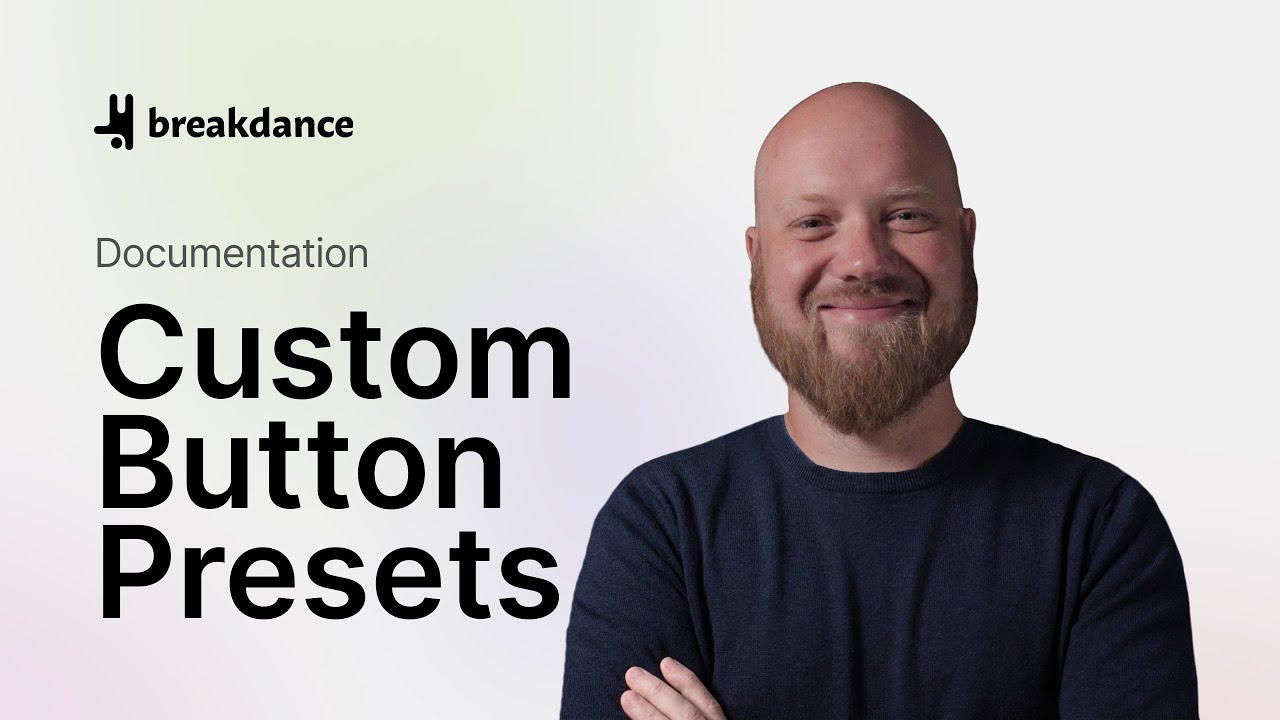
Redesign Every Button on Your Site in 10 Seconds
Автор: Breakdance
Загружено: 2026-02-08
Просмотров: 258
Описание:
⭐ Start here: Download Breakdance Free → https://breakdance.com/get/
If you’ve ever built a site where buttons slowly drift into a dozen different styles (different padding, typography, hover effects, icons… you name it), you know how painful it is to keep things consistent—especially when you need to update calls-to-action across multiple pages.
That’s exactly why Breakdance's Custom Button Presets are such a big deal in Breakdance. In this video, Elijah builds a real-world “Call Us” button (with a phone icon) as a reusable button preset, then uses that same button preset anywhere it’s needed—so when you tweak the preset once, every button using it updates everywhere. If you want a faster way to keep your button presets on-brand across your whole site, this walkthrough is for you.
⏱️ Chapters – Breakdance Button Presets
00:00 Introduction
00:20 Create Button Preset
01:15 Add New Preset
01:45 Modify Preset
02:22 Typography
02:50 Icon
03:37 Effects
04:15 Preview Button
05:05 Use Preset Elsewhere
06:23 Outro
❓ FAQ – Breakdance Button Presets
Q: What are Custom Button Presets?
A: Custom Button Presets are reusable button styles you can save once and apply anywhere, so your buttons stay consistent and updates are instant.
Q: Do Button Presets update everywhere when I edit them?
A: Yes—when you modify a Breakdance button preset, every element using that preset updates automatically across your site.
Q: Where do I create and manage Button Presets in Breakdance?
A: You can create/manage button presets from Global Settings → Buttons → Presets.
Q: Can I use Button Presets in elements other than the Button element?
A: Yes—Breakdance button presets work inside popular elements that include buttons (so you can keep CTAs consistent without re-styling each element).
Q: What’s the difference between Global Button Styles and Button Presets?
A: Global Button Styles set universal “Primary/Secondary” styling, while Breakdance button presets let you create multiple reusable button variations (like “Call Us”, “Buy Now”, “Learn More”) and apply them anywhere.
Q: When should I use Button Presets instead of copy/pasting styles?
A: Use Breakdance button presets anytime the same CTA button appears across multiple pages or templates—especially when you expect future edits (rebrands, new typography, new hover effects, icon changes, etc.).
🔗 Related Resources
– What’s new in Breakdance 2.6 (includes Button Presets): https://breakdance.com/meet-breakdanc...
– Breakdance 2.6 release post: https://breakdance.com/breakdance-2-6/
– Global Button Settings + Button Presets docs: https://breakdance.com/documentation/...
– Button element documentation (includes Presets + Manage Presets): https://breakdance.com/documentation/...
– Presets overview documentation: https://breakdance.com/documentation/...
– Create a preset (docs): https://breakdance.com/documentation/...
– Editing presets (docs): https://breakdance.com/documentation/...
– Presets Overview (video): https://breakdance.com/tutorial/prese...
– Creating a Preset (video): https://breakdance.com/tutorial/creat...
– Learn Breakdance (more tutorials): https://breakdance.com/learn/
Повторяем попытку...
Доступные форматы для скачивания:
Скачать видео
-
Информация по загрузке: