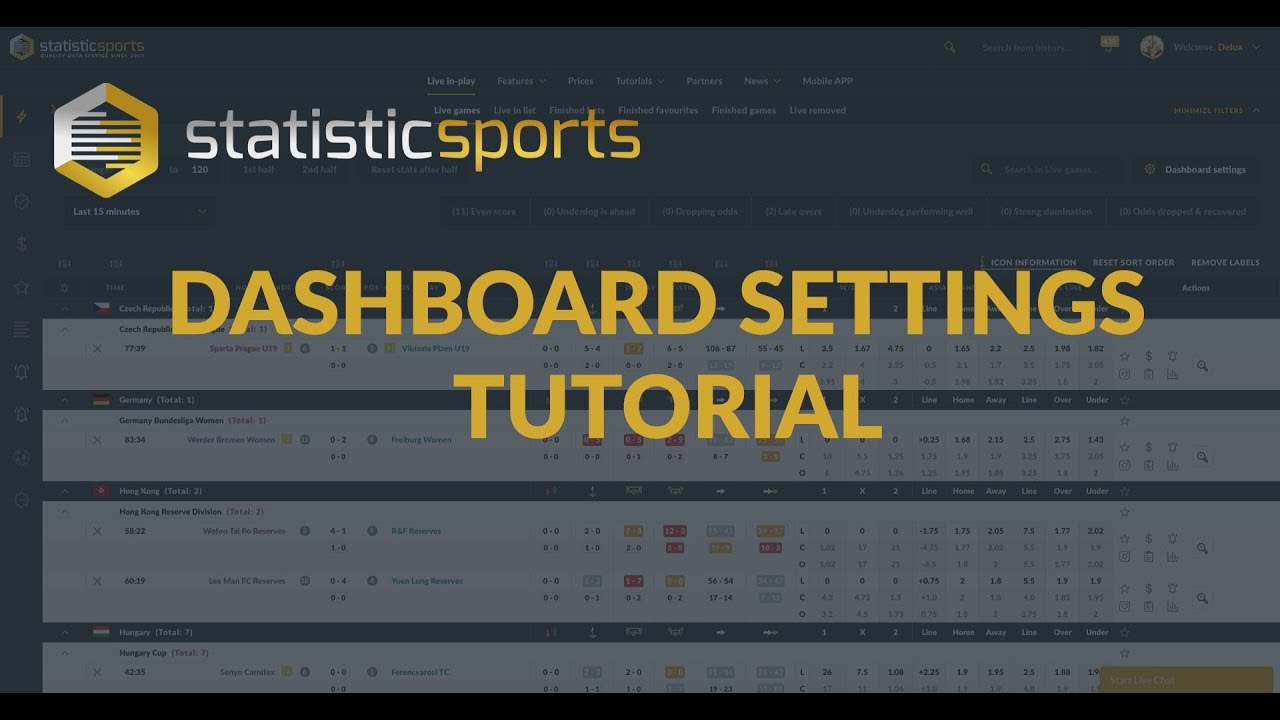
Football statistics Tool - Dashboard Settings Tutorial
Автор: StatisticSports
Загружено: 2018-12-05
Просмотров: 5603
Описание:
Personal customisable Dashboard - https://www.statisticsports.com
Click on SHOW SETTINGS on the live games page.
There you can set up your working board with several different options to take most out of the tool:
Set match time range - Set the tool up to show only the games where there is at least 60 min played.
You can also add Momentum filters explained above.
Different skin - this can be changed from NIGHT MODE to DAY MODE.
Add/remove stats sections - to make the tool more clean looking.
Change the order of the stats columns by changing the order numbers in the boxes behind the stats column name.
In HIGHLIGHT SETTINGS you can set the stats difference colour codes - This means that you can change for example the tool to highlight the in-play stats with red colour when one team is ahead in stats by 2 times or even by 3.5 times.
The same logic applies to ODDS SETTINGS - You can set the tool to highlight the in-play odds movement to dark green when there's a drop more than 0.5 points in in-play odds.
Повторяем попытку...
Доступные форматы для скачивания:
Скачать видео
-
Информация по загрузке: