Ergotron CareFit Combo Cable Installation with CPU Cabinet
Автор: Ergotron
Загружено: 2022-07-13
Просмотров: 2984
Описание:
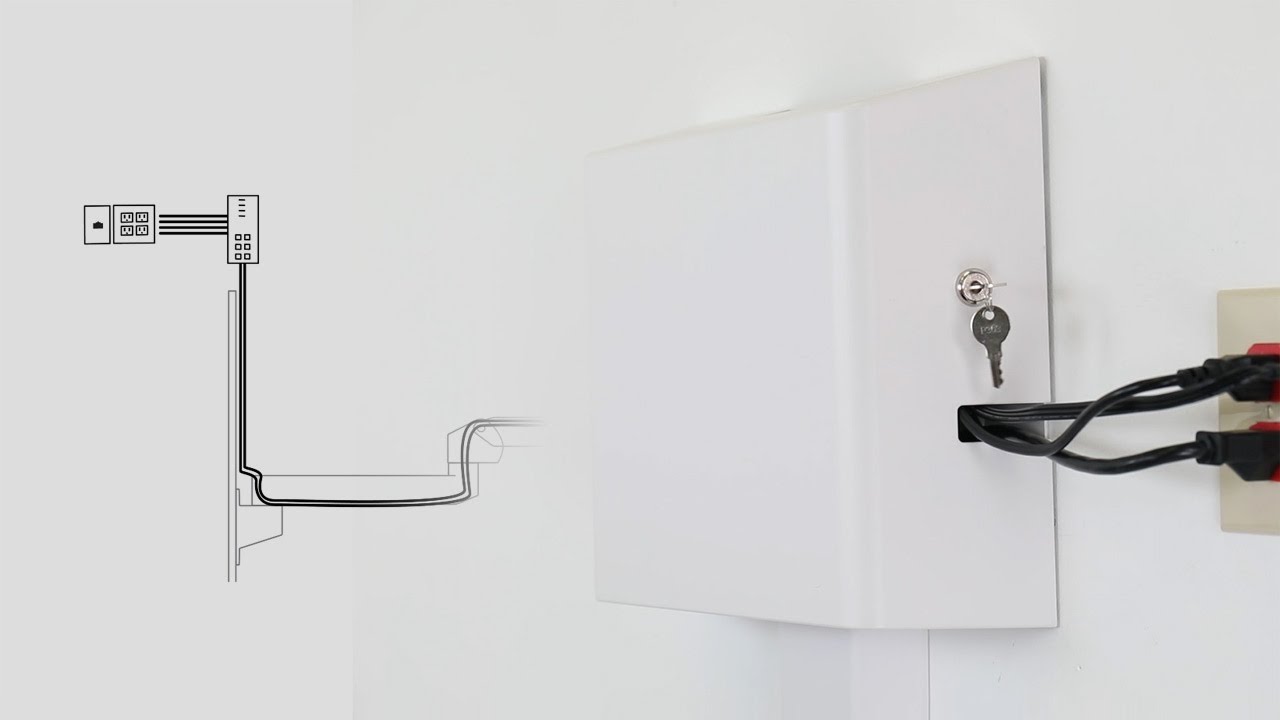
In this video, you'll learn how to route the cables and install the CPU Cabinet for Ergotron's CareFit™ Combo System.
The modular CareFit Combo System supports nurse-patient connections, caregiver comfort and uptime by enabling an efficient documentation experience at the point of care. It’s easy to reposition and store, and offers an area for supplies. The design enhances healing spaces with concealed cable management that promotes infection control, serviceability and uptime for IT teams.
-------------------------------------------------------
Products featured in this video:
CareFit Combo System - https://www.ergotron.com/en-us/produc...
CPU Wall Cabinet - https://www.ergotron.com/en-us/produc...
Printer Bracket for Wall Track - https://www.ergotron.com/en-us/produc...
CareFit Wall Track 34" Covers - https://www.ergotron.com/en-us/produc...
CareFit Combo Scanner Bracket (wired and wireless options) - https://www.ergotron.com/en-us/produc...
-------------------------------------------------------
Learn more about Ergotron - https://www.ergotron.com
-------------------------------------------------------
Explore our healthcare solutions - https://www.ergotron.com/en-us/market...
Experience our clinical showroom - https://www.ergotron.com/en-us/market...
Contact an account manager - https://www.ergotron.com/en-us/suppor...
-------------------------------------------------------
Connect with us:
LinkedIn - / ergotron
Instagram - / ergotron
Facebook - / ergotroninc
Twitter - / ergotron
#Ergotron #Healthcare #HealthIT #Installation #HowTo
YouTube Chapters:
0:00 Introduction
0:09 Overview
0:19 Remove worksurface and monitor arm covers
0:44 Remove Wall Track covers
0:54 Route keyboard and mouse cables
1:16 Route RFID reader cable
1:26 Replace worksurface cover
1:36 Install and route Wireless Scanner Bracket
2:18 Route monitor power and HDMI cables up to monitor
3:01 Thread keyboard, mouse, RFID and wireless scanner cables through arm cover
3:22 Replace monitor arm covers
3:39 Route printer cables up to CPU
4:15 Replace Wall Track covers
4:27 Organize cables in CPU Cabinet
4:51 Secure CPU in CPU Cabinet
5:26 Fully extended with clean cable management
Повторяем попытку...
Доступные форматы для скачивания:
Скачать видео
-
Информация по загрузке:




