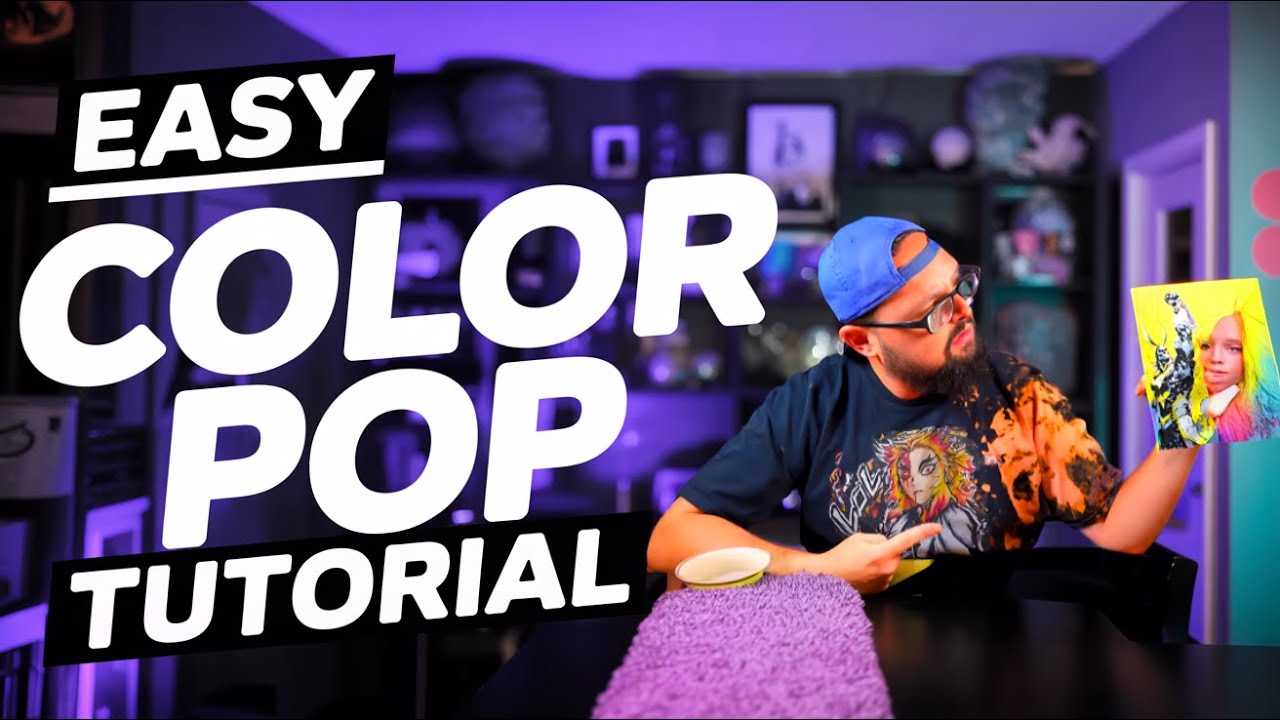
HueForge Beginner Series Ep. 6: Mastering Color Pop Mode for Vibrant Prints
Автор: 3D Prints By Vic
Загружено: 2025-09-08
Просмотров: 5236
Описание:
Welcome back to Episode 6 of the HueForge Beginner Series! 🎨
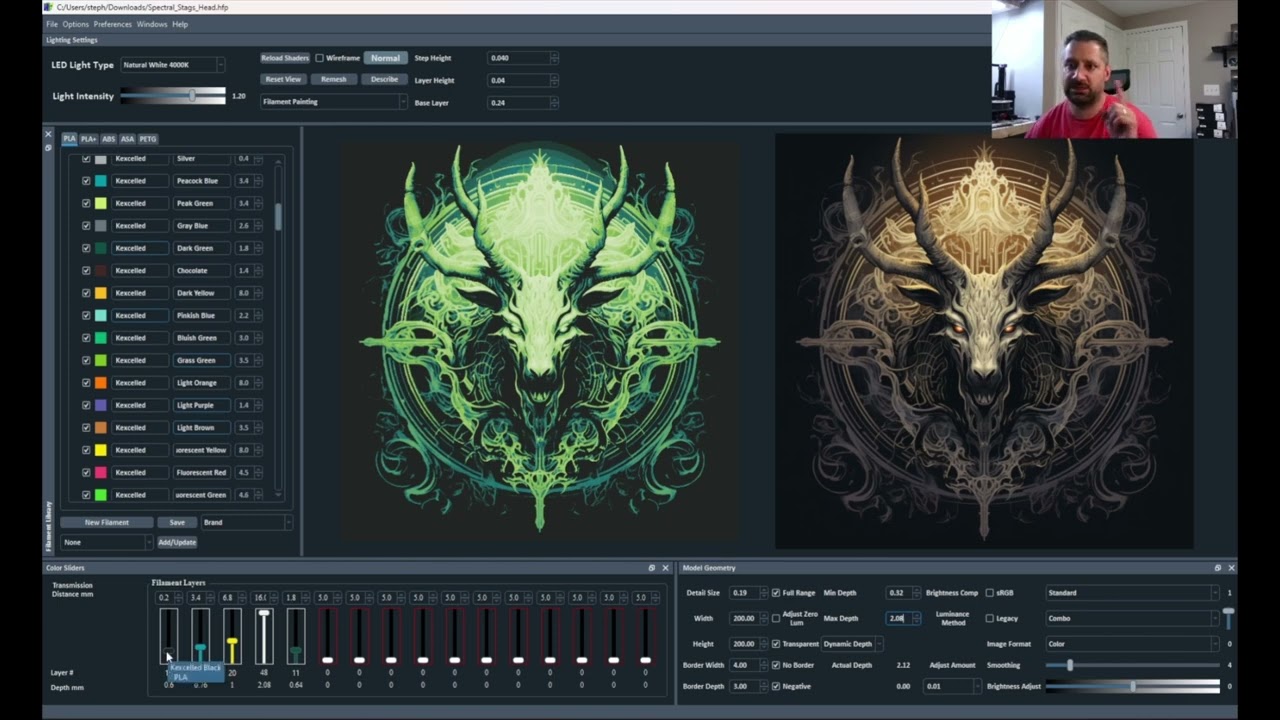
Today we’re diving deep into Color Pop Mode—a powerful but often overlooked feature inside HueForge. While it might seem niche, mastering Color Pop will give you tools and tricks that carry over into other modes like Combo and Color Match.
In this episode, you’ll learn:
✅ How Color Pop separates color layers from grayscale
✅ Why the slider bar creates two HueForges in one
✅ How to use tolerance to control overwhelming colors
✅ Tips for preventing flimsy prints with base thickness adjustments
✅ Practical examples with Michael Myers & Freddy Krueger designs (available FREE on MakerWorld)
✨ This is the second-to-last episode of the beginner series—our finale will cover slicer settings + your questions answered!
📌 Homework
Pick one monochrome or Halloween-themed image (Pinterest is a great place to start).
Load it into Color Pop Mode in HueForge.
Experiment with the slider bar at different positions (0.5, 0.7, 0.9).
Play with the tolerance setting to see how it affects your final design.
Share your results in the Discord community – I’d love to see your progress!
👉 Join the Discord here: / discord
📚 Chapters
00:00 – Welcome back & Episode 6 intro
00:24 – Share your prints on Discord!
00:33 – What is Color Pop mode?
00:53 – Looking ahead to Episode 7 (finale)
01:12 – Why Color Pop matters (and when to use it)
01:28 – Setting up Color Pop mode in HueForge
02:07 – How Color Pop works vs. Standard Mode
02:47 – Michael Myers demo image setup
03:14 – Standard Mode recap
04:01 – How Color Pop pulls actual colors
04:34 – Limitations of Color Pop with multi-color images
04:54 – Why the Color Pop slider matters
05:19 – Understanding “two HueForges in one”
06:28 – Customizing colors (and avoiding nightmares 😅)
07:07 – Using tolerance to control colors
08:30 – Adjusting brightness & editing images
09:16 – Freddy Krueger demo image setup
09:57 – Adjusting slider & brightness for vibrancy
10:21 – Fixing flimsy base layers with thickness
11:26 – Finishing up a strong Color Pop print
11:48 – Homework & practice challenge
12:32 – Patreon & coaching shoutout
13:25 – Outro + next episode preview
🙌 Support the Channel
💡 Want deeper help with HueForge? Join me on Patreon for:
Exclusive STL + HueForge files every month
Two detailed tutorials monthly
Live group calls & 1-on-1 coaching
Access to a private Discord of makers leveling up together
👉 Patreon: / 3dprintsbyvic
👉 MakerWorld: https://makerworld.com/en/@rotciv157
Huge shoutout to my patrons—y’all make this series possible. Thank you! 🙏
#3dprinting #HueForge #STLFiles #FilamentArt #Multicolor3DPrinting #MakerWorld #3DPrintsByVic #HueForgePro
Повторяем попытку...
Доступные форматы для скачивания:
Скачать видео
-
Информация по загрузке: