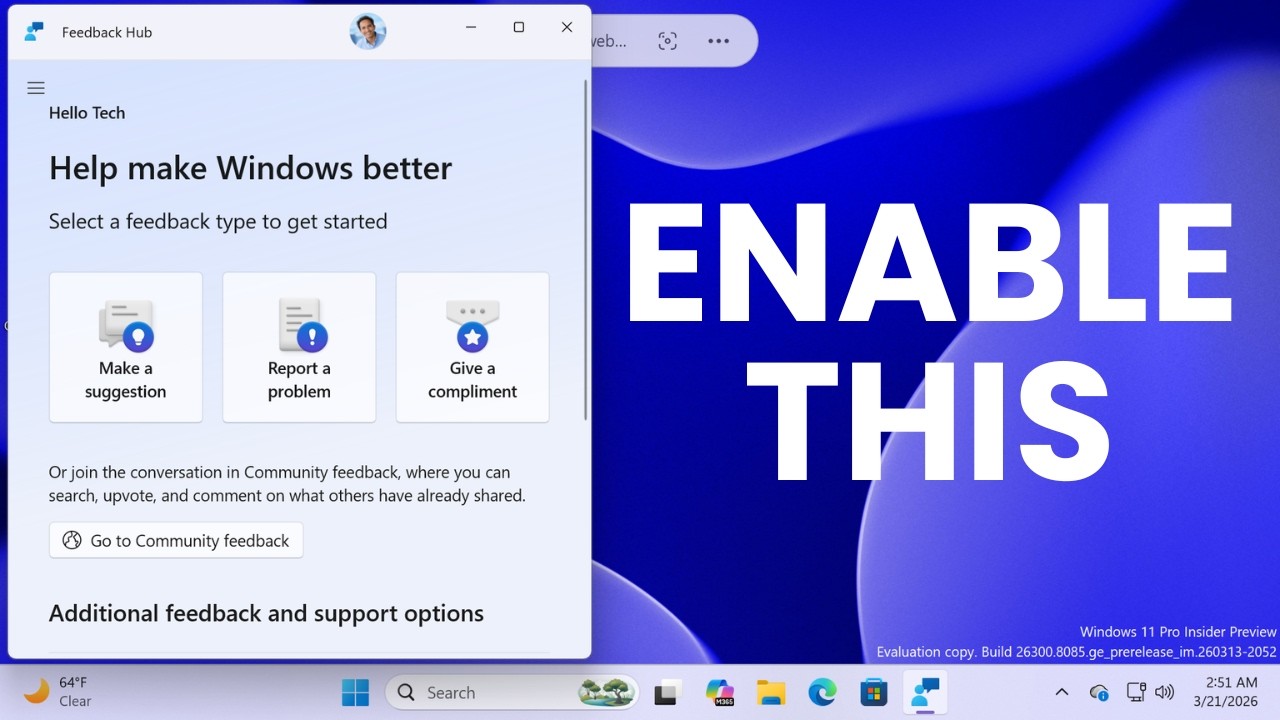
Enable NEW Feedback Hub + Hidden Features in Windows 11 Build 26300 (ViVeTool Guide)
Автор: Tech Sudama Lab
Загружено: 2026-03-21
Просмотров: 500
Описание:
Microsoft has released Windows 11 Insider Preview Build 26300.8085 (KB5079483) to the Dev Channel, and this update brings a major redesign to the Feedback Hub along with important accessibility improvements and system fixes.
ViVeTool:
https://github.com/thebookisclosed/Vi...
ViVeTool Commands:
New Feedback Hub UI
vivetool /enable /id:58989002
Pointer Indicator (Accessibility)
vivetool /enable /id:48433719
Protected Print Mode Dialogs
vivetool /enable /id:57741219
New Widgets Settings Page
vivetool /enable /id:55994763
Network Speed Test (Taskbar)
vivetool /enable /id:58989021
Enable All at Once
vivetool /enable /id:58989002,48433719,57741219,55994763
Alternative:
vivetool /enable /id:58989002,58989021,58989070,58989092,58989177
⚠️ Warning Disclaimer:
The methods shown in this video involve using third-party tools (ViVeTool) to modify system-level feature flags. These features are experimental and are part of the Windows Insider Program. Enabling hidden features can lead to system instability, crashes, or data loss. Proceed at your own risk. Always ensure you have a full system backup or a Restore Point created before making changes to your Windows installation. This video is for educational purposes only.
💬 Join the Discussion:
Which feature do you like the most in this build?
Comment your country (US / UK / Canada) and your experience with this update.
🕒 Chapters:
00:00 Intro – Enable Hidden Features (Feedback Hub)in Windows 11 Build 26300
00:04 What’s New in Dev Channel Build 26300.8085
00:16 - Download ViVeTool (Official Method)
00:22 Choose Correct Version (Intel/AMD vs Snapdragon)
00:52 Locate & Extract ViVeTool Files
01:02 Move ViVeTool to C Drive (Best Practice)
01:30 Copy Path & Open Command Prompt (Admin)
01:52 Setup ViVeTool in CMD (cd Command)
02:09 Enable New Feedback Hub UI (Feature ID)
02:21 Enable Printer Integrator Feature
02:32 Enable Protected Print Mode
02:37 Enable New Widgets Page Settings
02:43 Enable Network Speed Test Feature
02:50 Restart PC to Apply Changes
02:58 Check New Feedback Hub UI (Final Result)
03:10 Final Thoughts & Outro
🔔 Subscribe for more:
Windows 11 updates
Insider builds breakdown
Tech deep dives & tutorials
#Windows11 #WindowsInsider #FeedBackHub #TechSudamaLab #WindowsDev
Повторяем попытку...
Доступные форматы для скачивания:
Скачать видео
-
Информация по загрузке: