Access to Custom Android Smartwatch Watch Faces is Closing! Download them NOW while you Still Can!
Автор: SmartWatch Ticks
Загружено: 2018-10-19
Просмотров: 4775
Описание:
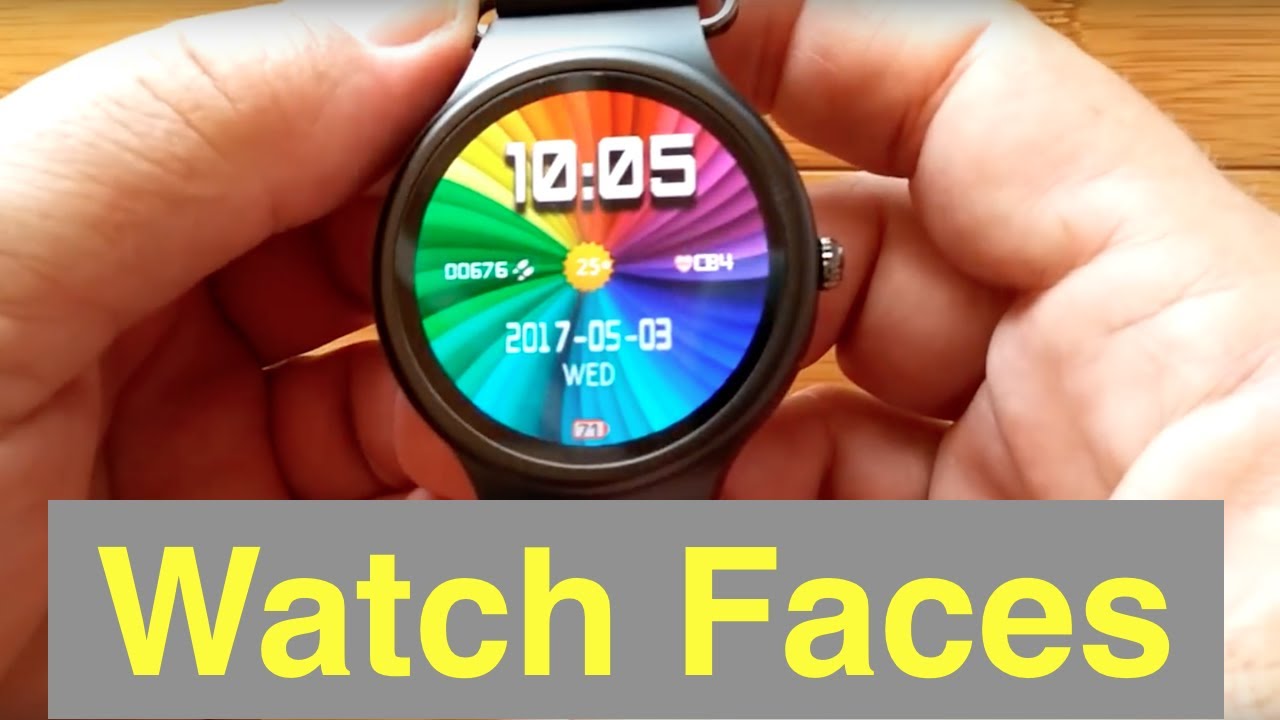
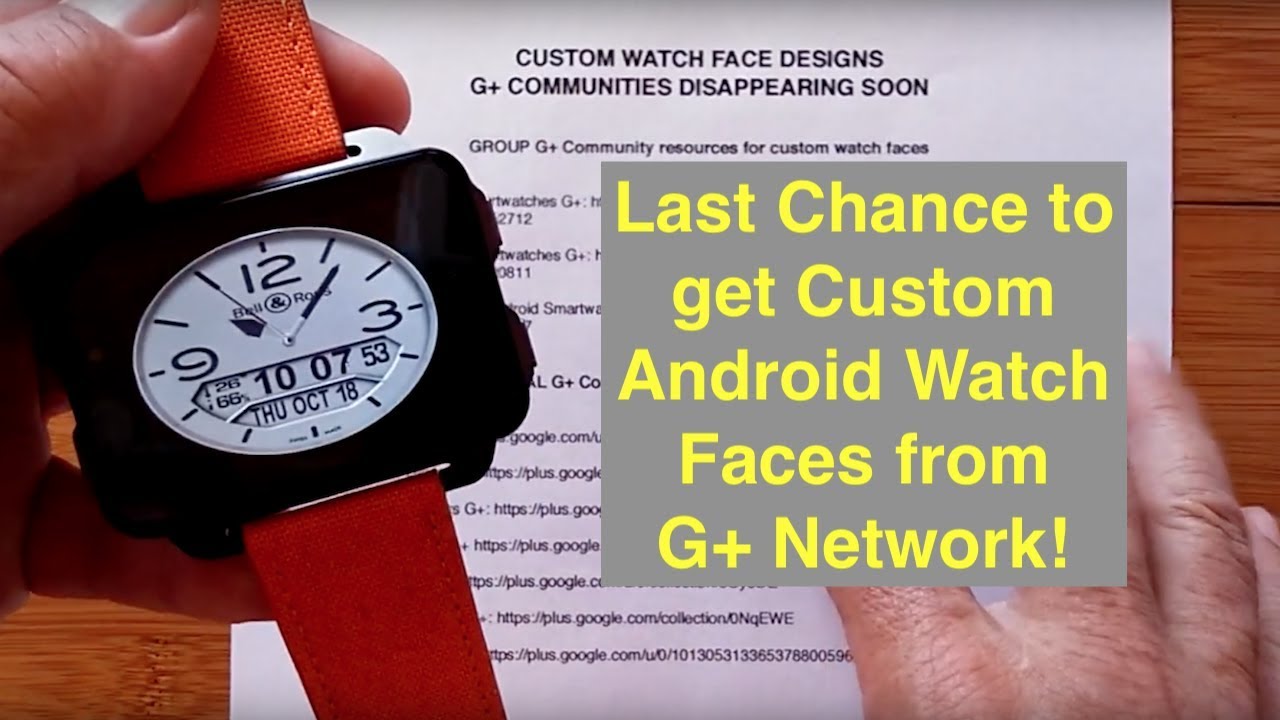
CUSTOM WATCH FACE DESIGNS on G+ COMMUNITIES DISAPPEARING SOON
Download FREE Faces NOW before they are GONE!
GROUP G+ Community resources for custom watch faces
Round Android Smartwatches G+: https://plus.google.com/u/0/communiti...
Square Android Smartwatches G+: https://plus.google.com/u/0/communiti...
Round and Square Android Smartwatches G+: https://plus.google.com/communities/1...
INDIVIDUAL G+ Community resources for custom watch faces
Al Rod G+: https://plus.google.com/u/0/communiti...
Andrew Davis G+: https://plus.google.com/+AndrewDavis-...
Andrew Somers G+: https://plus.google.com/u/0/+AndrewSo...
Blood Report: G+ https://plus.google.com/u/0/collectio...
Dave Stout G+: https://plus.google.com/u/0/collectio...
Garry Beaumont G+: https://plus.google.com/collection/0N...
Jurgen Oberst G+: https://plus.google.com/u/0/101305313...
NOTE: Several watch face collections are available here: https://plus.google.com/+SmartWatchTi...
You can watch video reviews of custom watch faces here: • No.1 D5 Smartwatch Watch Faces
To get a visual idea on how to install Android watch faces using the typical "ClockSkin" technique, view this video starting about 10 minutes in: • No.1 D5 Smartwatch Custom Watch Face Insta...
Before you begin installing on your own, make sure you are ready for possible problems that could cause your watch to become non-responsive, showing only a “black” screen, or not even turning on at all. Watch this video to learn how to avoid potential problems: • Installing Custom Watch Faces can Break Yo... The newer Android watches aren’t as susceptible to this black screen issue, but it’s gook to know about it anyway, and be careful to never delete the watch face presently on your screen. If you are having difficulty, the most common problem why the watches don’t work on your watch is because you may have named the folder “ClockSkins” rather than the correct name: ClockSkin There is no “s” on then end of the folder name. Some watches also need the letters C and S to be capitalized as well. The watch is very sensitive about this, otherwise it won’t see your clock skins.
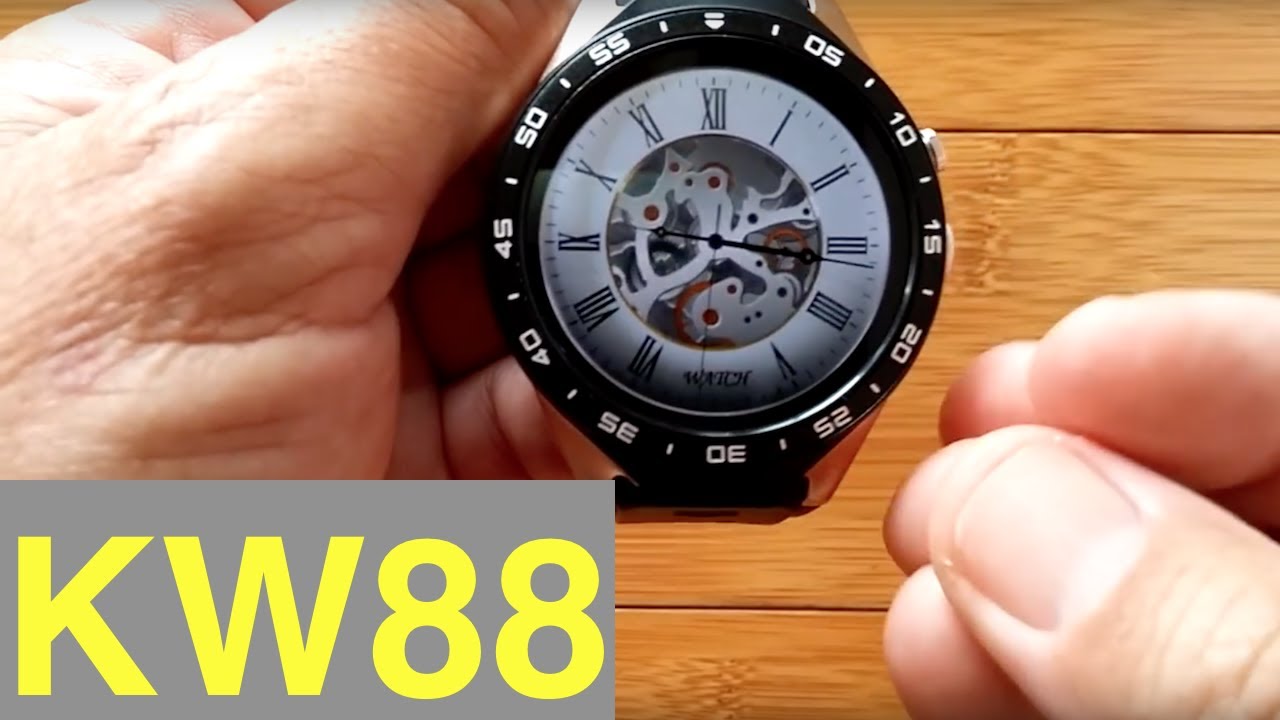
UPDATE: If you are trying to install watch faces on a DM368, I2, I3, I4, KW88, KW98, KW99, LES1, LF16, Y3, Zeblaze Blitz, or Thor, ZGPAX S99 S99A, S99B, S99C or other ‘non-FINOW’ or ‘non-No.1’ smartwatch, the process may be totally different. It depends on the firmware version in the watch as to which method you must use. View these videos to learn how to work with these watches with the older firmware:
• KingWear KW88 Smartwatch: Adding Custom Wa...
• New Way to Install Custom Watch Faces on K...
—————————————————————
SMARTWATCH RESOURCE CENTER: Compare Android watch features and specs, look up the appropriate tethering app for many different watches, check out various recommended apps for Android smartwatches, see common Android watch FAQs, and more. Visit the updated DTNO.1 Sponsored “Smartwatch Resource Center” here: tinyurl.com/AndroidWatches
Please support our sponsors! Learn more about the latest smartwatches from DTNO.1:
Visit the DTNO.1 Store: http://en.001phone.cn/?wpam_id=16
Discounts and Giveaways: http://en.001phone.cn/discount-dtno-i...
—————————————————————
#smartwatch
Повторяем попытку...
Доступные форматы для скачивания:
Скачать видео
-
Информация по загрузке: