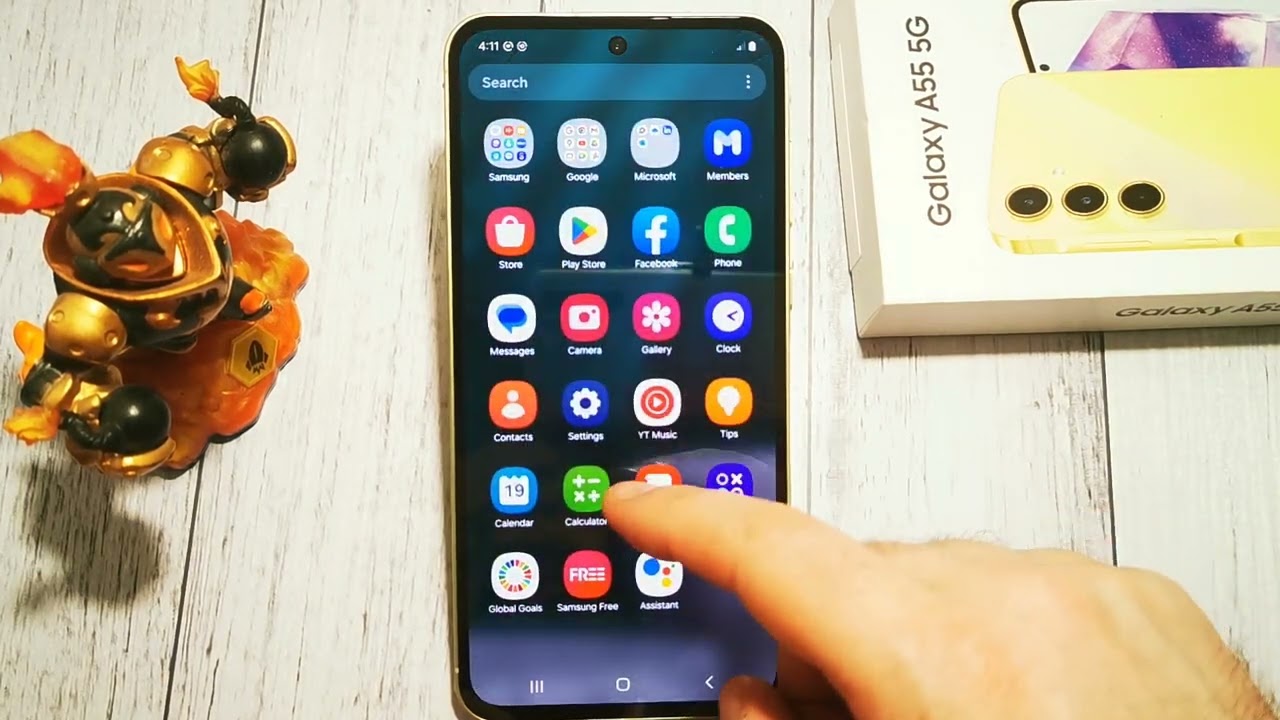
🚨 How to Turn On Severe Threats Alerts on Samsung Galaxy A55 🚨
Автор: GSM DIY
Загружено: 2025-02-19
Просмотров: 8
Описание:
🔑 Enabling Severe Threats Alerts on your Samsung Galaxy A55 ensures you’re notified about major weather events and dangerous conditions in your area. Here's how to turn on these important alerts.
Steps to Turn On Severe Threats Alerts on Samsung Galaxy A55:
Enable Severe Threats Alerts:
Open Settings on your Samsung Galaxy A55.
Scroll down and tap on Notifications.
Tap on Emergency Alerts or Wireless Emergency Alerts (this may vary depending on your device version).
Toggle on the switch next to Severe Threats to receive alerts about severe weather, tornadoes, floods, and other dangerous events.
Customize Other Emergency Alerts:
🔧 You can also enable additional types of alerts like Extreme Threats or Amber Alerts based on your preferences.
Simply toggle on the switches for each type of alert you want to receive.
Turn Off Severe Threats Alerts:
❌ If you want to disable Severe Threats Alerts, go back to the same menu and toggle the switch off.
Important Notes:
🌪️ Severe Alerts: These notifications include important information about severe weather conditions, tornadoes, or other dangerous situations that could affect your safety.
🔔 Stay Safe: With Severe Threats Alerts enabled, you'll be notified about weather emergencies or other significant events.
🔧 Customizable Alerts: You can control which alerts you receive and disable them at any time.
🔑 Now you’re all set to receive Severe Threats Alerts on your Samsung Galaxy A55 to stay informed and safe! 🌐
Повторяем попытку...
Доступные форматы для скачивания:
Скачать видео
-
Информация по загрузке: