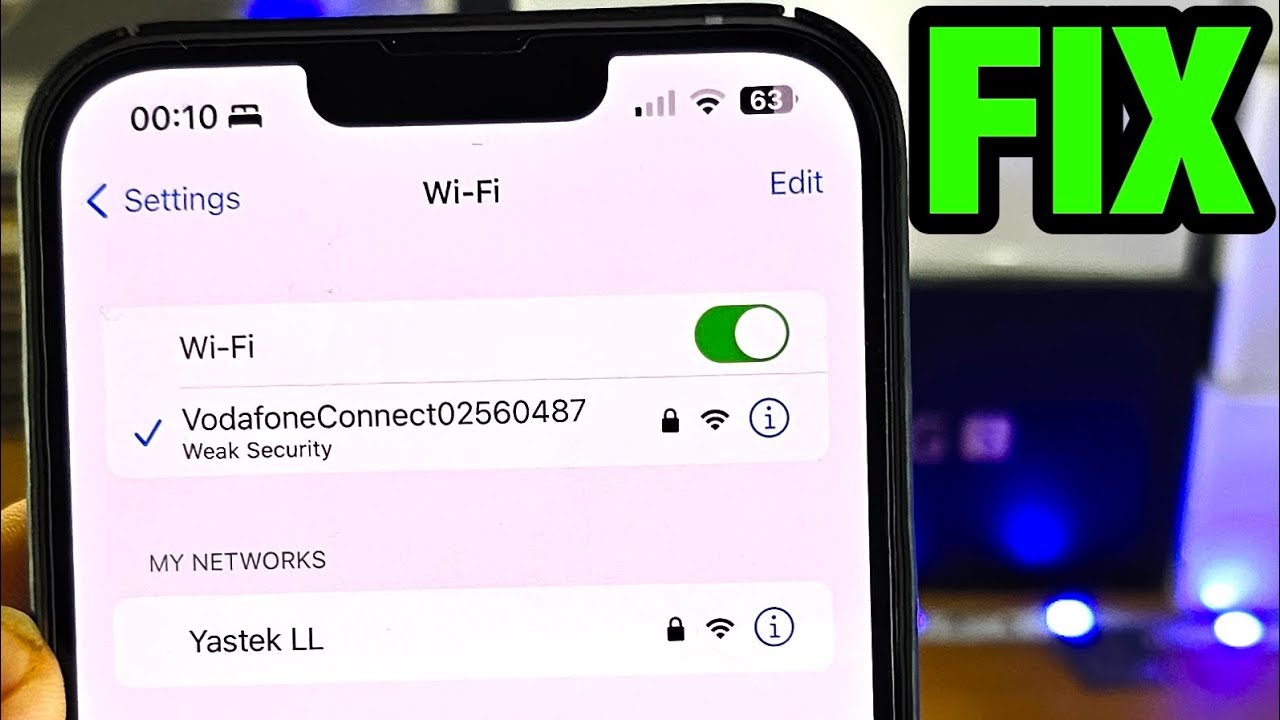
How To Fix Privacy Warning on WiFi iPhone iOS 18 | Remove WiFi Privacy Warning
Автор: Sky Tech Studio
Загружено: 2024-12-20
Просмотров: 1551
Описание:
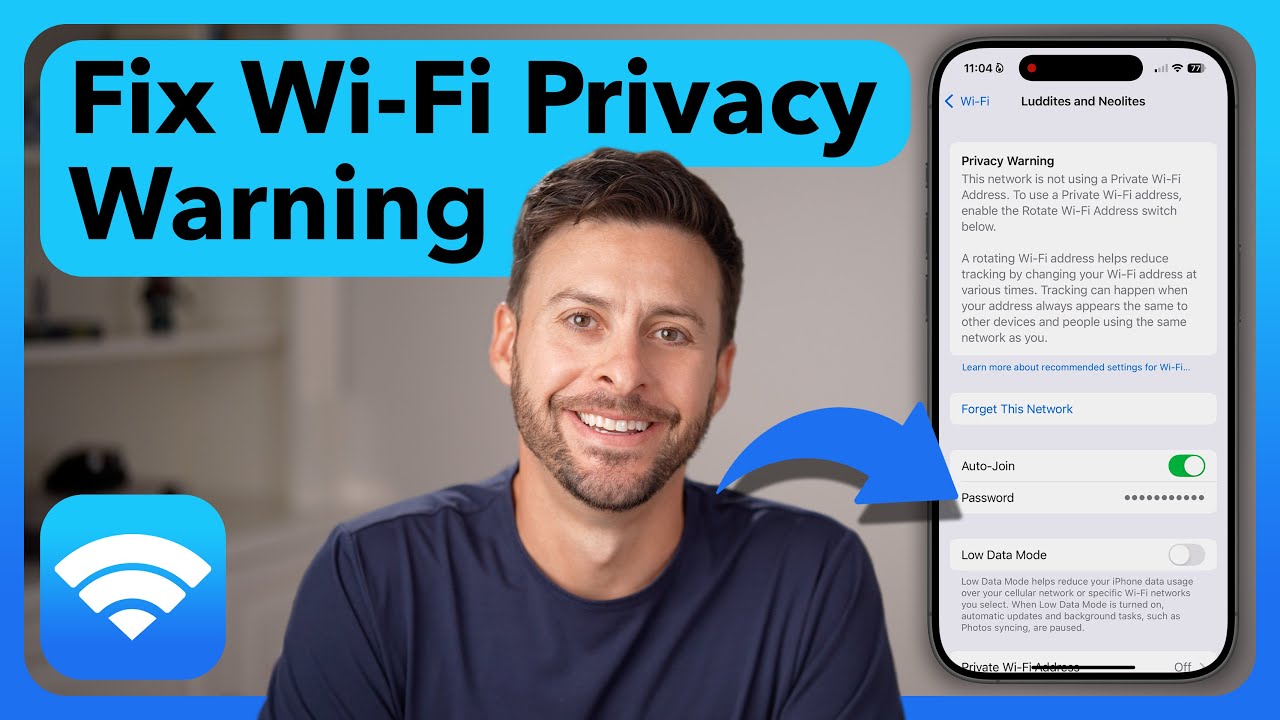
Seeing a privacy warning on WiFi can be concerning for every iPhone users, especially after updating to iOS 18. If you're wondering how to fix privacy warning on WiFi iPhone iOS 18, i am here it help. This warning appears when your iPhone detects that your WiFi network is not using private or secure settings, which could expose your data.
Understanding how to remove WiFi privacy warning or how to get rid of privacy warning on WiFi is essential to ensure your connection is safe. Many users face this issue when connecting to older routers or networks that lack advanced security protocols. The privacy warning WiFi iPhone message can indicate issues like weak encryption or a disabled private address feature.
The iPhone WiFi privacy warning might also pop up if your network settings need updating or if the router configuration isn't aligned with modern security standards. If you’re seeing the WiFi privacy warning, it’s a sign to check your connection and adjust your settings for a secure browsing experience. Learning to troubleshoot privacy warning WiFi iPhone issues will not only resolve the warning but also enhance the overall safety of your online activities.
00:01- Video Start
00:15- Channel intro
00:24- Process 1: Change private Wi-Fi address
01:10- Process 2: Forget and reconnect if not work
01:20- Process Ending
#iPhoneWiFi
#PrivacyWarning
#WiFiPrivacyWarning
#PrivacyWarningFix
#FixWiFiIssues
Повторяем попытку...

Доступные форматы для скачивания:
Скачать видео
-
Информация по загрузке:








![How to Fix Privacy Warning on WiFi iPhone/iPad! [After iOS Update]](https://imager.clipsaver.ru/AmTo5tjWKYo/max.jpg)
![ARMIA PUTINA DRUGĄ ARMIĄ ŚWIATA? PRAWDZIWA SIŁA ROSJI [WOLSKI I BOJKE]](https://imager.clipsaver.ru/-0hLR4R3gvk/max.jpg)