Special Features in ColorOS 14 OPPO Reno11 Pro
Автор: Berrando Sangidi
Загружено: 2024-03-06
Просмотров: 210
Описание:
Hola, Everyone!
Almost 2 months of using the OPPO Reno11 Pro and I really enjoy using this device because it's supported by the new ColorOS 14 operating system. So here I will tell you a little about my experience using this latest OS and give a little tutorial on how to use it at the end of this article. :)
The special features on the OPPO Reno11 Pro are Smart Suggestions, Split View, Flexible Window, Quick Return, Quick Lauch, Smart Sidebar, Kids Mode, and Simple Mode.
In ColorOS 14 there are 3 great new features (Smart Image Matting, Smart Touch, and File Dock) which can help you create content, work, and are very useful in your daily life. I'm finding this operating system really fast and responsive. Great job OPPO, I can really rely on this latest OS in my day to day!
1. SPLIT VIEW
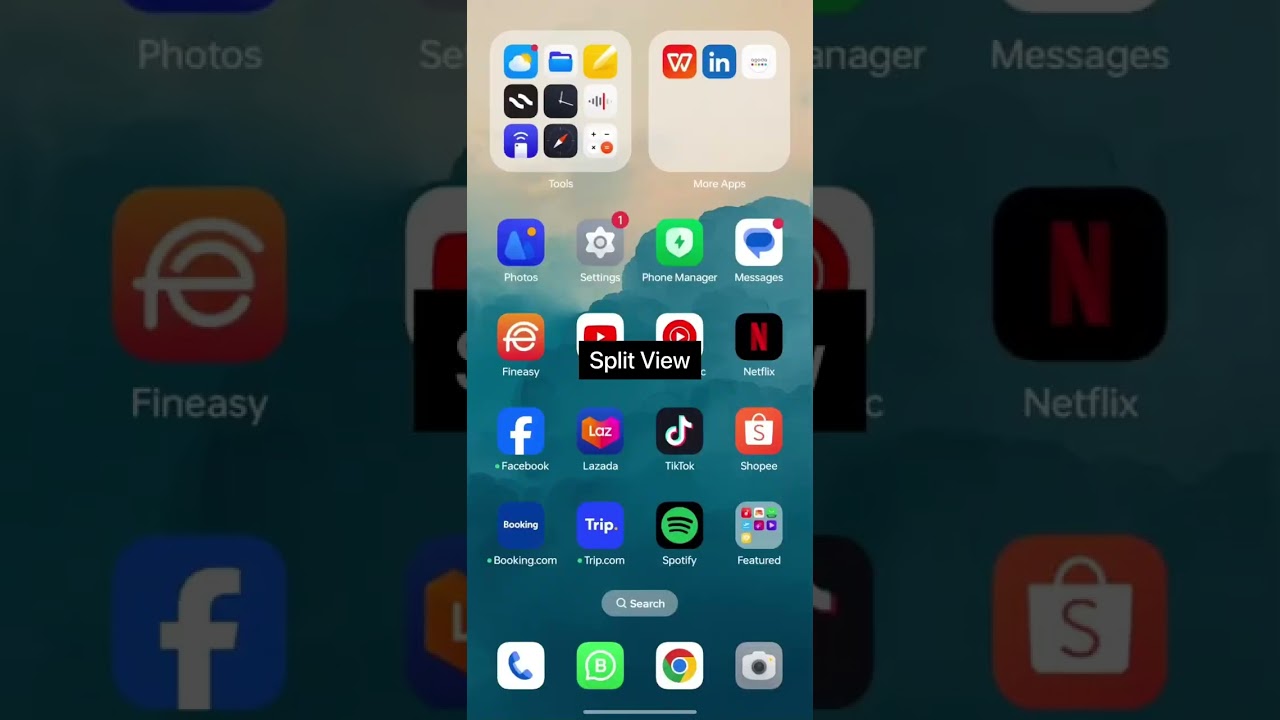
The Split View feature is a very good innovation and is really used in my daily life. Provides additional space for us as users to be able to open new windows without closing the previous window. We can open 2 windows at once and can adjust the window opening proportions manually, it can be 20:80, 50:50, or 30:70 according to our needs. So we can open the browser while watching YouTube on 1 screen. ✌
2. SMART SIDEBAR
Smart Sidebar, a feature that looks simple but is very useful if you want to open another application quickly without going to home and looking for the application. The location is on the right side of the screen, just swipe to the left at the right end of the screen, the Smart Sidebar will appear. We can also set which applications we frequently use in the Smart Sidebar so that it is easier for us to open them manually. For me, this feature is very helpful.
3. FILE DOCK
The next feature is the File Dock, which is in the Smart Sidebar section. As can be seen in the screenshot above, the placement makes it very easy for us if we want to save files, images or text from several sources (photos or browser). File Dock is a place to store temporary files by dragging files/images towards the file dock. This feature makes it very easy for us so that we don't have to go back and forth between applications if we want to produce content or work. Life becomes easier, friends. :)
4. SCREEN TRANSLATE
So, this Screen Translate feature is what I really like. This feature looks simple, but it is very useful and helps me. I use this feature when I am reading a foreign article where I don't understand the language used. For example, I am reading articles in Japanese, Chinese, Spanish, etc. I just activate the Screen Translate feature, select which language you want to translate and quickly all the languages on the screen we open will be translated. Easy and very useful, right?
Below is a video tutorial for activating and operating the special features on the OPPO Reno11 Pro.
Believe me, the features in ColorOS 14 are very reliable and very useful in our lives. This is what defines the OPPO Reno 11 Pro as a Smart Phone even more. Time efficiency is key, it is what makes us work more effectively.
Hopefully this video and my experience using ColorOS 14 is useful for all of you guys! 😄
#OPPOAmbassadors #OPPOReno11ProSeries5G #SmartandSmooth #ColorOS14
Повторяем попытку...
Доступные форматы для скачивания:
Скачать видео
-
Информация по загрузке: