Pendrive ko Bootable Kase Banaye || 100% working ✅ || Making Bootable Pendrive easy Method
Автор: AY Solution
Загружено: 2026-02-19
Просмотров: 77
Описание:
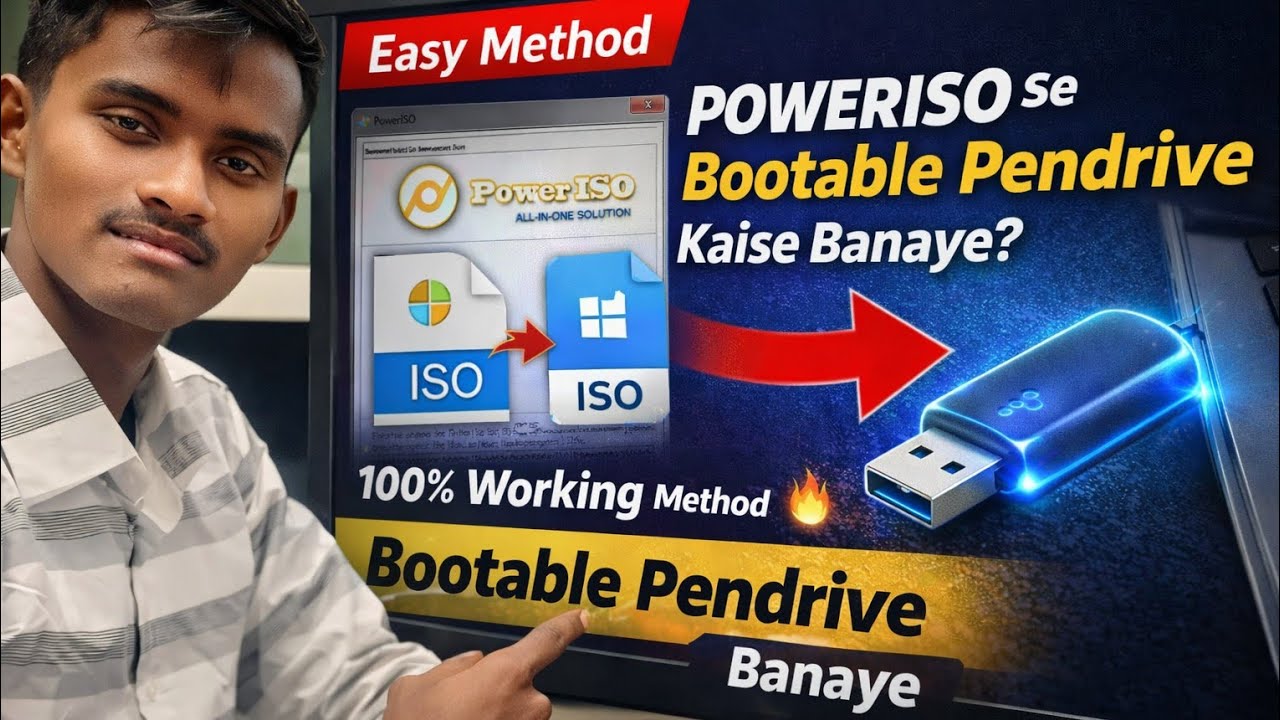
PowerISO se Bootable Pendrive Kaise Banaye? | Create Bootable USB for Windows 10/11 | Easy Method 2026
Welcome to AY Solution 👨💻
Is video me maine step-by-step bataya hai ki aap PowerISO ka use karke Windows 10 ya Windows 11 ki ISO file se bootable pendrive kaise bana sakte hain. Agar aap apne PC/Laptop me Windows install ya format karna chahte hain, to ye method simple aur 100% working hai.
⚙ Short Method (Step-by-Step)
1️⃣ PowerISO install kare
2️⃣ Windows ISO file download kare
3️⃣ 8GB ya 16GB pendrive connect kare
4️⃣ PowerISO open kare → Tools → Create Bootable USB
5️⃣ ISO file select kare
6️⃣ Pendrive select karke Start kare
7️⃣ Process complete hone ke baad bootable USB ready ✅
Ab BIOS boot menu se USB select karke Windows install kar sakte hain.
🛠 Tools Required
✔ PowerISO Software
✔ Windows 10 / 11 ISO File
✔ Minimum 8GB Pendrive
✔ PC / Laptop
🔎 SEO Keywords (For Ranking)
poweriso bootable pendrive
bootable pendrive kaise banaye
create bootable usb windows 10
windows 11 bootable usb hindi
poweriso tutorial hindi
how to install windows from pendrive
pc format kaise kare
usb se windows install
💡 Agar video helpful lage to LIKE 👍 SHARE 🔄 aur SUBSCRIBE 🔔 kare AY Solution ko.
📌 Hashtags
#BootablePendrive #PowerISO #Windows10 #Windows11 #AYsolution #TechHindi #ComputerTips #USBboot
Повторяем попытку...
Доступные форматы для скачивания:
Скачать видео
-
Информация по загрузке: