Hero Forge® Tutorials: Hotkeys to Improve Your Mini-Making Experience
Автор: Hero Forge
Загружено: 2022-05-18
Просмотров: 6426
Описание:
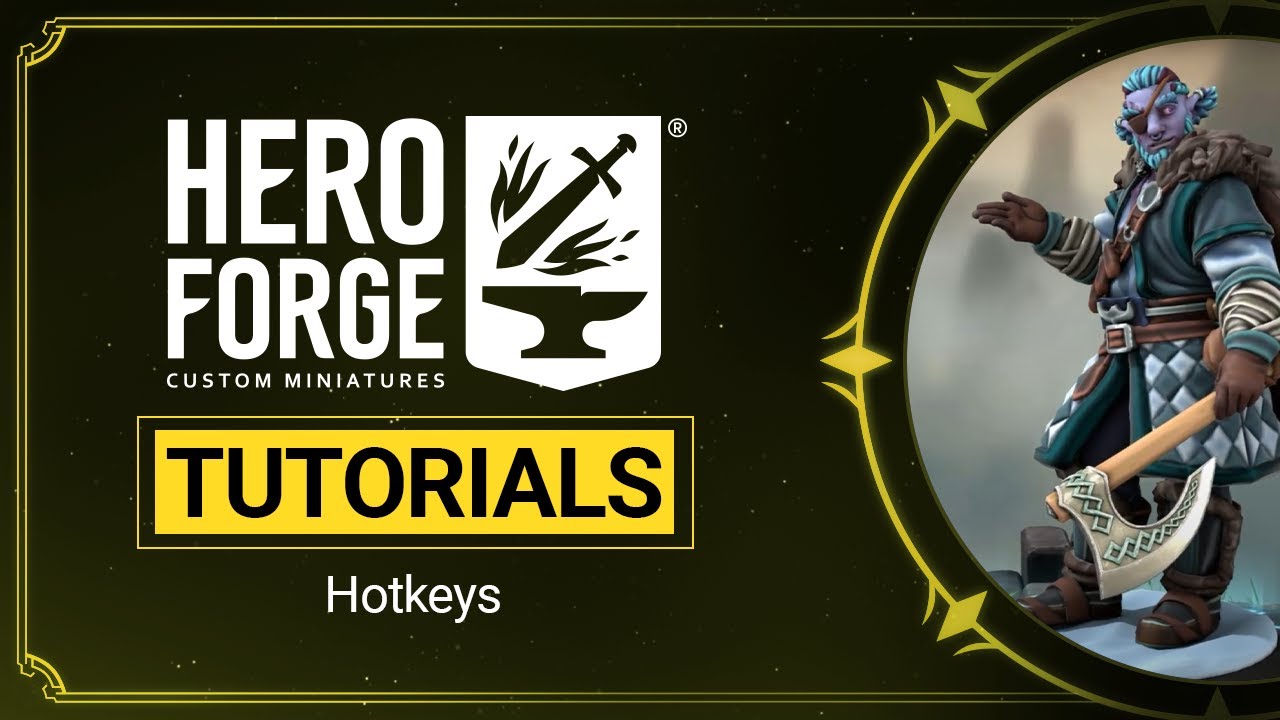
Prefer to make your keyboard clack rather than just clicking on things? There’s quick, easy-to-use hotkeys built right into the Hero Forge®️ character creator! In our first of a series of tutorial videos, we’ll show you how to use hotkeys to level up your mini-making skills. The hotkeys highlighted in this video will start from basic camera function and advance to color placement tools. Whether you're just beginning to use Hero Forge®️ or have been building with us for years, there's always something new to learn. Follow along and get those fingers tapping!
HERO FORGE HOTKEYS:
💡Left mouse button OR directional pad: Rotate camera
💡Right mouse button: Pan camera
💡Mouse wheel OR center mouse button: zoom camera
💡CTRL + Z: Undo most recent change(s)
💡CTRL + Y: Redo most recent change(s)
💡CTRL + left mouse button: Fill color
💡ALT + left mouse button: Pick color in Mix menu
💡ALT + hover over: Highlight color placement on miniature
💡Angle brackets: Toggle between Main and Extra characters on Two Heroes miniatures
Got an idea for a tutorial video you'd like to see? Let us know in the comments!
Narrated by Avalon Irons
Join our Discord to talk with Fans & Devs, Get Sneak Peeks, and Participate in Contests! / discord
Повторяем попытку...
Доступные форматы для скачивания:
Скачать видео
-
Информация по загрузке: