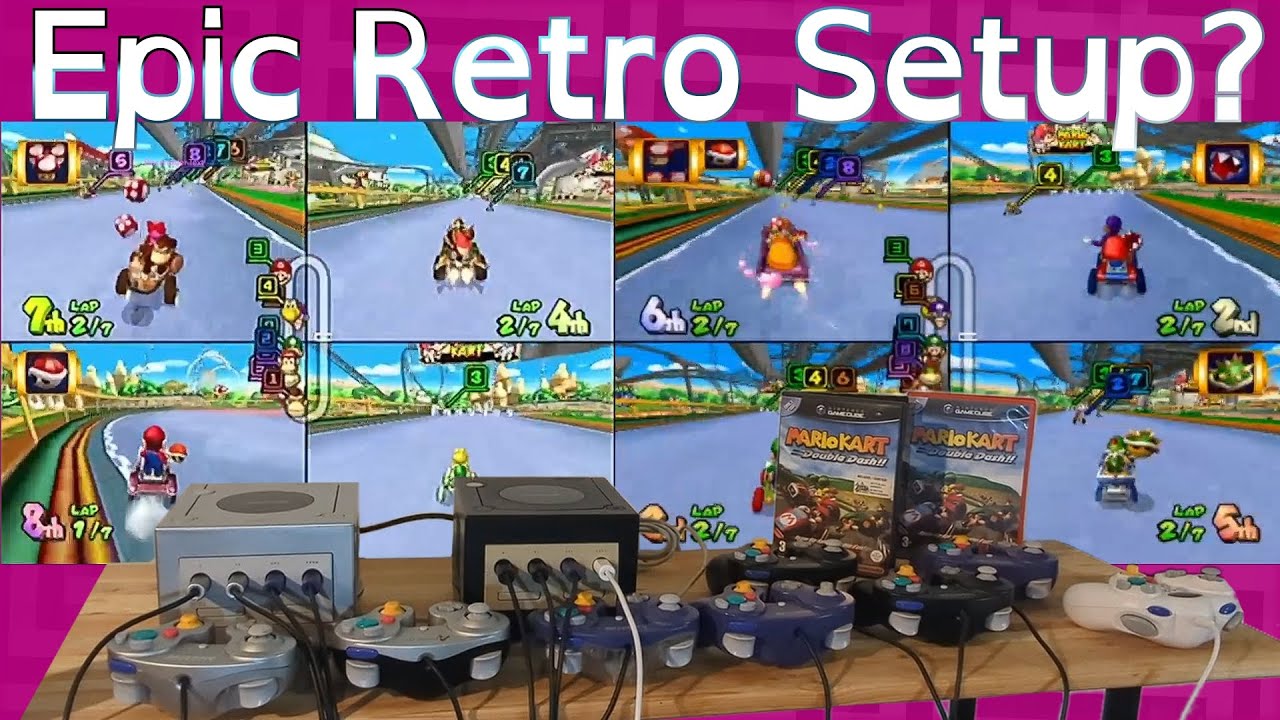
Mario Kart Double Dash 16 Player LAN Mode With 1 Controller! Tutorial in Description!
Автор: Mankalor
Загружено: 2018-03-11
Просмотров: 51442
Описание:
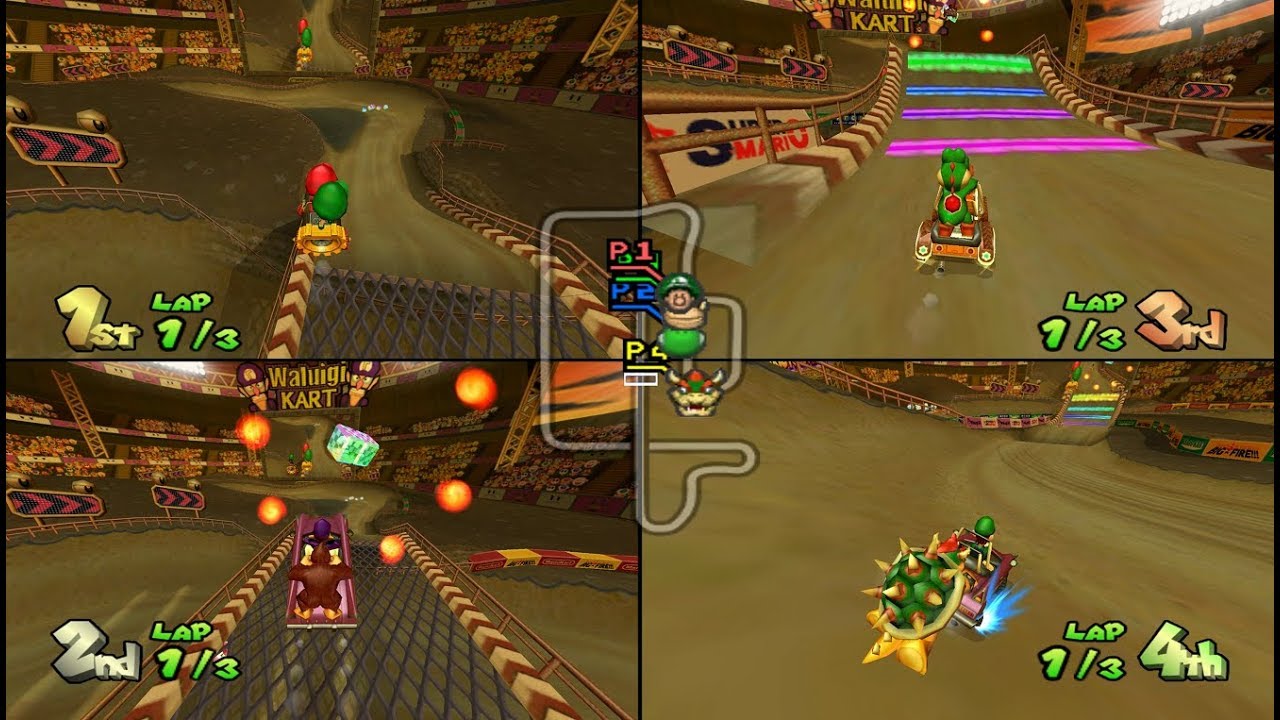
I run 4 Dolphin emulators on one computer to play Mario Kart Double Dash 16 Player LAN Mode Multiplayer Race, Balloon Battle, & Shine Thief! All 16 players, 4 per emulator are all being controlled with a single controller! How to set up Mario Kart Double Dash LAN Tutorial Below!
This was set up on a Windows 10 computer, you may need to do additional research & steps for other operating systems.
You'll need a strong computer to run multiple Dolphin emulators smoothly. Maybe not as strong as mine, but here are my specs: https://www.newegg.com/Product/Produc...
First, you'll need Dolphin Emulator: https://dolphin-emu.org/
Next, you'll need a Mario Kart Double Dash ISO. Google search how to dump a disc ISO or download an ISO from somewhere.
Once you set the graphics settings for ONE playable instance of Dolphin (my settings if you want to copy-paste into the GFX file with notepad: https://pastebin.com/vGjLU0zV), you'll need to set up extra configuration folders for additional Dolphin instances to use so that the games don't crash when connecting via LAN.
Follow the tutorial at the bottom of this user's post: https://forums.dolphin-emu.org/Thread...
Extra notes about the aforementioned tutorial:
For step 2, you can go straight to the Dolphin folder on your computer, click the file tab, and open command prompt/ Windows Powershell. You may need to use a lower case u instead of upper case for the "/u" in the commands you enter for each Dolphin config folder you add.
For the 2nd step 3 (yeah, it's not numbered properly), Ctrl+F can help find the BBA_Mac setting in the config file.
You can copy-paste config files from one folder to another to save time.
If the Dolphins can't find each other in LAN mode, delete & remake the bridge, but only bridge TWO Tap adapters. Then, add the remaining adapters to the bridge one at a time.
You can connect to Dolphin Emulators on other computers or real Gamecubes with broadband adapters on the same network if you add your computer's ethernet port to the bridge!
Setting up Gamecube Controller adapter: https://wiki.dolphin-emu.org/index.ph...
Google search how to set up any other controller!
Follow me on these websites, too!
My Discord Server: / discord
Twitter: / mankalor
Twitch: / profile
Vidme:
MKBoards: http://mkboards.com/forums/members/ma...
Mankalor's recommended Amazon items for gaming content creation & more! Buy the items with these links & I get a share of the revenue!:
Mario Kart Switch Skin: http://amzn.to/2yyqD97
Mario Kart Switch Carrying Case: http://amzn.to/2z6yveV
My capture card, Elgato HD60S: http://amzn.to/2wHPrZW
My Webcam, Logitech C920: http://amzn.to/2eMjcCT
My Microphone, Blue Snowball: http://amzn.to/2wPi2Nb
Tripod to hold a webcam: http://amzn.to/2xcy8BL
Phone clamp, good for if you can only record with a phone: http://amzn.to/2jacmsf
Nintendo Switch Stand, one of best & cheapest out there! http://amzn.to/2gOyEey
My laptop, Acer Aspire V3-772G. Very powerful specs, and good for if you move your equipment around alot. (Go with a desktop computer if you don't): http://amzn.to/2gRUhOW
All of my Playlists!
/ mankalor
Повторяем попытку...

Доступные форматы для скачивания:
Скачать видео
-
Информация по загрузке:





![Mario Kart DS 8 Player Splitscreen Multiplayer [4K 60FPS]](https://imager.clipsaver.ru/6uR6WGDYfug/max.jpg)