Set Google or Samsung Wallet as Default on Galaxy S25 Ultra
Автор: ITJungles
Загружено: 2025-07-07
Просмотров: 6105
Описание:
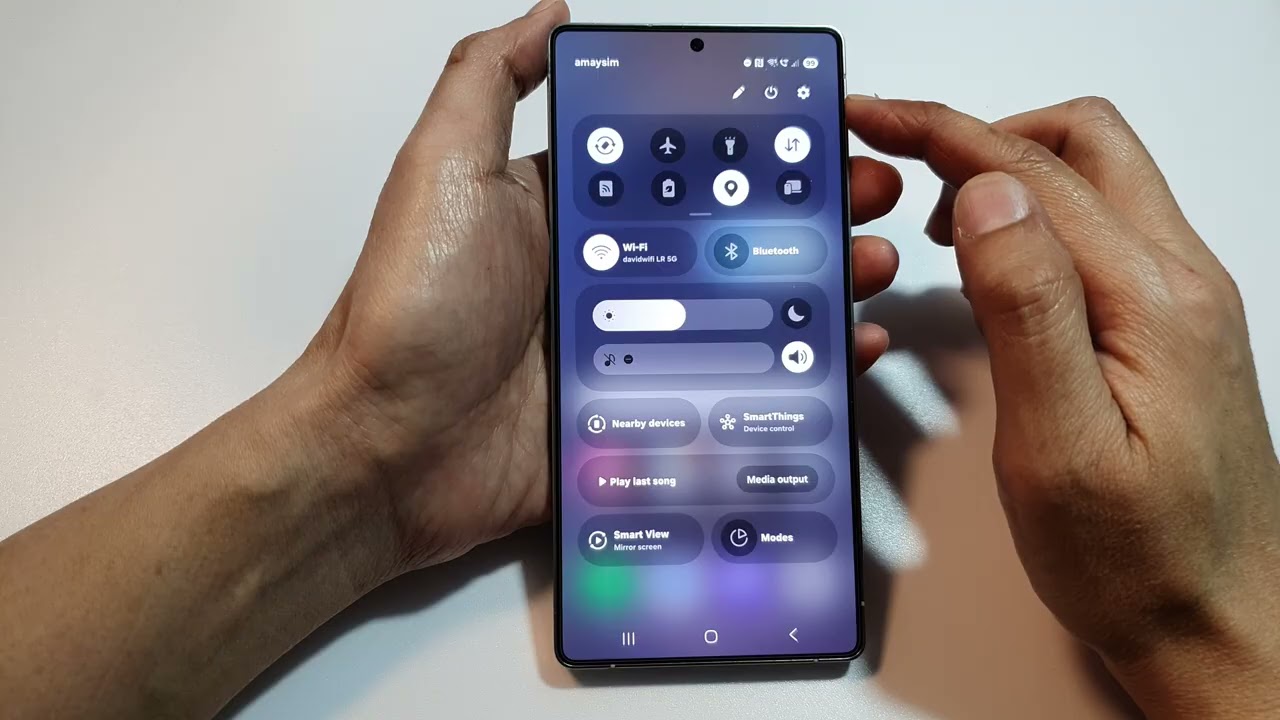
Easily set your default wallet app—Google Wallet or Samsung Wallet—on your Galaxy S25, S25+, Ultra, or Edge to streamline tap-to-pay and digital card access. Whether you prefer Samsung's built-in solution or Google's cross-platform flexibility, this quick guide walks you through the exact settings to make your payment experience seamless and fast. Perfect for anyone who uses their phone for contactless payments daily!
#GalaxyS25 #SamsungWallet #GoogleWallet #MobilePayments
🛠️ Step-by-Step Instructions:
Step 1: Open Settings on your Galaxy S25/S25+/Ultra/Edge.
Step 2: Scroll down and tap Apps.
Step 3: Tap the Choose default apps option.
Step 4: Select Tap & pay or Wallet app (based on One UI version).
Step 5: Choose either Samsung Wallet or Google Wallet as the default.
Step 6: Exit settings – your selected wallet is now ready for use at payment terminals.
📌 This video also covers topics:
✅ How to switch between Google and Samsung Wallet on Galaxy devices
✅ Troubleshooting tap & pay not working on Galaxy S25
✅ Enable NFC for contactless payments on Samsung phones
Gears I use:
Velbon Sherpa 200 R/F Tripod With 3 Way Panhead https://amzn.to/2IuyFGa
Rode VideoMic Pro+ Compact Directional Microphone: https://amzn.to/36w0pme
Commissions Earned
As an Amazon Associate, I earn from qualifying purchases
FOLLOW US ON TWITTER: http://bit.ly/10Glst1
LIKE US ON FACEBOOK: http://on.fb.me/ZKP4nU
http://www.itjungles.com
Повторяем попытку...
Доступные форматы для скачивания:
Скачать видео
-
Информация по загрузке: