How To Program Unlocked Razr v3 For MMS And Data Settings On AT&T
Автор: ZENAMOBILE
Загружено: 2012-07-26
Просмотров: 20650
Описание:
Tutorial / Instructions on how to program your Unlocked Razr V3 for Picture mail and Data on AT&T.
here are also written directions
At&t MMS setup
messages (options key) message setup MMS Message Setup Server info
highlight (Newworld or 3db mms) and press the (option Key) edit.
select and change the following 3 options as shown below.
Service Name - CINGULAR MMS
Server Name - http://mmsc.cingular.com
Web Session Name - select (3 new World)
Hit done. then go back to your home screen.
Hit the center button (bring up applications). Then Go to web access Scroll Down to
web sessions and hit select.
highlight New world and hit the (option Key).
set as Default.
Hit the (Options Key) again and select Edit.
Change the homepage to (www.google.com) or (www.yahoo.com) and hit ok, ... any serch engine will work.
Change service type to - HTTP and hit ok
Change (Gateway IP 1) or (Proxy 1) (depending on what software version you have.) to
066.209.011.032 and hit ok
Change (Port) to 80 and select ok.
scroll toward the bottom until you come across (GPRS APN) and hit change.
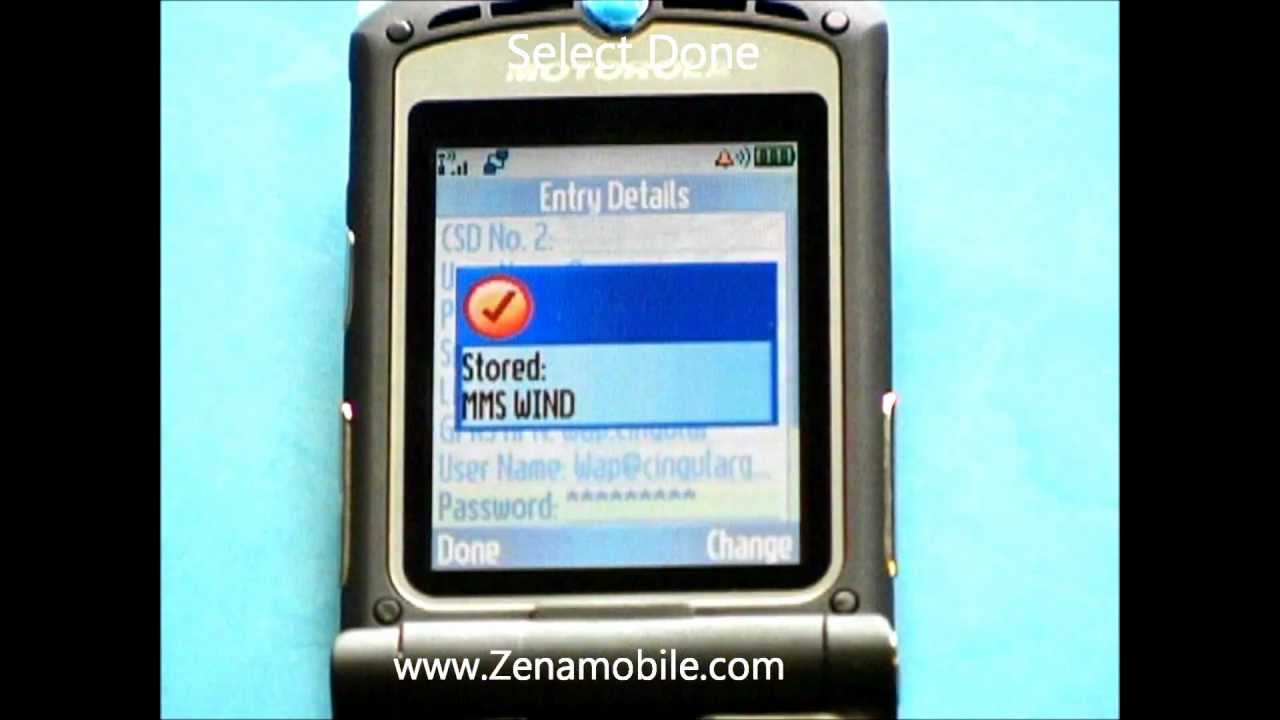
change the GPRS APN to - wap.cingular and hit ok
change username to - [email protected] then hit ok
change password to - cingular1 then hit ok.
select done, then hit the red end key to bring you back to youre home page and your ALL DONE
Повторяем попытку...
Доступные форматы для скачивания:
Скачать видео
-
Информация по загрузке: