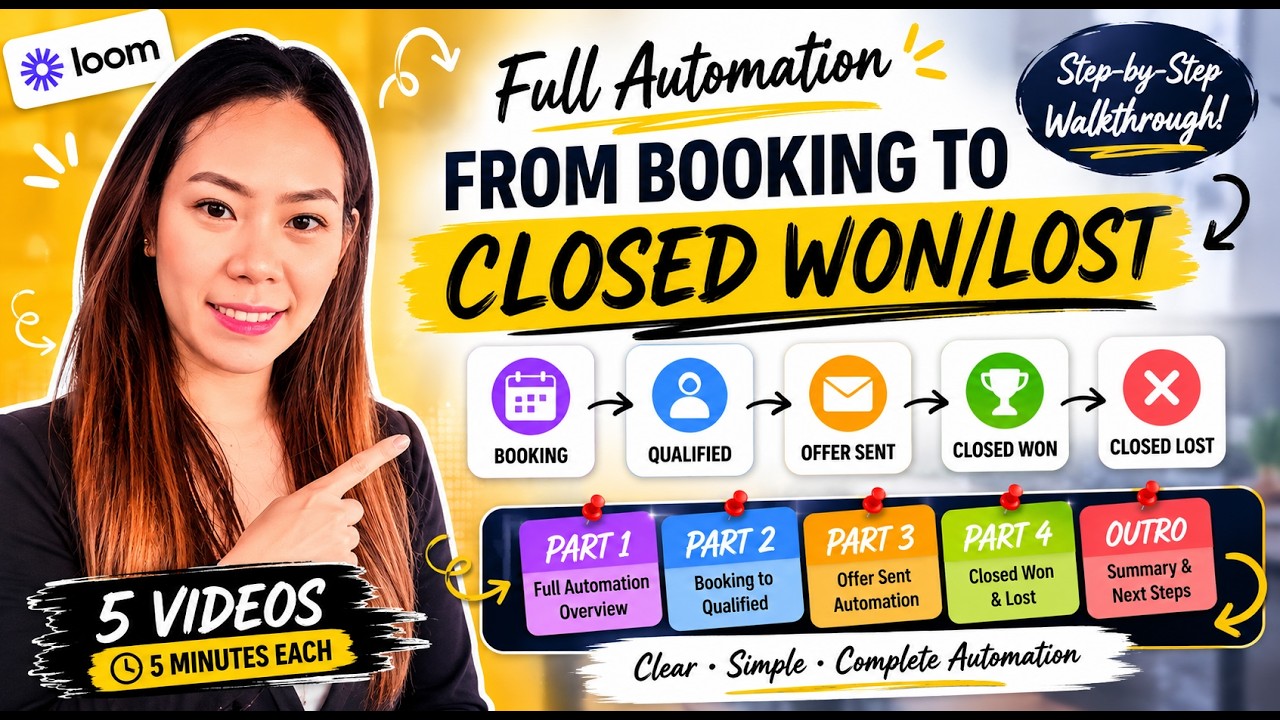
How Lead GHL Automation Works From Booking to Closed Won Part 1
Автор: Myla Camomot
Загружено: 2026-05-27
Просмотров: 11
Описание:
SOP: Automated Lead Booking, Confirmation, and Notification Workflow
Objective
This SOP explains how to automatically process a new lead from calendar booking through confirmation and internal notification. The goal is to ensure every booked appointment is captured, tagged, confirmed, and tracked without manual follow-up.
Key Steps
*1. Capture the booking when a lead selects a time on the calendar*
Direct the lead to the personal calendar link.
Have the lead select an available date and time.
Ensure the booking is completed through the calendar system so the automation can trigger immediately.
Confirm that the booking is submitted successfully before moving to the next step.
*2. Verify the contact is created automatically in the CRM*
Check that the system automatically creates a new contact record when the calendar booking is confirmed.
Confirm no manual data entry is required.
Make sure the booking trigger is connected to the contact creation action.
Use this step to validate that every booked lead is captured in the pipeline.
*3. Apply the 'Booked' tag and move the lead into the booked stage*
Confirm the automation applies the correct tag, such as `Booked`.
Verify the lead appears in the pipeline under the booked stage.
Use the tag to distinguish active appointments from unqualified or unconfirmed leads.
Ensure the tag is applied immediately after booking confirmation.
*4. Send an immediate confirmation email to the lead*
Trigger an external confirmation email as soon as the booking is completed.
Include the appointment details in the email.
Keep the tone friendly and professional.
Use the confirmation email to reassure the lead that the appointment was successfully scheduled.
*5. Send an internal booking notification to the team member*
Configure an internal notification to be sent when a new appointment is booked.
Ensure the notification clearly states that the appointment has been confirmed.
Use this alert to keep the team member informed without checking the calendar manually.
Confirm the notification arrives immediately after the booking is made.
*6. Send a reminder before the appointment*
Set up a reminder email to go out before the scheduled call.
Confirm the reminder is tied to the booked appointment stage.
Use the reminder to reduce no-shows and keep the lead engaged.
Verify the reminder is sent automatically without manual intervention.
*7. Review the email content and sender details before going live*
Check the external email content to ensure it includes call details and sets the right tone.
Confirm the sender email is appropriate for customer communication.
Review the internal notification wording so it is clear and actionable.
Make sure both messages align with the brand’s professional standards.
*8. Test the full workflow before activating it*
Run a test booking through the calendar system.
Confirm each automation step fires in the correct order.
Verify the contact is created, the tag is applied, and both emails are sent.
Check the pipeline to ensure the lead appears in the correct stage before the workflow goes live.
Cautionary Notes
Do not rely on manual follow-up for booked leads; the workflow should handle all confirmations automatically.
Make sure the automation is tested before going live to avoid missed notifications or broken email sequences.
Confirm the reminder timing is correct so it does not send too early or too late.
Ensure the sender email and message tone are professional and consistent with the brand.
Verify that the pipeline stage and tag names match exactly with the automation rules.
Tips for Efficiency
Use automation to eliminate manual data entry and reduce administrative work.
Keep confirmation and reminder emails concise so leads quickly understand the next step.
Standardize tag names and pipeline stages to make reporting and tracking easier.
Test with a personal or alternate email address to confirm notifications are working as expected.
Review the workflow periodically to ensure all triggers and messages still function correctly.
Повторяем попытку...
Доступные форматы для скачивания:
Скачать видео
-
Информация по загрузке: