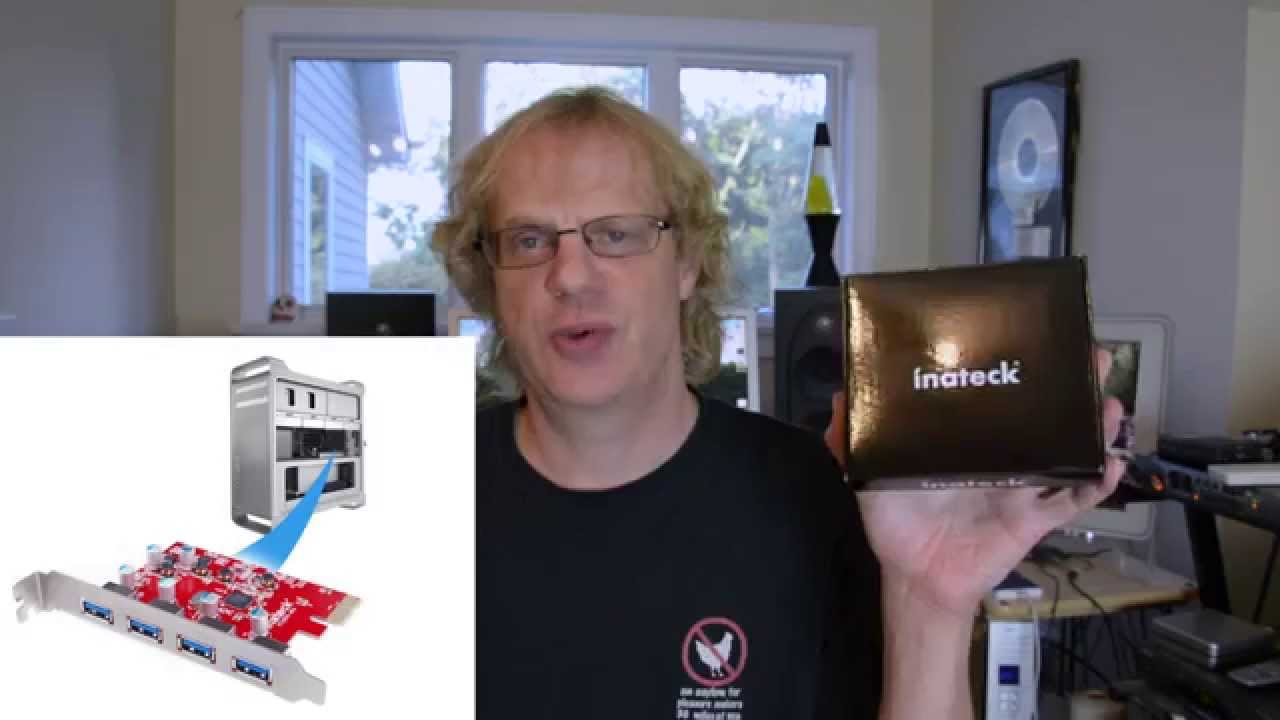
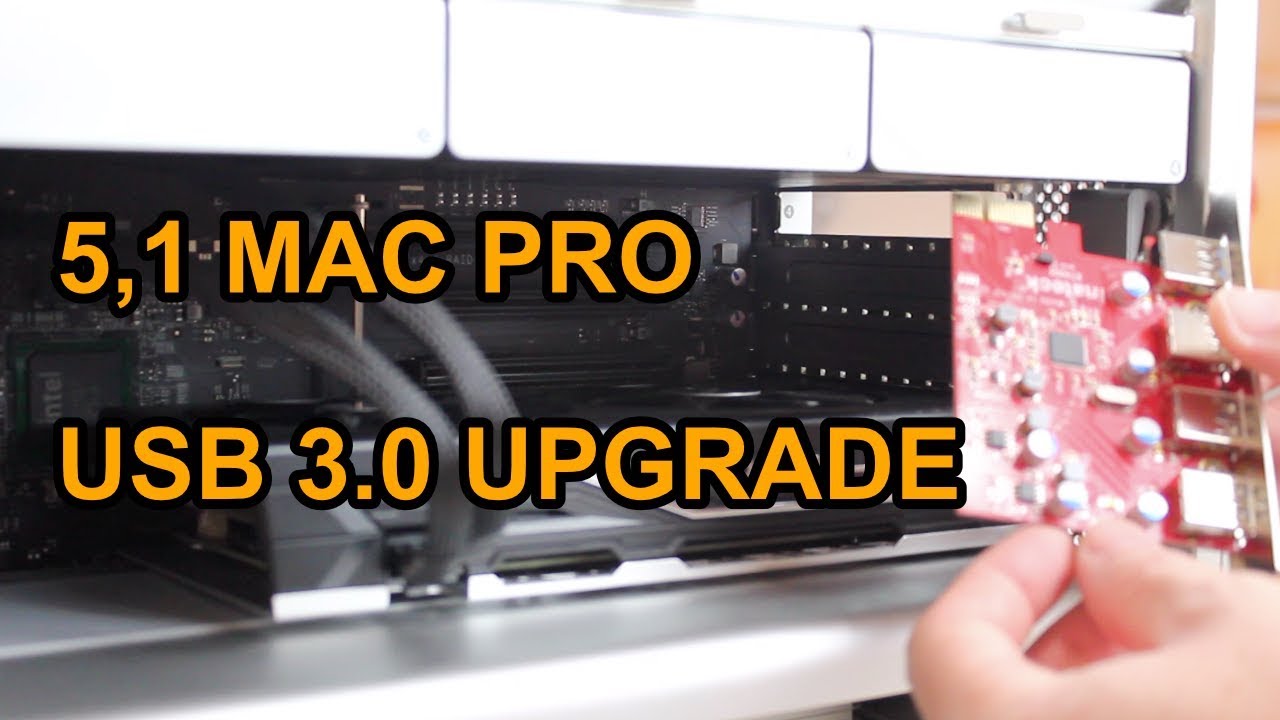
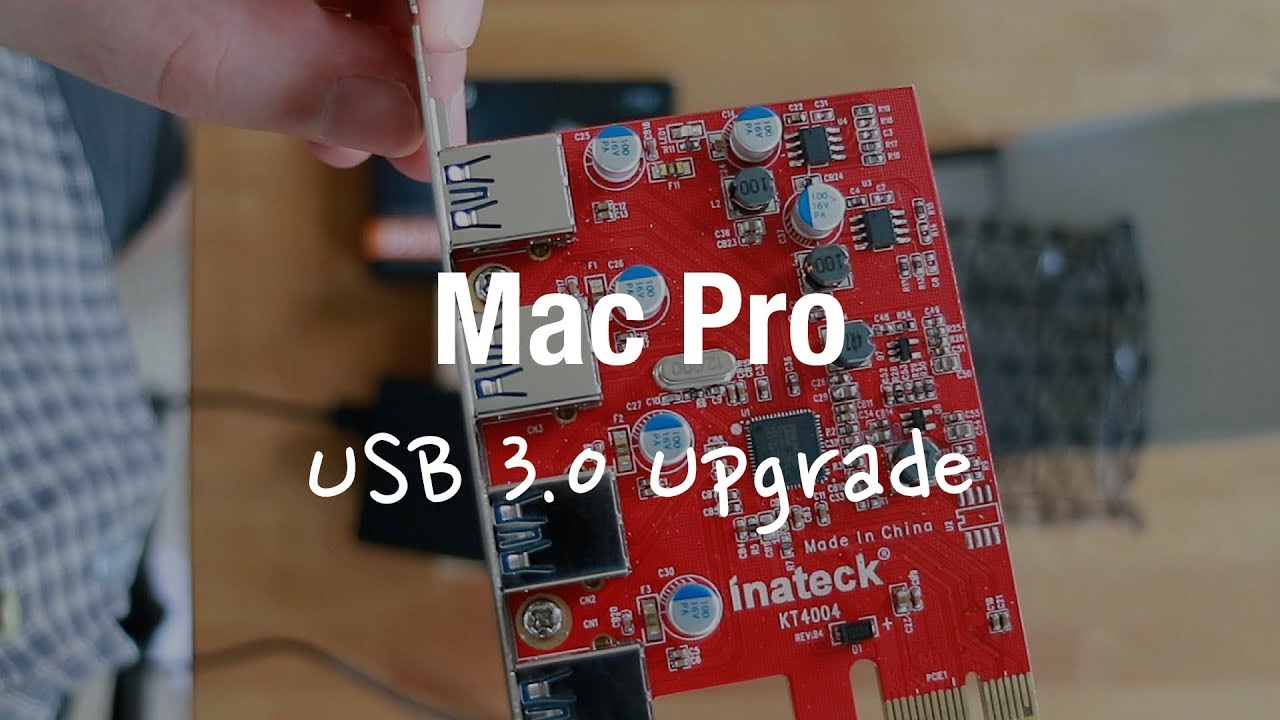
USB 3.0 on Mac Pro - how to install usb card Sonnet Allegro PCIe 3.0 card .MOV
Автор: Tech reviews
Загружено: 2012-06-27
Просмотров: 25527
Описание:
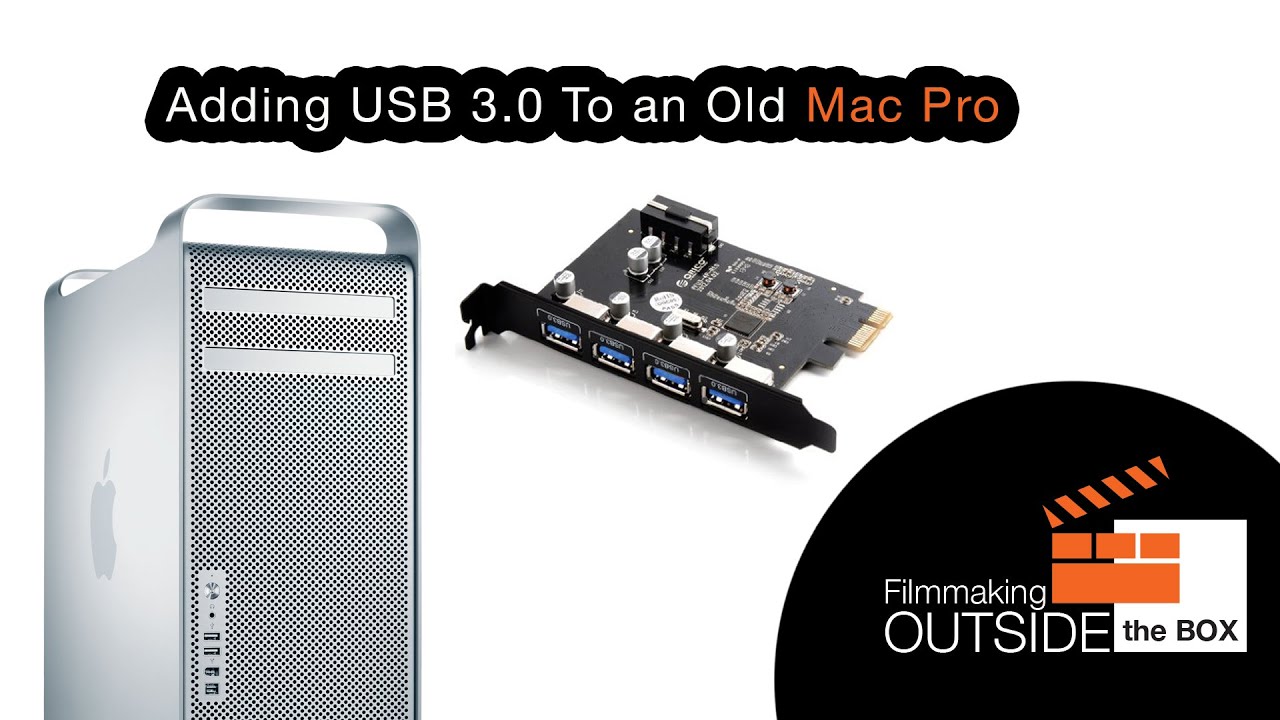
Hey guys I have done a lot of research for USB 3.0 card for MAC and was confused because of mixed reviews from Amazon. So here is couple points.
1. USB 3.0 card is FASTER than 2.0 card. Some reviews said that they didn't see any
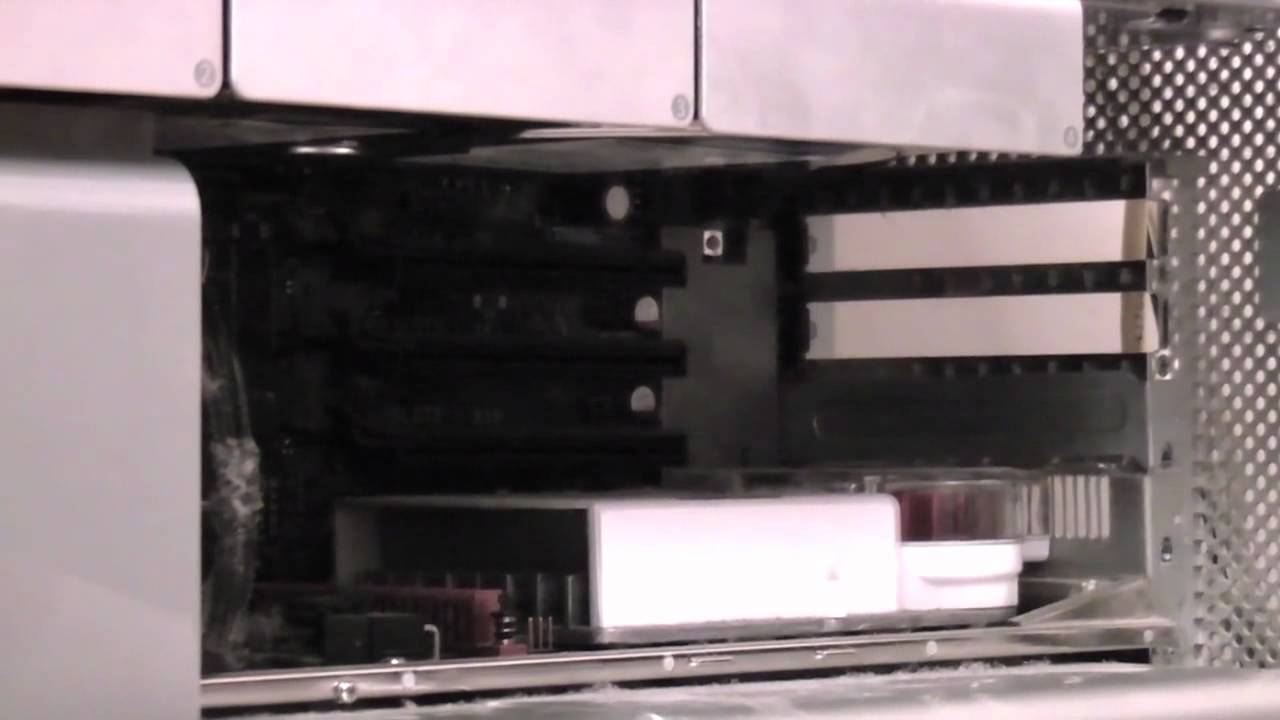
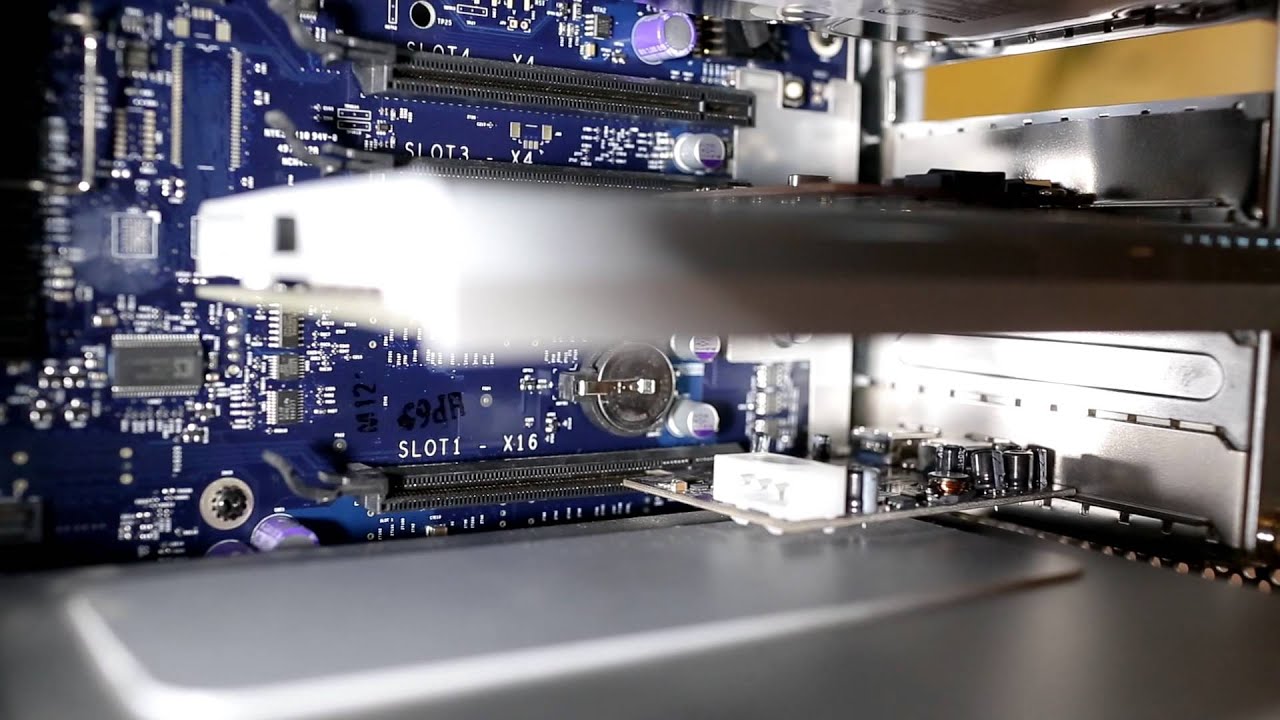
speed difference between 2.0 and 3.0 card in Mac. May-be it's because they tried to install this card to x4 slot instead of x16 slot. But I installed this card to x16 slot and it's faster than 2.0.
2. Is it hard to install this card? No not really.
3. Will it work right out of the box? NO. You'll need to download driver from Allegro website.
4. Card has power jack (standard 4 pin molex) does it need to be hooked up in order for card to work? Answer is NO. That's just an option if you're planning to power big external cases that are not plugged in to AC them selfs.
5. If you DO decide to run power to this card. Than you'll need cable called
Mac Pro 6 Pin to 4 pin Molex Video Card Power Cable.
Oh yes my local store Fry's electronics they didn't have this kind of cable. But I did find it on Ebay.
6. Biggest negative with this card is this :: When computer goes to sleep and wakes up. This Allegro PCIe card doesn't want to wake up, and I have to restart computer in order for card to 'wake up". So if you just come home and need to transfer images, this card will work PERFECT. But if you leave your computer on and it goes to sleep and you come back and decide to transfer images than card will not wake up after sleep and you'll need to restart comp. For me it's not a problem because I got SSD drive... so it's extra 22 second step. No biggie.
instructions provided by Andrey :: http://andreyp.com
Повторяем попытку...
Доступные форматы для скачивания:
Скачать видео
-
Информация по загрузке: