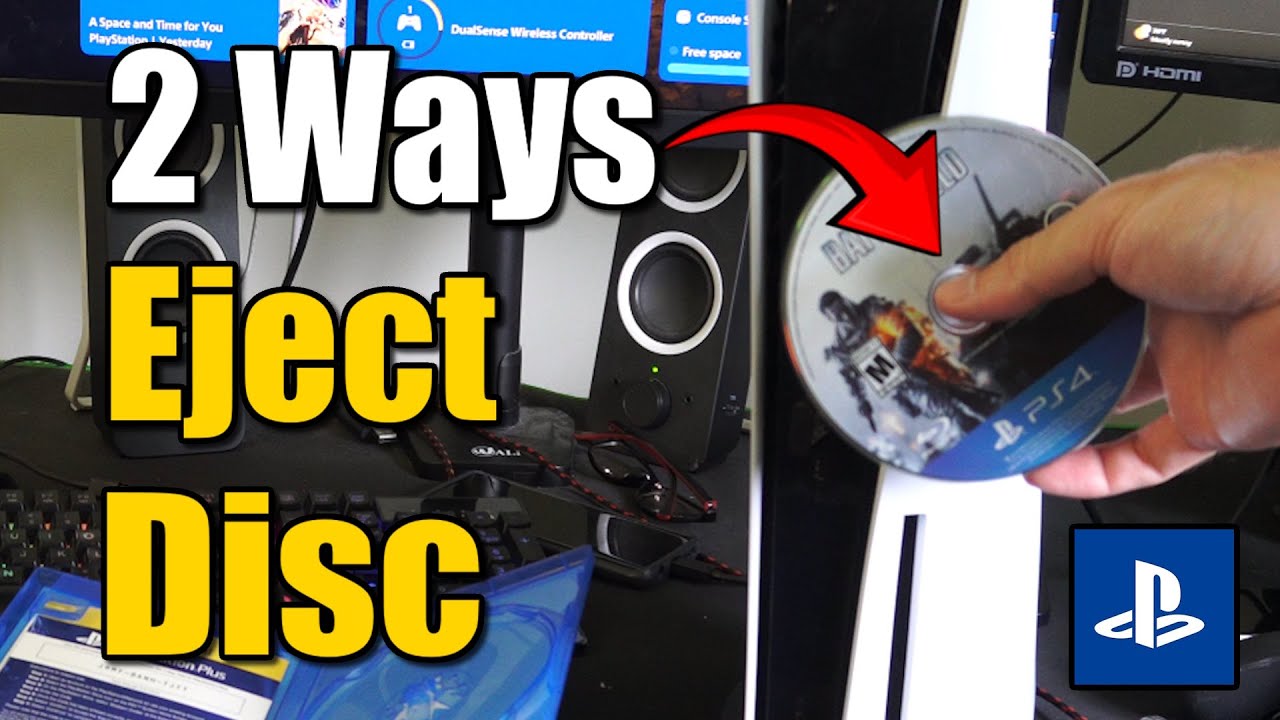
How to Eject a Disc on PS5 if Not Working (2 Methods)
Автор: YourSixStudios
Загружено: 2025-07-18
Просмотров: 2252
Описание:
First, the Standard Ejection Methods (If they are not working as expected):
Even if you think they're not working, it's worth trying these a few times to ensure the console isn't just having a temporary hiccup.
Using the Eject Button on the Console:
Locate the eject button on the front of your PS5.
Vertical PS5: It's the top button, smaller than the power button. It has a subtle icon of an upward-pointing arrow with a line underneath.
Horizontal PS5: It's the button on the right side, closest to the stand.
Press it firmly. Sometimes, pressing it a few times or holding it for a couple of seconds can trigger the eject.
Using the PS5 Menu (Controller):
From the PS5 Home screen, navigate to the game icon for the disc that's currently in the console.
Press the Options button (the small button to the right of the touchpad) on your DualSense controller.
A menu will pop up. Scroll down and select "Eject Disc".
...
Twitter: https://twitter.com/YourSixStudios?la...
Twitch: / yoursixstudios
Discord: / discord
Instagram: / yoursixstudios -
((( Subscribe to my LIVE STREAMING )))
((( Gaming Channel "YourSixGaming" )))
/ @yoursixgaming ...
((( Subscribe to my ADVENTURE CHANNEL )))
((( Travel, Cameras & More "YourSixAdventures)))
/ @yoursixadventures
Повторяем попытку...
Доступные форматы для скачивания:
Скачать видео
-
Информация по загрузке:


