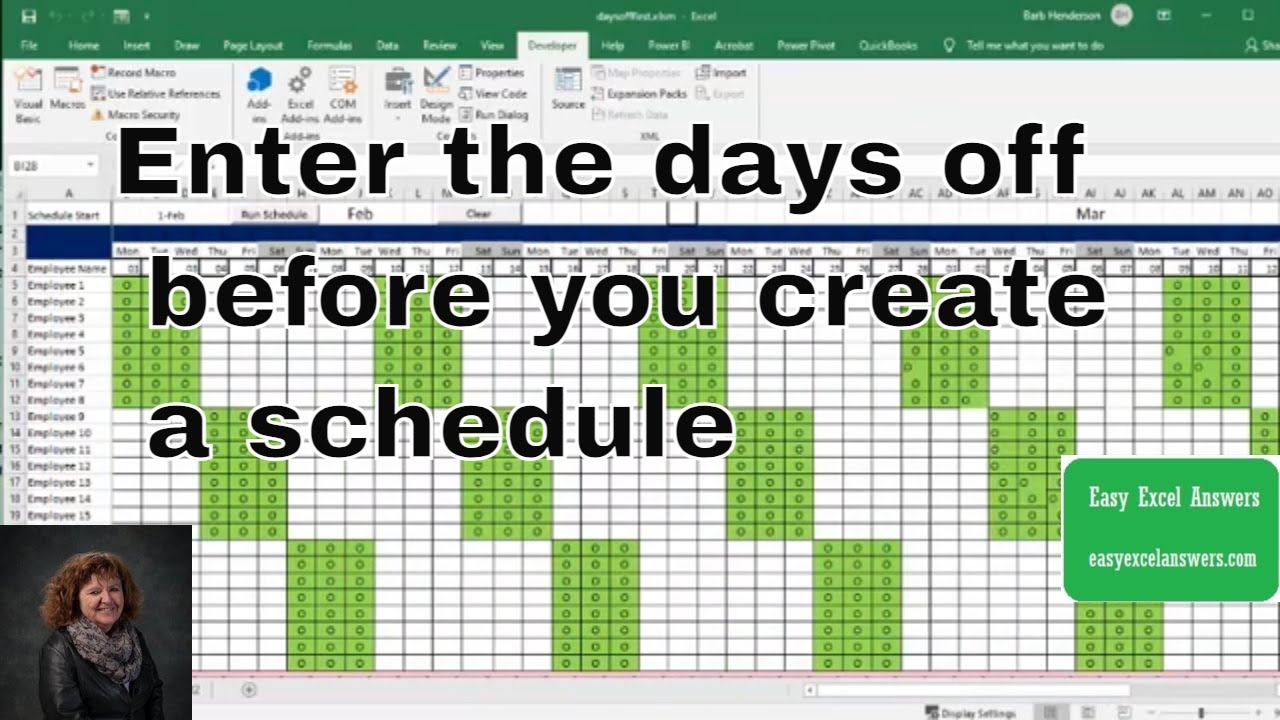
Enter the days off before you create you schedule in Excel
Автор: Barb Henderson
Загружено: 2021-01-24
Просмотров: 7882
Описание:
Enter the days off before you create you schedule in Excel. An easy way to balance a schedule is to add days off first. Check out my online training http://www.easyexcelanswers.com/cours...
For more help visit my website http://www.easyexcelanswers.com or email me at [email protected].
Contact me regarding customizing this template for your needs.
Click for online Excel Consulting http://www.calendly.com/easyexcelanswers
I am able to provide online help on your computer at a reasonable rate.
https://www.amazon.com/shop/barbhende...
Check out my next one-hour Excel Webinar
https://www.crowdcast.io/easyexcelans...
I use a Blue condenser Microphone to record my videos, here is the link
https://amzn.to/37gyyGa
Check out Crowdcast for creating your webinars
https://app.linkmink.com/a/crowdcast/83
If you need to buy Office 2019 follow
https://amzn.to/2VX5dv8
I use Tube Buddy to help promote my videos
Check them out
https://www.Tubebuddy.com/easyexcelan...
Follow me on Facebook
/ easyexcel.answers
TWEET THIS VIDEO • Enter the days off before you create you s...
Follow me on twitter
easyexcelanswers
IG @barbhendersonconsulting
You can help and generate a translation to you own language
http://www.youtube.com/timedtext_cs_p...
*this description may contain affiliate links. When you click them, I may receive a small commission at no extra cost to you. I only recommend products and services that I've used or have experience with.
Code
Sub autoshift()
Dim i, y As Integer
Dim cnt As Integer
i = 5
For i = 5 To 12
y = 1
Sheet1.Cells(i, y).Select
cnt = 1
Do While cnt less than or = 6
Call daysoff
cnt = cnt + 1
Loop
Next i
i = 13
For i = 13 To 20
y = 4
Sheet1.Cells(i, y).Select
cnt = 1
Do While cnt less then or = 6
Call daysoff
cnt = cnt + 1
Loop
Next i
i = 21
For i = 21 To 28
y = 7
Sheet1.Cells(i, y).Select
cnt = 1
Do While cnt less than = 6
Call daysoff
cnt = cnt + 1
Loop
Next i
'Call addshifts
End Sub
Sub daysoff()
ActiveCell.Offset(0, 1).Value = "O"
ActiveCell.Offset(0, 2).Value = "O"
ActiveCell.Offset(0, 3).Value = "O"
ActiveCell.Offset(0, 9).Select
End Sub
Повторяем попытку...
Доступные форматы для скачивания:
Скачать видео
-
Информация по загрузке: