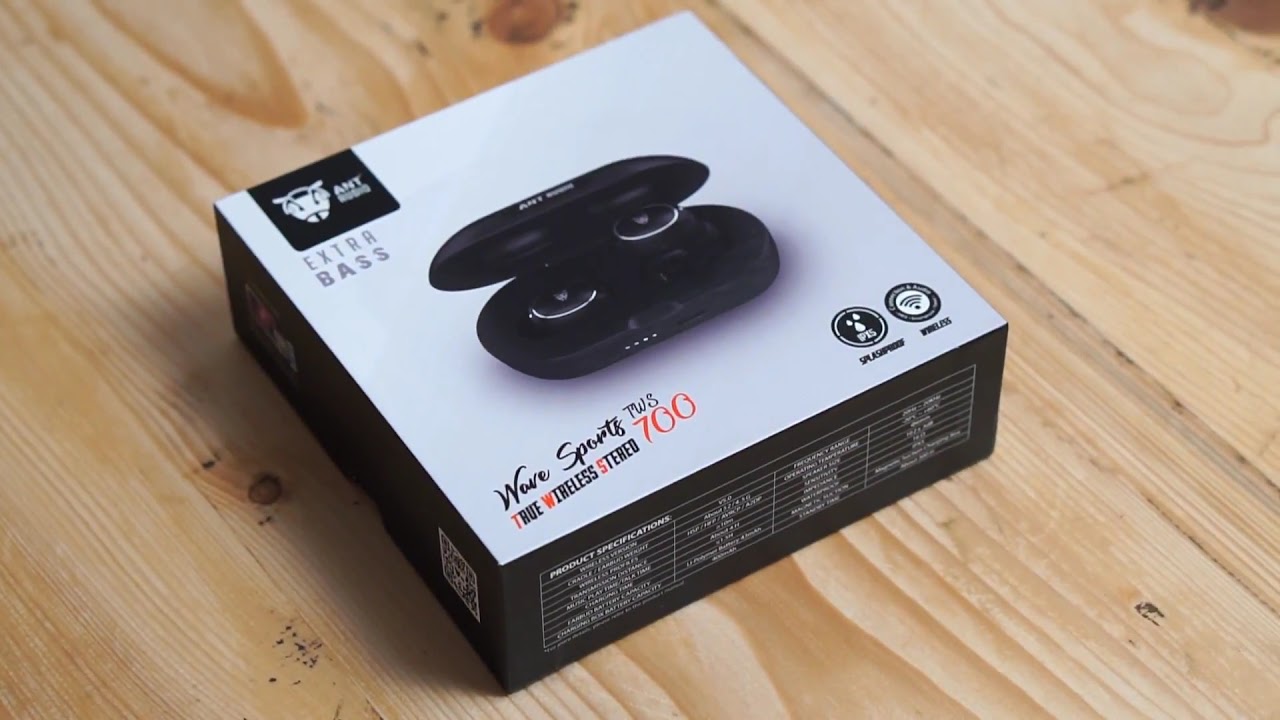
How to troubleshoot and connect with Ant Audio wave TWS 700
Автор: Ant Audio
Загружено: 2019-09-11
Просмотров: 4177
Описание:
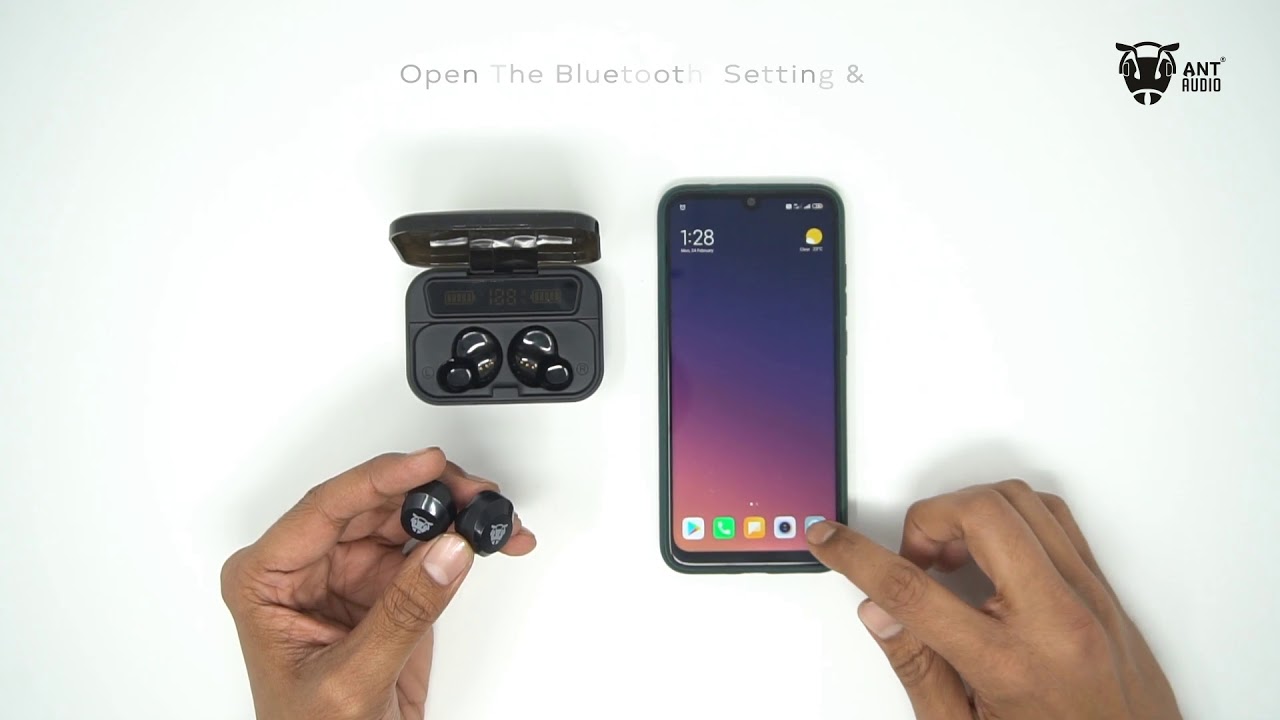
To connect your TWS 700 earphones - Turn on the Bluetooth on your cell phone and take the left earbud out of the charging box. In your Bluetooth menu, under available devices click on "Ant Audio TWS 700". Now take out the Right earphone from the charging box and enjoy the TWS listening experience.
How to reset your TWS 700 earphones -
To start with Unpair all the devices named "Ant Audio TWS 700" from your Bluetooth menu, under paired devices and start the below process.
Step 1 - Take out both the earphones out of the charging box.
Step 2 - Press the MFB for both the earphones at the same time for 3-4 seconds.
Step 3 - Make sure both the lights are off on earphones after step 2
Step 4 - Now press the MFB for both earphones for 10 seconds ( you will notice the lights on the earphones are changing patterns, don't worry this is normal.)
(Note - The earphones should not have any lights on at the end of 10 seconds, if you somehow messed it up, kindly put the earphones back in the charging box and start from step 1.)
Step 5 - Now put the earphones in the charging case.
Step 6 - Turn on the Bluetooth on your cell phone and take Both earphones out of the charging box.
Step 7 - In your Bluetooth menu, under available devices click on "Ant Audio TWS 700"
Enjoy the TWS listening experience
Повторяем попытку...
Доступные форматы для скачивания:
Скачать видео
-
Информация по загрузке: