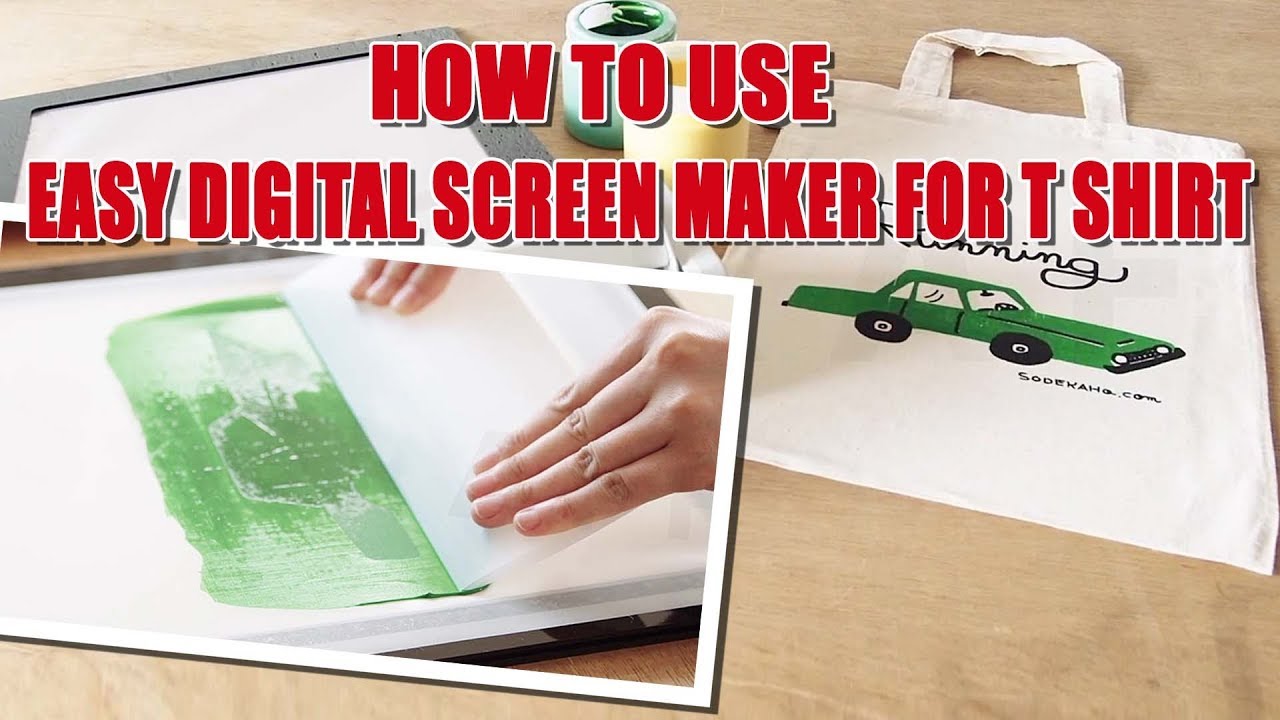
How to use easy digital screen maker for t shirt printing
Автор: Texgraff - Garment Decoration & Textile Printing Solutions
Загружено: 2019-10-08
Просмотров: 1153
Описание:
This video is a tutorial for easy digital screen maker for t-shirt printing using Miscreen a4. MiScreen a4 Digital Screen Maker is a portable and easy screen maker which can be effectively used for screen printing. It is user-friendly and affordable. It doesn’t use chemicals, solvents or cleaners and no wash-ups. You can use water-based or plastisol ink. It is a straight forward and easy to use instant screen print kit. It is your perfect choice for t-shirt screen printing.MiScreen a4 is a USB driven and compact digital screen maker and eliminates all time consuming traditional screen making process. Screen making can be done in no time. Its compact size enables you to use it at all sorts of events and workshops.
Digital Screen Printing Process with Miscreen a4
Step 1
Create your artwork on any design software (PNG, PDF, JPEG, etc. are applicable)and send it to Miscreen a4.
Step2
Now you have to stretch the screen master onto the frame. Use a double-sided adhesive tape and attach the screen master onto the frame
Step 3
Feed the frame into the machine. Make sure to set the frame with the arrow mark showing up and insert the frame into the MiScreen. Hold down and start digital screen making, and once finished; gently remove the frame out of the MiScreen a4 Machine.
Step4
Now you can forward to screen print. Then, you have to use a spatula to scoop and spread the ink on top of the screen. Use water-based or plastisol ink. Now you may use the squeegee and screenprint.
Miscreen a4 is a light, compact screen printer which is easy to use. You can screen print anywhere as you wish.
Inquiry Form: http://www.texgraff.com/contact
WhatsApp: +971 50 55 88 315
Tel: +971 6 557 9929
E-mail us: [email protected]
Website: https://www.texgraff.com/
Повторяем попытку...
Доступные форматы для скачивания:
Скачать видео
-
Информация по загрузке: