ycliper

Популярное

Музыка Кино и Анимация Автомобили Животные Спорт Путешествия Игры Юмор

Интересные видео

2025 Сериалы Трейлеры Новости Как сделать Видеоуроки Diy своими руками

Топ запросов

смотреть а4 schoolboy runaway турецкий сериал смотреть мультфильмы эдисон
Скачать

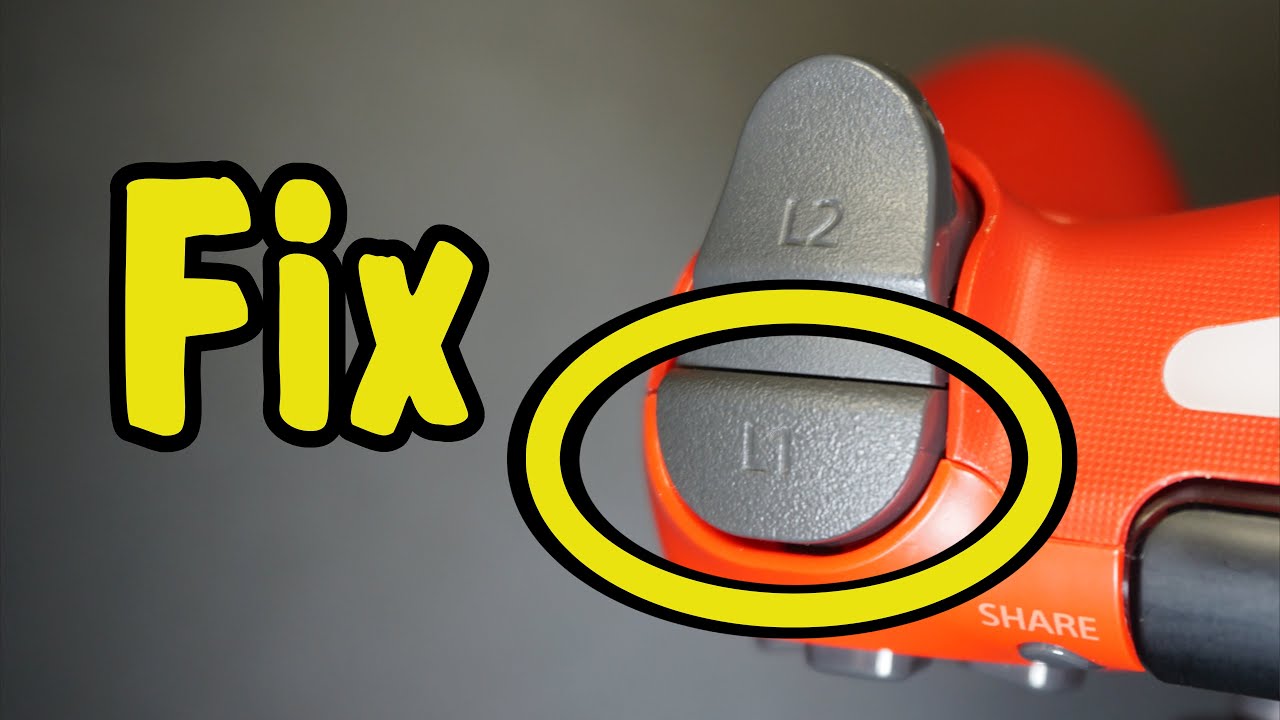
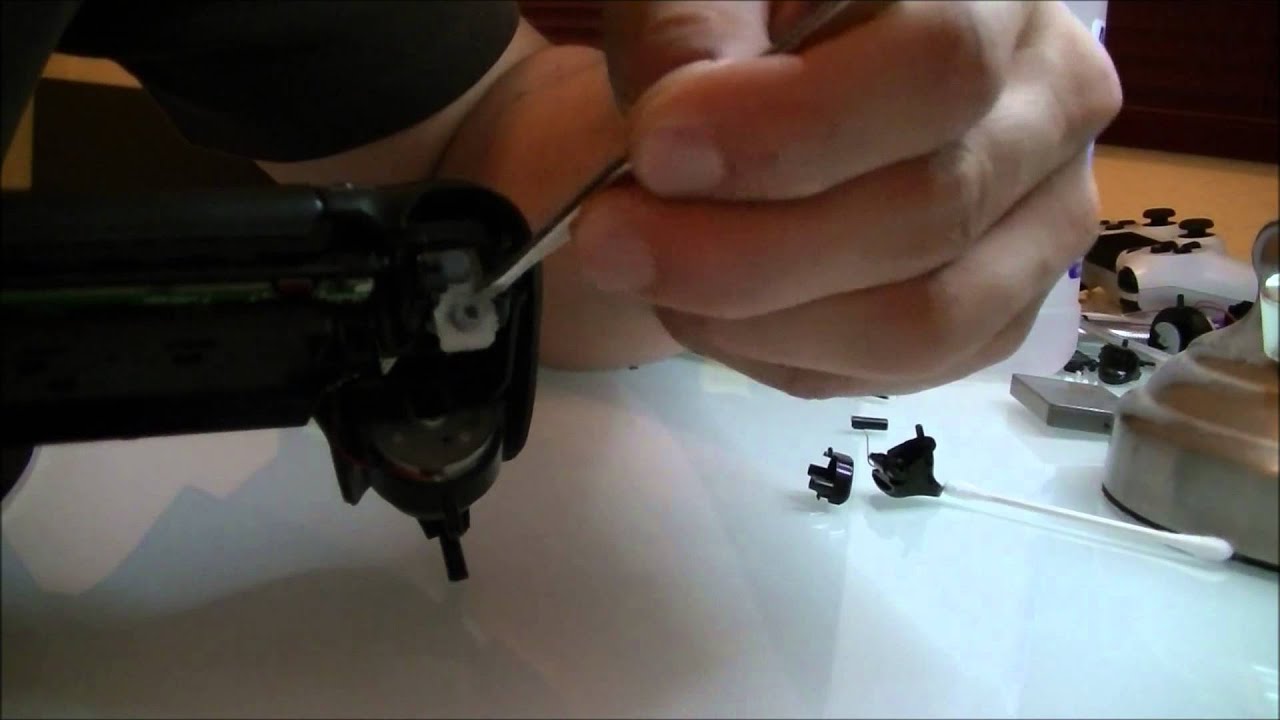
How to repair the L2/R2 bumper grommets inside a DS4 controller

Автор: Gunsnipe3795

Загружено: 2018-04-22

Просмотров: 72444

Описание: Links for all the stuff I used and a text version of the guide are down below

In this tutorial, I show how to properly fix the worn out bumper grommets in a DS4 controller. Now this fix will void your controller warranty, so if your controller is still within the warranty, please send it to Sony for a replacement controller. Also, if something goes wrong with your attempt to fix your controller, I am NOT responsible, do this repair at your own risk.

supplies
small philips screw driver
flat-head screw driver (for those who are opening the controller for the first time)
tweezers or small needle nose pliers
silicone caulk or replacement grommets


(Text version of the guide)
1. remove the four philips head screws from the bottom of the controller
2. seperate the bottom shell from the top shell (if this is your first time taking the controller apart, use a flat-head screw driver, gently wedge it under the
ext port and gently pry the shell pieces apart), disconnect the USB ribbon cable from the main controller board.
3. gently remove the battery
4. remove the silver philips head screw that's holding the controller assembly to the top shell
5. with a pair of tweezers or small needle nose pliers, gently pull out the small ribbon cable for the touchpad and gently feed to through the hole its coming out.
6. with the screw and ribbon cable removed, remove the controller assembly from the top of the shell
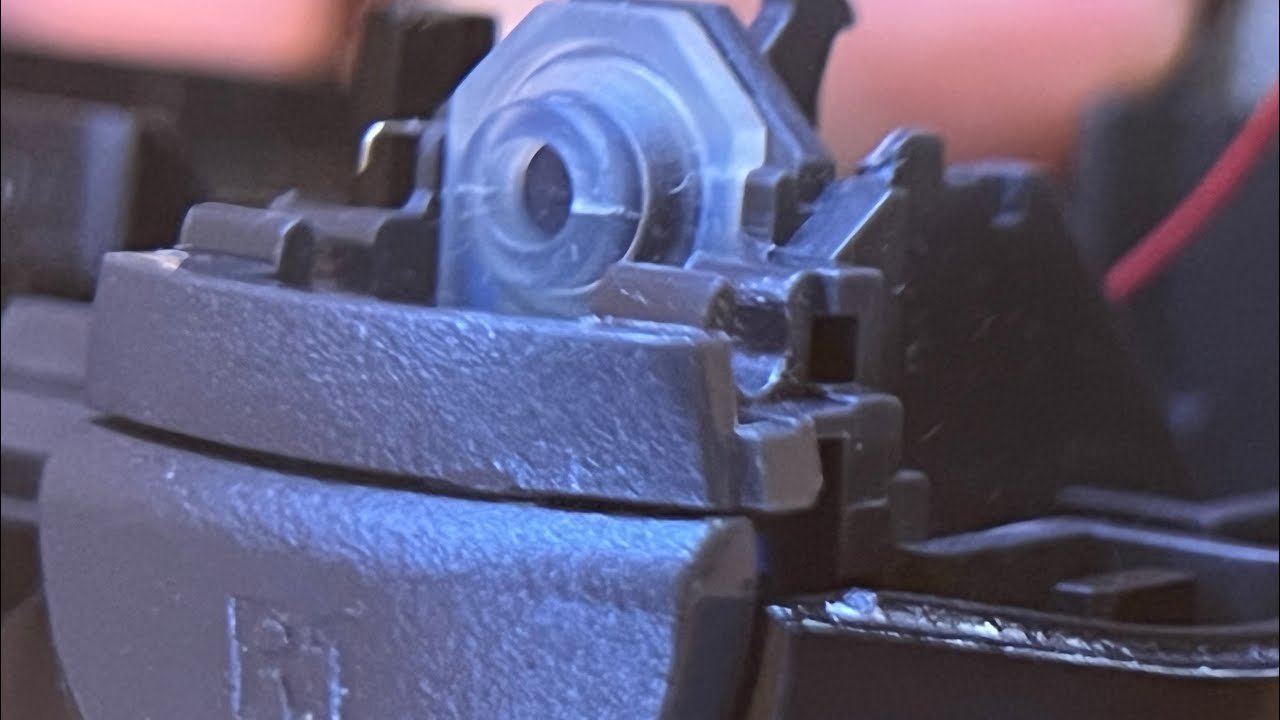
7. for the L2/R2 buttons, GENTLY pull the buttons out of their latches WITHOUT disturbing the retention spring on the side of each button.
8. for the L1/R1 buttons, gently push up and pull the buttons out of the assembly tray
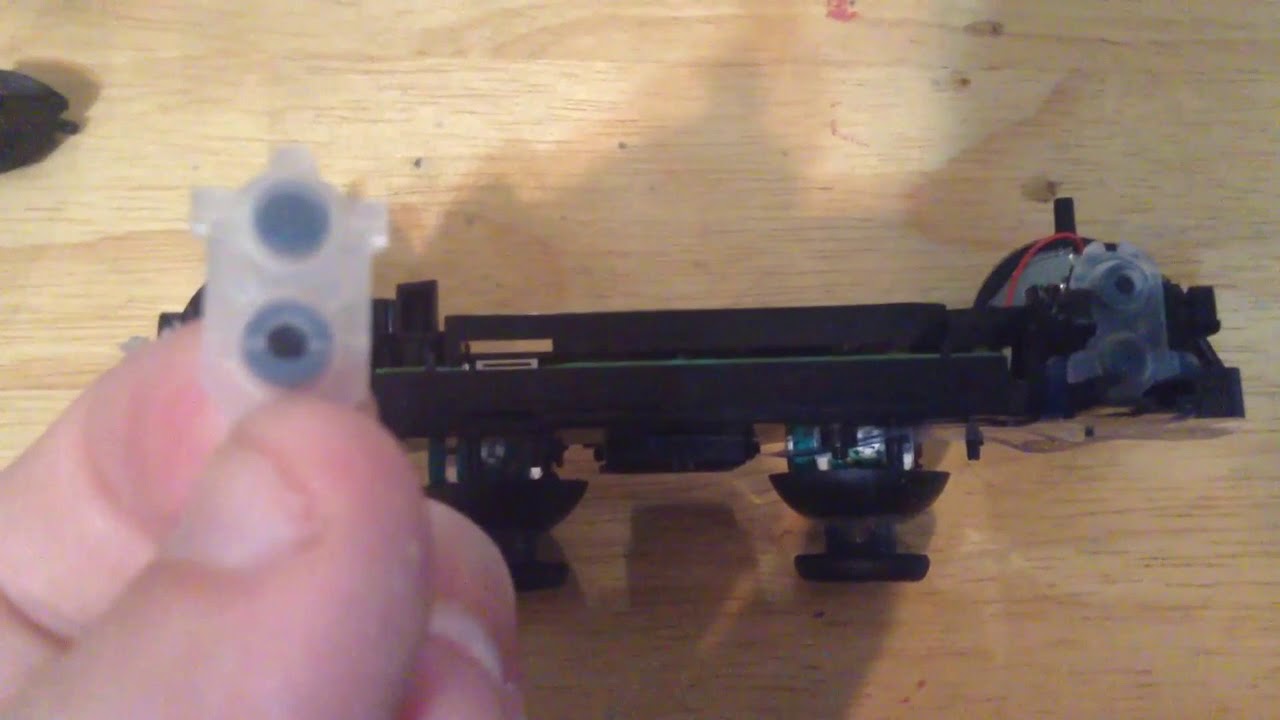
9. take the two rubber grommets out
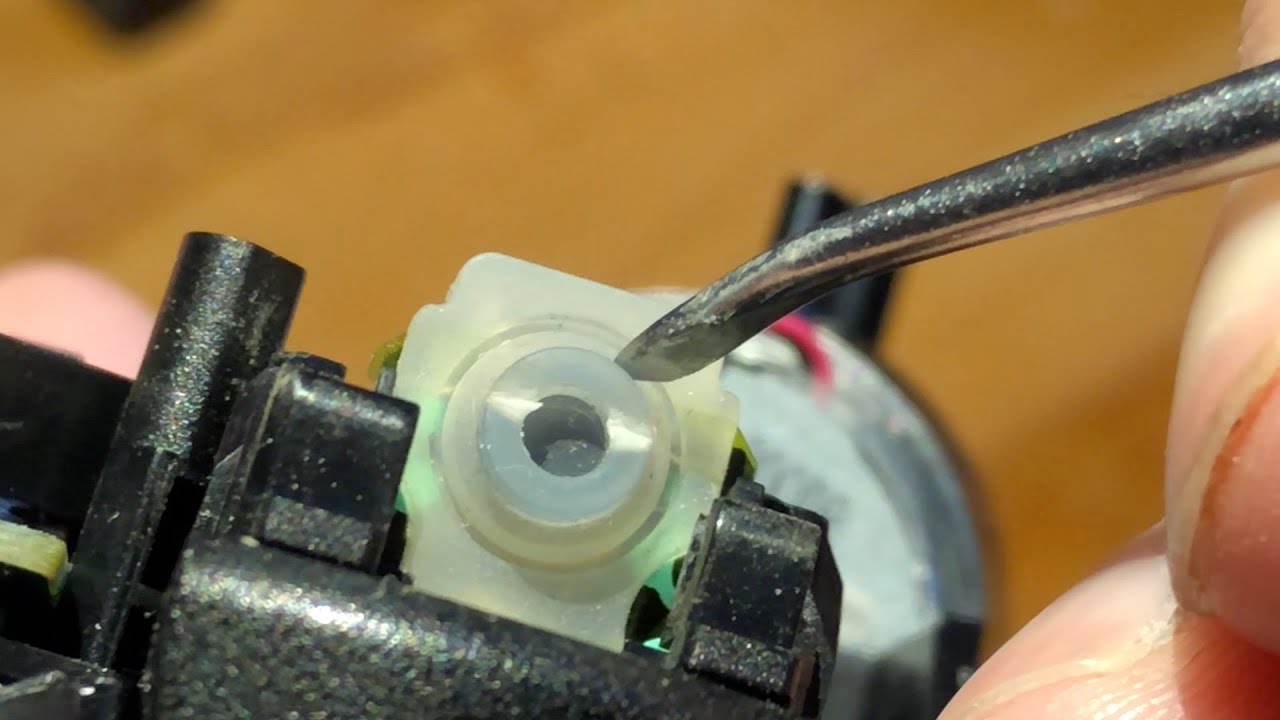
9-A. If you're doing the silicone fix, take a small amount of silicone caulk and place it in the middle of the L2/R2 grommet pieces. Make sure the amount you place
is flush with the button itself and make sure you fill in the cuts in the walls of the button. Allow anywhere between 24-48 hrs of cure time to allow the silicone
to properly set. (optional), if you want to safeguard your fixed grommets, use some silicone caulk and evenly coat the piece of plastic on the back of the L2/R2
buttons that makes contact with the grommet. Again, allow anywhere between 24-48 hours to cure.
9-B If you bought replacement grommets, replace the bad grommets with the good ones
10. with the grommets fixed or replaced, follow steps 9-1 to reassemble the controller.


DS4Windows Link: www.ds4windows.com

Replacement Grommets Link: http://www.morbidstix.com/ps4-bumper-...

Silicone Caulk Link: https://www.lowes.com/pd/GE-Silicone-...

If this was of any help, please drop a Like, Subscribe to the channel and hit that Notification Bell, as always, thanks for watching.

Не удается загрузить Youtube-плеер. Проверьте блокировку Youtube в вашей сети.
Повторяем попытку...
How to repair the L2/R2 bumper grommets inside a DS4 controller

Поделиться в:

Доступные форматы для скачивания:

Скачать видео

  • Информация по загрузке:
Скачать аудио

Похожие видео

Dualshock 4 - Fixing Acceleration Issues on R2 Trigger

Dualshock 4 - Fixing Acceleration Issues on R2 Trigger

Как починить L1 R1 на контроллере DualShock 4 для PS4 | Ремонт, замена, очистка, застрявший, липк...

Как починить L1 R1 на контроллере DualShock 4 для PS4 | Ремонт, замена, очистка, застрявший, липк...

Ps4 Controller R2 Button Fix

Ps4 Controller R2 Button Fix

Restauration d’une manette de PS4 avec batterie neuve et reprise du bouton R2

Restauration d’une manette de PS4 avec batterie neuve et reprise du bouton R2

Все типы патронов для дробовика: объяснение.

Все типы патронов для дробовика: объяснение.

Video A B C D E F : Maintaining R1 L1 R2 L2 Buttons and the Conductive Rubber Pad

Video A B C D E F : Maintaining R1 L1 R2 L2 Buttons and the Conductive Rubber Pad

10 заповедей по пайке. Учимся паять

10 заповедей по пайке. Учимся паять

Dualshock safe disassembly and L1/L2 R1/R2 fix

Dualshock safe disassembly and L1/L2 R1/R2 fix

DualShock Repair: How to Fix Damaged PS4 Controller Flex PCB || DIY

DualShock Repair: How to Fix Damaged PS4 Controller Flex PCB || DIY

Гитлер в цвете

Гитлер в цвете

Я купил 11 СЛОМАННЫХ контроллеров PS4 за 220 долларов — давайте их починим!

Я купил 11 СЛОМАННЫХ контроллеров PS4 за 220 долларов — давайте их починим!

How i desolder and solder the part of Joystick from PS4 and PS5 Dual Sense controller

How i desolder and solder the part of Joystick from PS4 and PS5 Dual Sense controller

How to Strip and Clean Your PS4 | Including Thermal Paste

How to Strip and Clean Your PS4 | Including Thermal Paste

How to take apart PS4 Controller and Repair the Analog Sticks

How to take apart PS4 Controller and Repair the Analog Sticks

Fixing Playstation 4 controller with bad R2 button doesn't fully press

Fixing Playstation 4 controller with bad R2 button doesn't fully press

7 Ways to Fix R2/L2 Trigger Button on DualShock 4 PS4 Controller (stuck, worn spring, sticky) how to

7 Ways to Fix R2/L2 Trigger Button on DualShock 4 PS4 Controller (stuck, worn spring, sticky) how to

How to replace the silver spring for the PS4 Controller Triggers *Explained*

How to replace the silver spring for the PS4 Controller Triggers *Explained*

Beating the $20B Joystick Drift Problem, and giving it away for free

Beating the $20B Joystick Drift Problem, and giving it away for free

Как исправить застрявшие кнопки «Круг», «X», «Квадрат» или «Треугольник» на контроллере DualShock...

Как исправить застрявшие кнопки «Круг», «X», «Квадрат» или «Треугольник» на контроллере DualShock...

© 2025 ycliper. Все права защищены.


  • Контакты
  • О нас
  • Политика конфиденциальности


Контакты для правообладателей: [email protected]