How to Notify Groups on New Zendesk Tickets | Setup DONE right
Автор: eesel AI
Загружено: 2026-02-26
Просмотров: 1
Описание:
Tickets are landing in your Zendesk queue and nobody on the team knows they're there. By the time someone checks their view, the customer is already frustrated. We'll cover:
How the default "Notify group of assignment" trigger works (and what to clone vs edit)
The ALL and ANY condition logic that catches both new and reassigned tickets
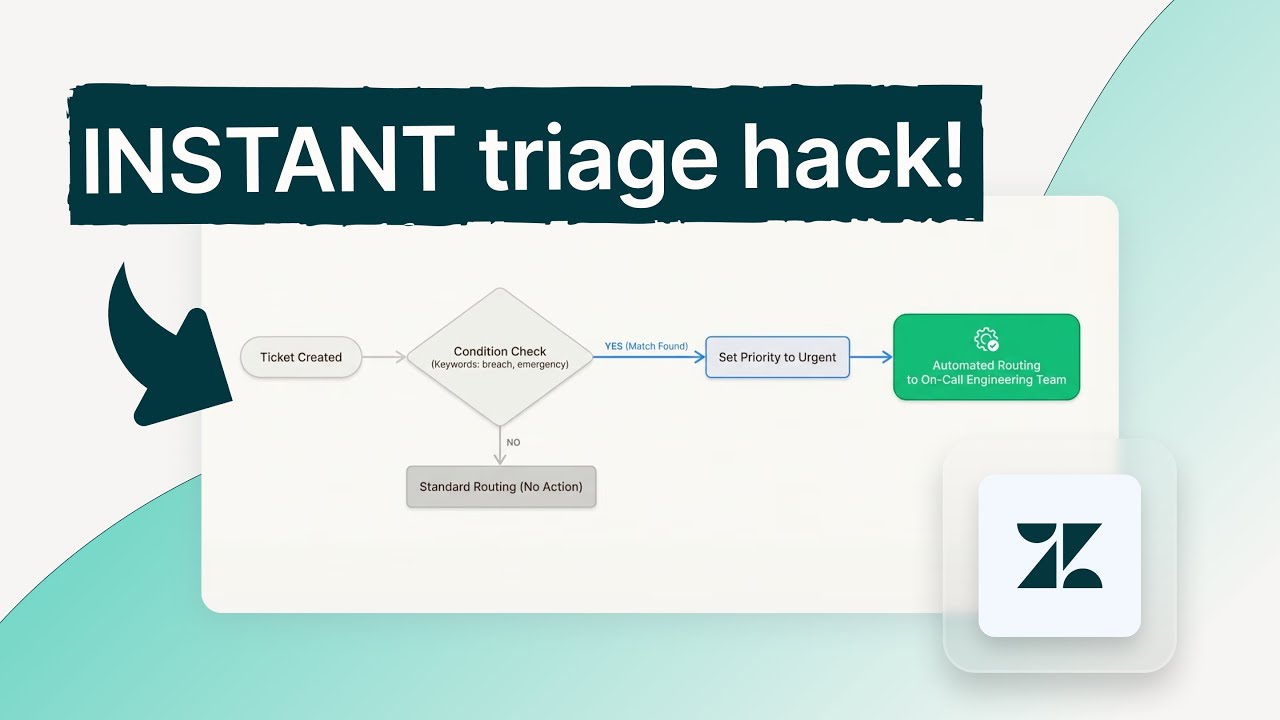
Three real routing scenarios: billing keywords, VIP customers, and after-hours urgent tickets
How to prevent duplicate notifications and tag-based trigger loops
Best practice for trigger order so routing always fires before notifications
Zendesk triggers work well for fixed routing rules, but they require a new condition for every edge case. eesel AI reads ticket intent and routes to the right group without maintaining keyword lists, and it works on any Zendesk plan.
Read the full guide: https://eesel.ai/blog/zendesk-trigger...
Check out also these related blogs:
How to set up Zendesk trigger notify assignee on assignment: https://eesel.ai/blog/zendesk-trigger...
How to Set Group by Organization in Zendesk Using Triggers: https://eesel.ai/blog/zendesk-trigger...
How to Set Zendesk Trigger Priority by Keyword: https://eesel.ai/blog/zendesk-trigger...
Zendesk Trigger vs Automation: https://eesel.ai/blog/zendesk-trigger...
Zendesk Trigger Order of Execution: https://eesel.ai/blog/zendesk-trigger...
Learn more and start your free trial today at https://www.eesel.ai, no credit card required.
Повторяем попытку...
Доступные форматы для скачивания:
Скачать видео
-
Информация по загрузке: