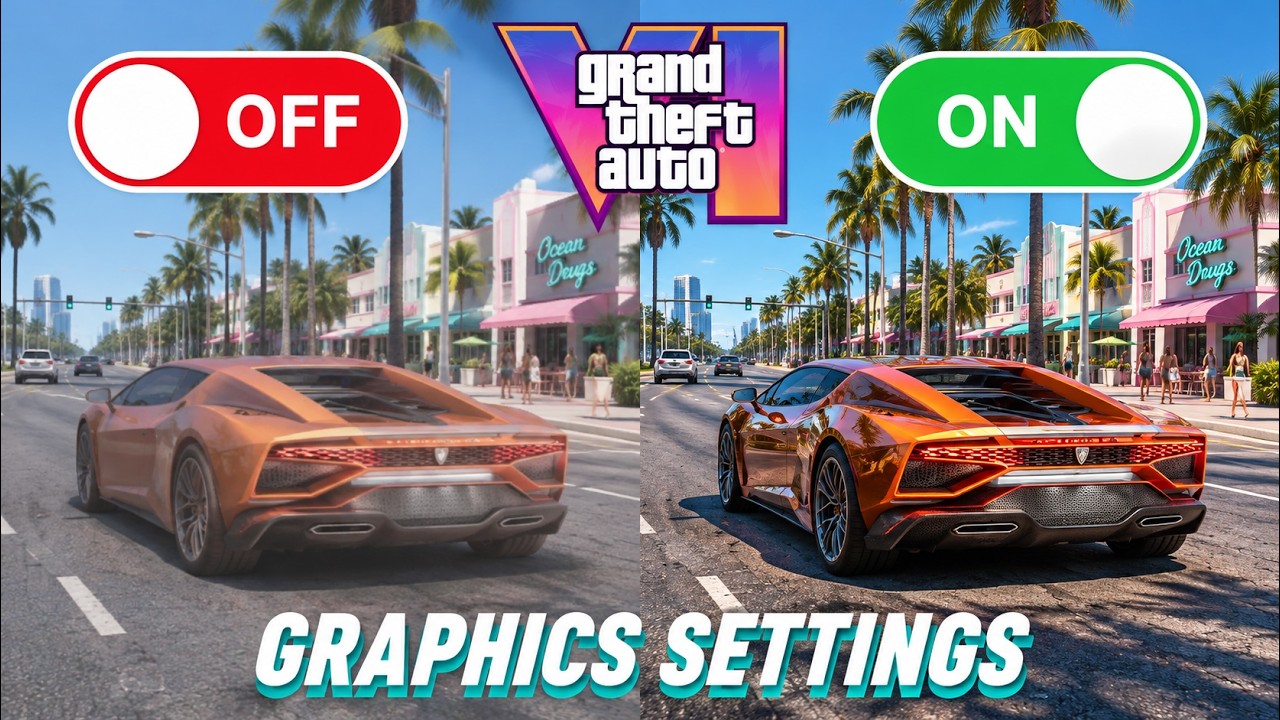
Change THIS To Get The BEST GRAPHICS POSSIBLE In GTA 6! Best Settings Guide (GTA VI 4K 60fps?)
Автор: Luh Haiti
Загружено: 2026-11-18
Просмотров: 304852
Описание:
GTA 6 has no graphics menu: no quality mode and no performance mode. That doesn’t mean you’re stuck with the default picture. Here are the best GTA 6 settings for your TV, your PS5, PS5 Pro or Xbox Series X|S, and inside the game itself, to make GTA 6 look better, get sharper graphics and fix a washed-out or blurry picture. There’s also one setting almost every guide tells you to turn off that you probably shouldn’t.
⏱ CHAPTERS
0:00 Intro
0:26 What GTA 6 is doing under the hood (30 FPS, 1440p, PSSR)
1:30 Best TV settings for GTA 6 (picture mode, game mode, sharpness)
2:57 HDR: the biggest difference
3:40 Best PS5 settings for GTA 6 (video output and Adjust HDR)
4:07 Best Xbox Settings for GTA 6 (calibrate HDR for games)
4:28 GTA 6 PS5 Pro settings
4:42 Best in-game settings (brightness, safe zone, hit effects, camera)
5:30 GTA 6 Motion blur: should you turn it off?
6:05 GTA 6 myths busted (120Hz, VRR, HDMI cable, 60 FPS, 4K)
6:52 The full settings checklist
7:08 Screenshot challenge
✅ QUICK CHECKLIST
• TV in Game mode / Game Optimizer / ALLM
• Color temperature: Warm
• Sharpness: 0 (or close to it)
• Motion smoothing OFF (TruMotion, Motionflow, Auto Motion Plus)
• Dynamic contrast, black enhancer and eco mode OFF
• Overscan OFF (Just Scan / Screen Fit)
• HDMI enhanced signal format ON, HGIG ON
• PS5: Video Output → Resolution Automatic, HDR On When Supported, then Adjust HDR
• Xbox: TV & display options → 4K UHD, Allow 4K + HDR10, Calibrate HDR for games
• In game: brightness calibrated, HUD safe zone pushed out, hit effects and camera shake down
• Motion blur: low, but not zero
Which console are you playing GTA 6 on, and are you team motion blur or team no motion blur? Let me know in the comments 👇
🔔 Subscribe and turn on notifications. I’m covering GTA 6 all launch week and beyond.
Sources: Rockstar Newswire (Nov 10, 2026) and the Digital Foundry GTA 6 tech review.
#GTA6 #GTA6Settings #GTAVI
Повторяем попытку...
Доступные форматы для скачивания:
Скачать видео
-
Информация по загрузке: