Instrument Cluster Display | How To | 2021 Jeep Wrangler
Автор: Mopar
Загружено: 2020-08-10
Просмотров: 35784
Описание:
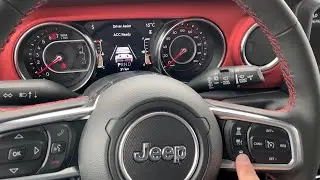
2021 Jeep Wrangler's instrument cluster display provides important messages and information at a glance. See more features of the driver display and gauge cluster in this video. Learn how the Menu button controls navigation of the instrument panel display.
Transcript
[music playing]
[text on screen] Styles may vary.
[voice over} Your instrument cluster display provides important information about systems and features. It also lets you customize a whole range of preferences. You’ll find it on the instrument panel.
Use the steering wheel controls to browse the menus and submenus. Push the up and down arrow buttons to scroll. Push the right arrow button to select. To reset the displayed information, push and hold the OK button for 2 seconds. The left arrow button takes you back to a previous menu.
You can learn more about:
• Vehicle information
• Fuel economy
• Warning message displays
• Tire pressure
• Driver assistance features, if equipped
• Trip functions and much, much more
You can even adjust the display’s appearance - for example, you can customize the information that appears in the display’s upper corners and bottom center area.
This video is not intended to take the place of your Owner's Manual. For complete details and other important safety information, please see your Owner's Information.
[Text on screen] Copyright 2020 FCA US LLC. All Rights Reserved. Jeep and Mopar are registered trademarks of FCA US LLC.
Повторяем попытку...
Доступные форматы для скачивания:
Скачать видео
-
Информация по загрузке: