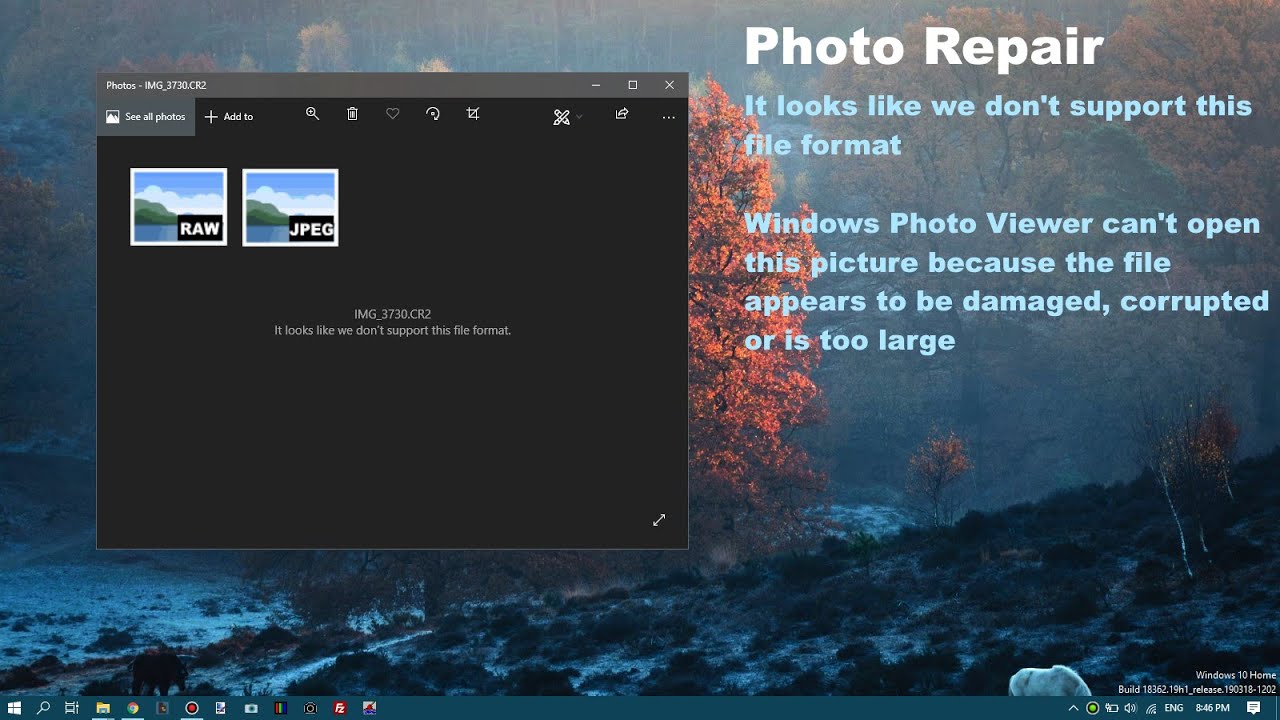
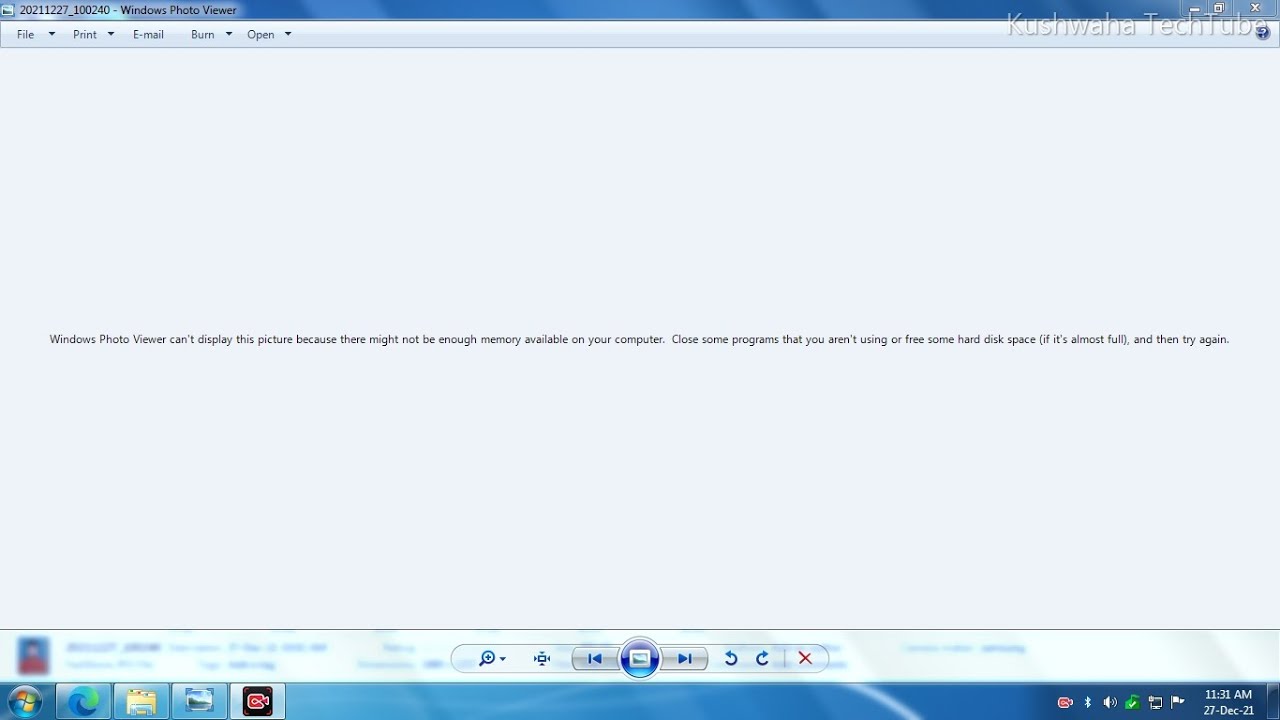
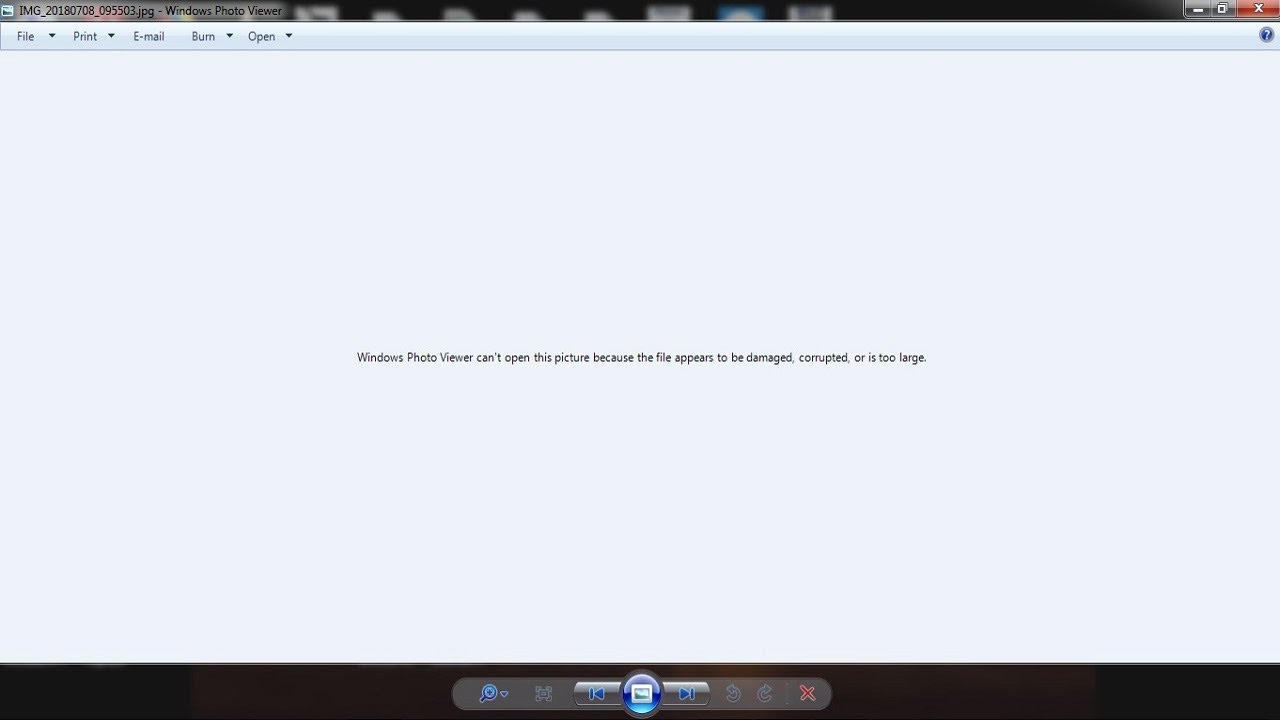
windows photo viewer can't open this picture because the file appears to be damaged,
Автор: ITcafeBD
Загружено: 2018-06-21
Просмотров: 14978
Описание:
Hello guys
Today I am showing you how to repair a image which shows "windows photo viewer can't open this picture because the file appears to be damaged, corrupted, or is too large." error message .
Step :1 Right click on that image - Click openwith - select google
chrome then you will see the image
Step:2 Press Ctrl +P or click print - click save as - and save as a
pdf file
Step:3 Right click on that image which is opened with google
chrome and click copy image - open paint and paste it
and save it as a jpeg or png file .
Повторяем попытку...
Доступные форматы для скачивания:
Скачать видео
-
Информация по загрузке: