Infinite Warfare Zombies - COPY CALLING CARDS & EMBLEMS GLITCH - One Controller (PS4)
Автор: Sliq Killa
Загружено: 2016-11-16
Просмотров: 10040
Описание:
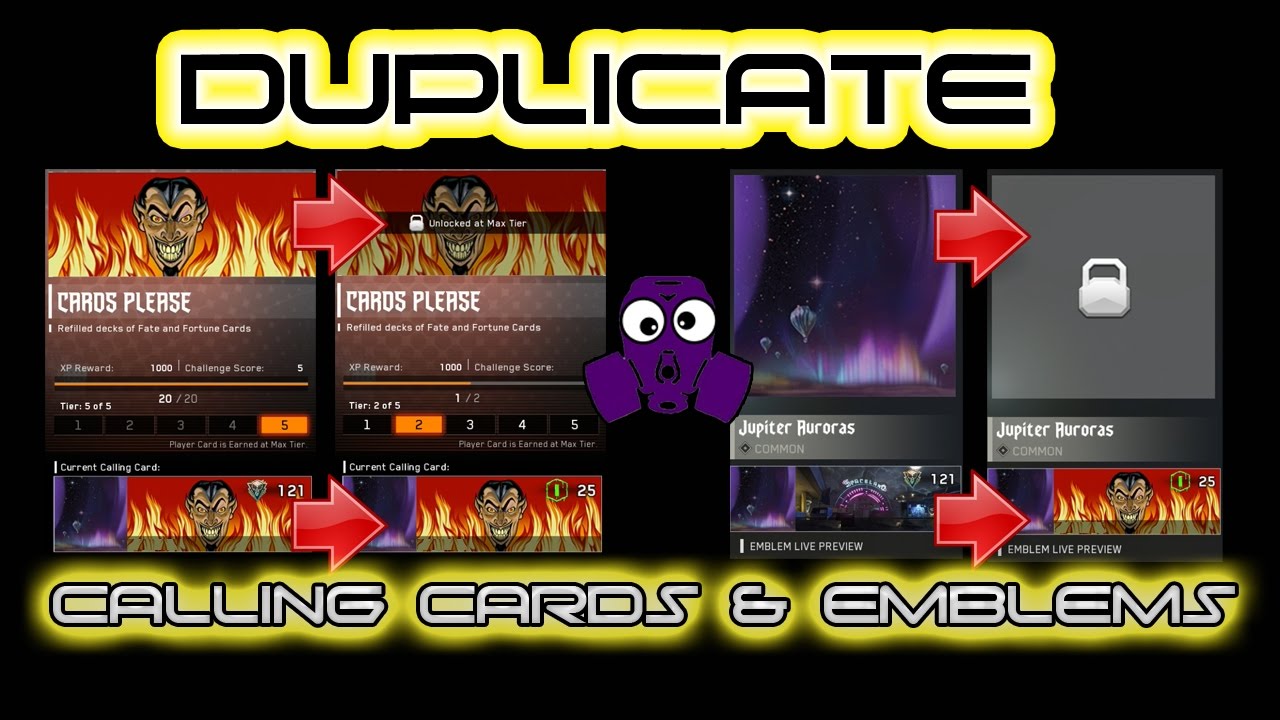
Here is a simple and easy way to copy over Calling Cards and Emblems from one account to another. This method only requires 1 controller and is done on the PS4.
You will need BOTH the copy FROM and copy TO accounts on your PS4
1 - Login to PS4 with your copy FROM gamertag and start IW
2 - Go to Zombies, Custom games, and setup the Emblem and Calling card how you want it copied over
3 - Hit circle/back all the way to the starting menu
4 - Hold down the Playstation button on your controller and click on SWITCH ACCOUNTS
5 - Select the copy TO gamertag you want CC/Emblem copied TO
6 - Start IW , then click on ZOMBIES menu, hover over PUBLIC game and spam X
7 - THATS IT! , you can now back out of Public lobby and your Calling Card and Emblem should now be copied over
Enjoy
Founder: SliqKilla
please check out these other great Youtube Channels.
-------------------------------------
Glitching Queen - http://bit.ly/X3yXjA
zCerealGlitchers - http://bit.ly/1cIkCmC
Chadder man HD - http://bit.ly/16GTQFd
FreighttrainFTW - http://bit.ly/2ahnPim
Unique Gaming Productionz - http://bit.ly/1R8eJVD
Investor Emblems - http://bit.ly/2bv76WQ
COD King - http://bit.ly/2dSt37T
-----
"Copyright Disclaimer Under Section 107 of the Copyright Act 1976, allowance is made for "fair use" for purposes such as criticism, comment, news reporting, teaching, scholarship, and research.
Fair use is a use permitted by copyright statute that might otherwise be infringing. Non-profit, educational or personal use tips the balance in favor of fair use."
Повторяем попытку...
Доступные форматы для скачивания:
Скачать видео
-
Информация по загрузке: