ASUS TUF A250 PLUS WiFi Project Part 2
Автор: Ernest Torrs
Загружено: 2026-01-29
Просмотров: 23
Описание:
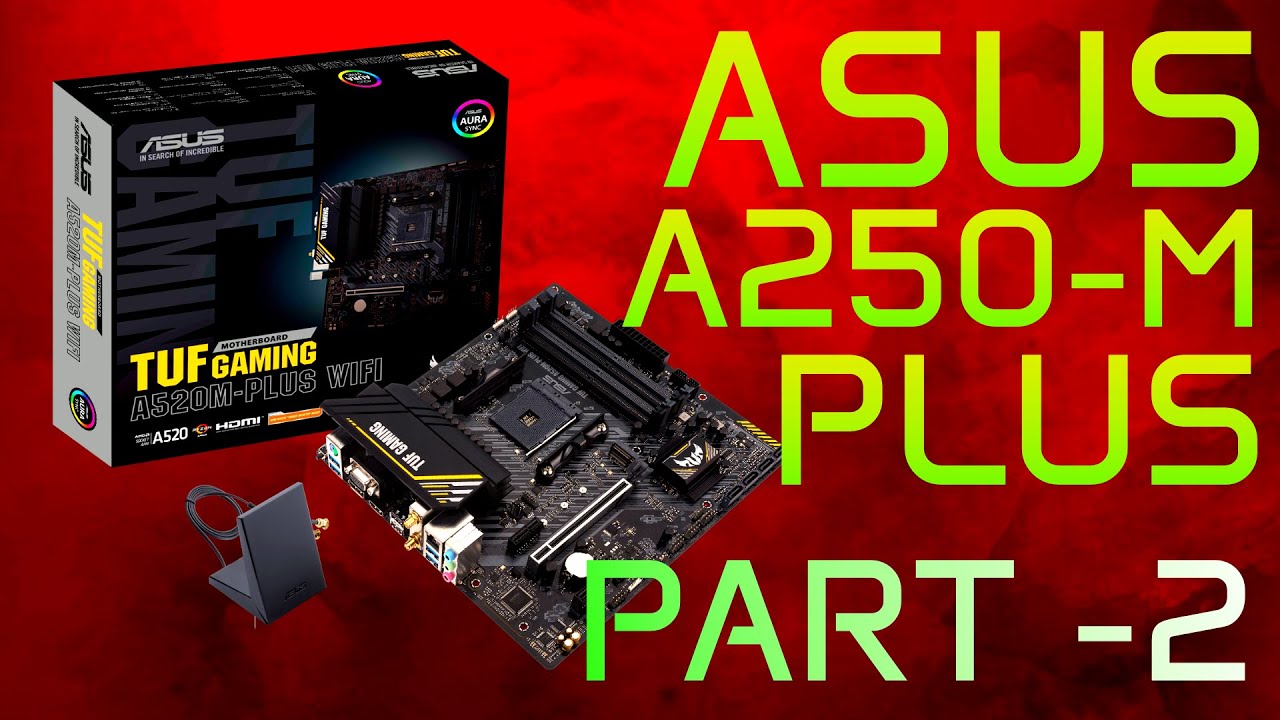
ASUS TUF A520M‑PLUS WIFI — Full Build Begins | Part 2 of the Series
In the previous episode, the ASUS TUF A520M‑PLUS WIFI motherboard was fully tested, BIOS‑updated, and confirmed stable. Now it’s time to build the real system.
I began by removing the temporary test hardware and giving both the Ryzen 5 3600 and the motherboard a proper cleaning. With the board prepped, I installed the mounting hardware for the future 360mm AIO cooler.
Next, the motherboard was secured inside a clean white UFO I case. HD Audio, front‑panel, and USB cables were routed, the rear RGB PWM fan was installed, and a set of snow‑white extension cables were connected to match the case’s aesthetic.
With the foundation in place, I mounted the black AIO radiator and organized the cables to keep everything tidy. When it came time to install the pump, I discovered the included hardware didn’t match the bracket — so I swapped the mounting pieces and achieved a perfect fit. The pump ended up looking fantastic once secured.
After that, the RAM was reinstalled, followed by the AORUS GTX 1070 Ti GPU. With all components connected, I captured a clean bird’s‑eye view of the finished layout.
To close the video, I shared a few photos from Málaga, Spain — a small tradition I keep so viewers can enjoy glimpses of places from my former life in Europe.
Part 3 is coming soon. Stay tuned.
#PCBuild #ASUSTUF #Ryzen3600 #GTX1070Ti #AIOCooling
If you liked this video, Please LIKE & SUSCRIBE.
Email Contact: [email protected]
Повторяем попытку...
Доступные форматы для скачивания:
Скачать видео
-
Информация по загрузке: