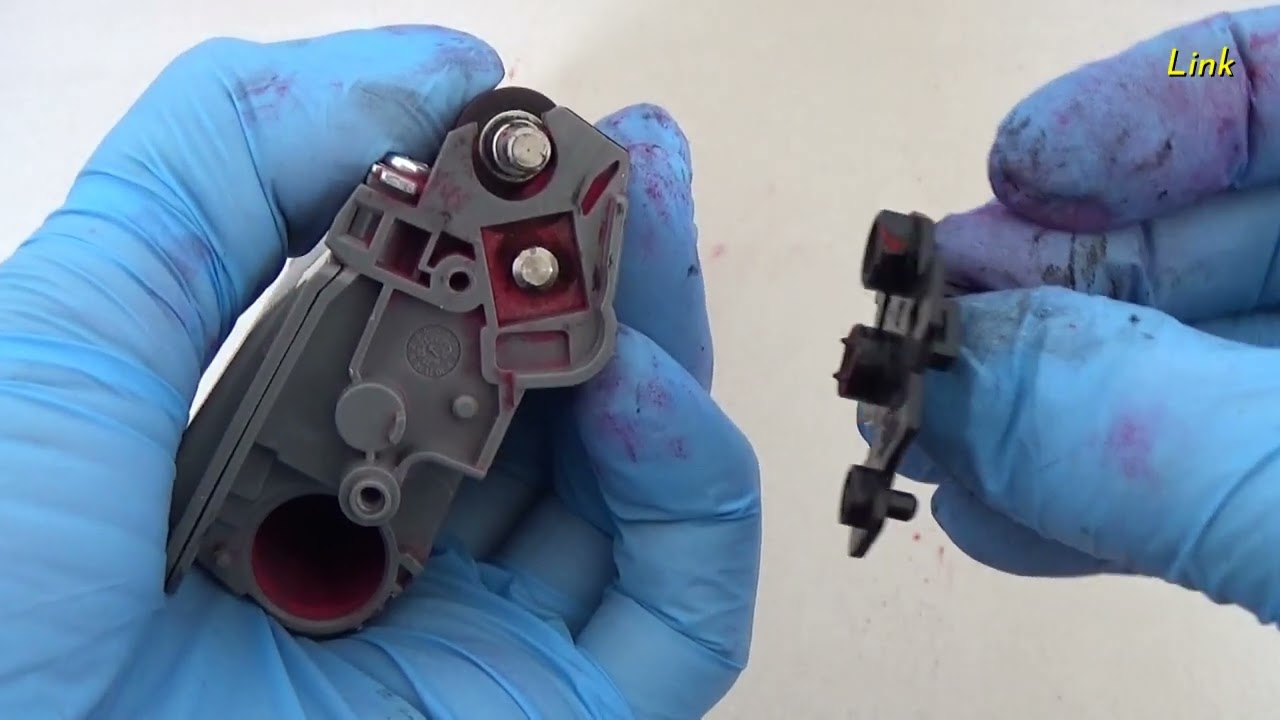
Replace the toner cartridge [Brother Global Support]
Автор: Brother Global Support
Загружено: 2023-09-27
Просмотров: 36538
Описание:
How to replace the toner cartridge
00:00 Open the top cover
00:10 Remove the toner cartridge and drum unit
00:16 Remove the toner cartridge from the drum unit
00:25 Reinsert the new toner cartridge into the drum unit
00:45 Slide the corona wire several times
00:59 Slide the toner cartridge and drum unit assembry.
No Toner
Replace Toner
Toner Ended
Toner Error
Toner Low
Wrong Toner
Wrong Toner Cartridge
faq00000065
HL-L3215CW, HL-L3220CW, HL-L3220CDW, HL-L3220CWE, HL-L3228CDW, HL-L3240CDW, HL-L3280CDW, HL-L3288CDW, HL-L3295CDW, HL-L3300CDW, HL-L8230CDW, HL-L8240CDW, HL-L8245CDW, DCP-L3515CDW, DCP-L3520CDW, DCP-L3520CDWE, DCP-L3527CDW, DCP-L3528CDW, DCP-L3555CDW, DCP-L3560CDW, DCP-L3568CDW, MFC-L3720CDW, MFC-L3740CDW, MFC-L3740CDWE, MFC-L3755CDW, MFC-L3760CDW, MFC-L3765CDW, MFC-L3768CDW, MFC-L3780CDW, MFC-L8340CDW, MFC-L8390CDW, MFC-L8395CDW
Some features are not available depending on the model.
#BrotherGlobalSupport
#Maintenance
#ReplaceToner
Повторяем попытку...
![Replace the toner cartridge [Brother Global Support]](https://imager.clipsaver.ru/HsI4wYYXGME/max.jpg)
Доступные форматы для скачивания:
Скачать видео
-
Информация по загрузке: