REOLINK D340P – How to Check Product Name
Автор: HardReset.Info
Загружено: 2025-05-03
Просмотров: 35
Описание:
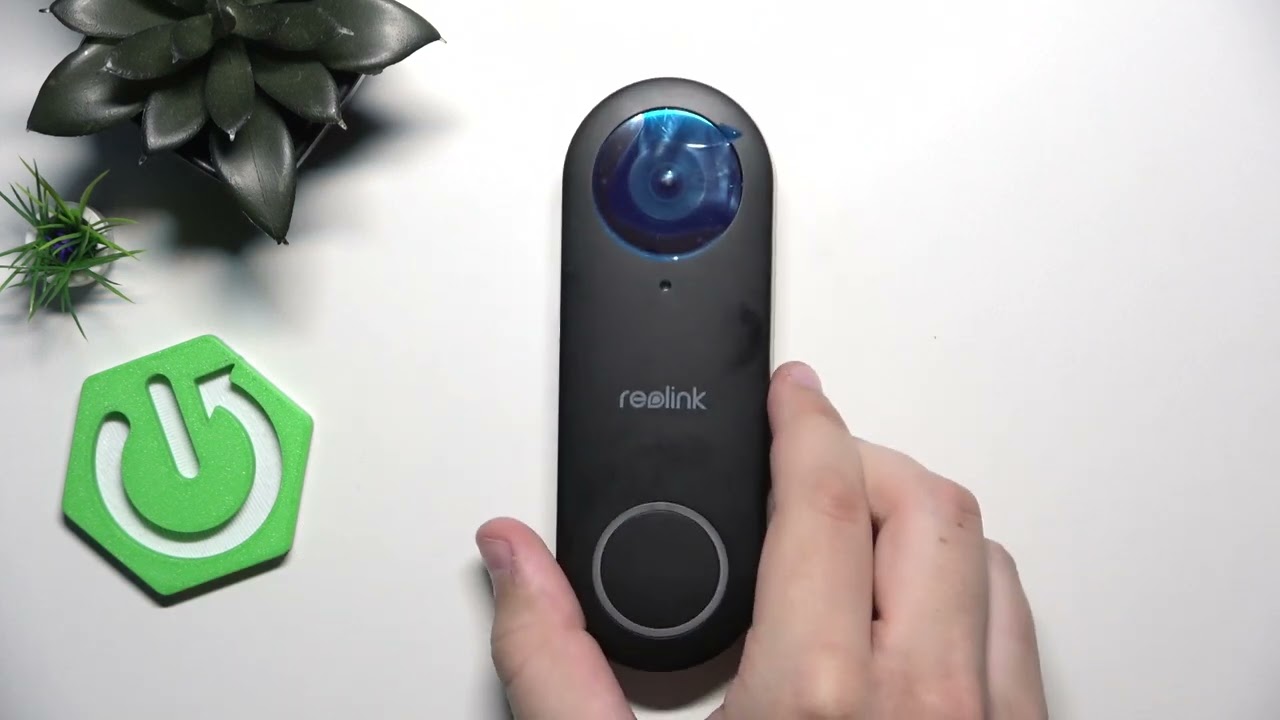
If you need to find the product name on your REOLINK D340P, this video will show you the quickest and easiest way to check it. Whether you’re setting up your REOLINK D340P video doorbell, troubleshooting, or registering your device, knowing where to locate the product name is important. In this step-by-step guide, we demonstrate exactly how to check the product name on the REOLINK D340P by simply turning the device around and identifying the label. This method works for anyone who wants to confirm the model or needs the product name for support or warranty purposes.
How to check product name on REOLINK D340P?
Where can I find the model name on REOLINK D340P video doorbell?
How to identify REOLINK D340P product label?
0:00 Introduction
0:05 Turn REOLINK D340P around
0:12 Locate and read the product name
0:20 Summary and closing
#REOLINK #REOLINKD340P #VideoDoorbell #ProductName
Find out more:
https://www.hardreset.info/devices/re...
Follow us on Instagram ► / hardreset.info
Like us on Facebook ► / hardresetinfo
Tweet us on Twitter ► / hardreseti
Support us on TikTok ► / hardreset.info
Use Reset Guides for many popular Apps ► https://www.hardreset.info/apps/apps/
Повторяем попытку...
Доступные форматы для скачивания:
Скачать видео
-
Информация по загрузке: