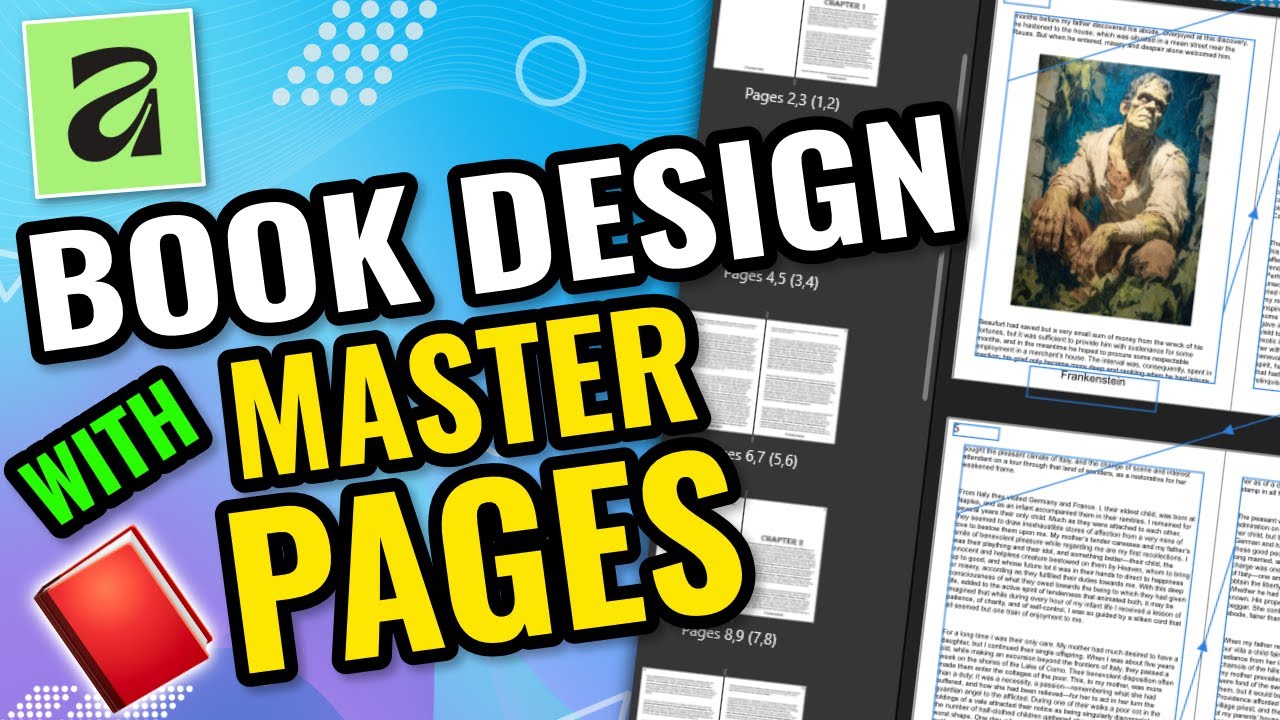
Master Books in Affinity Layout: Build Multi-Chapter Projects Fast
Автор: Martin Perens
Загружено: 2025-11-28
Просмотров: 1876
Описание:
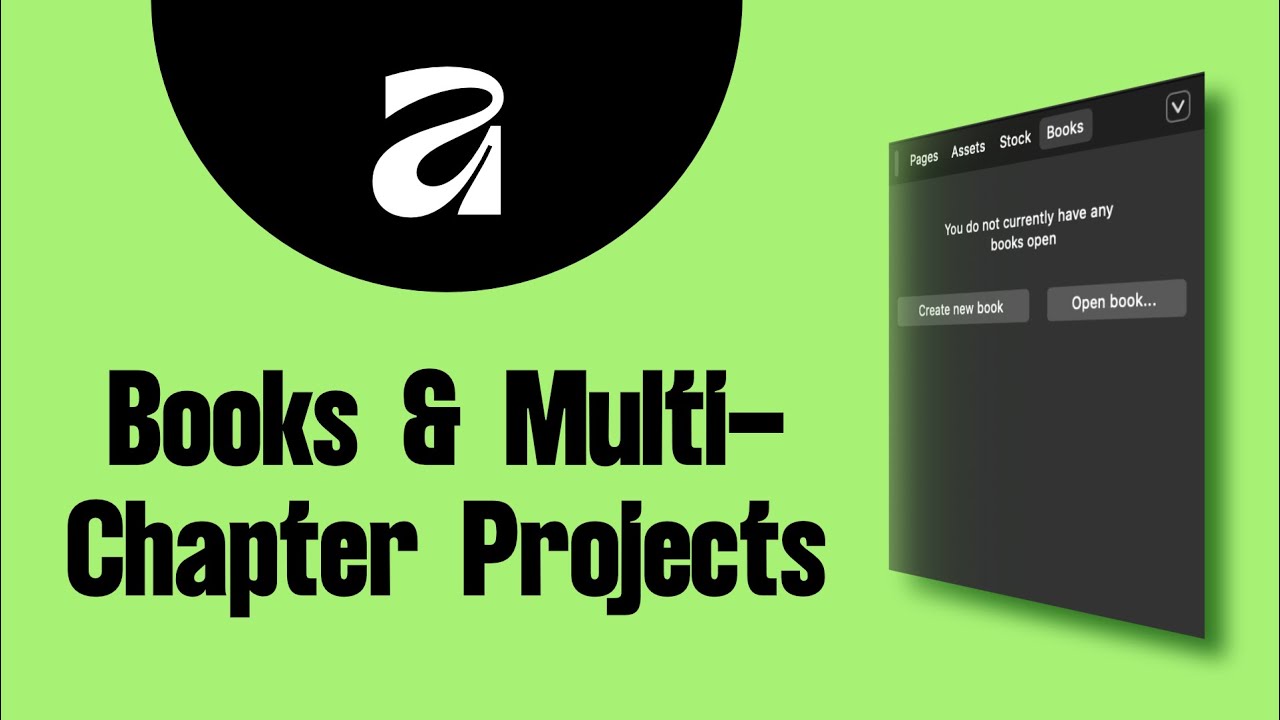
If you’re creating anything longer than a single document, Affinity Layout has a feature that will save your sanity: Books. In this tutorial, you’ll learn how to manage multi-chapter projects the right way — without merging files, duplicating pages, or losing track of your page numbers.
We’ll walk through every step of working with Books in Affinity Layout. You’ll learn how to create a Book file, add and reorder chapters, sync styles and master pages, and generate a unified Table of Contents that updates automatically. No more chaotic documents or mismatched formatting — Books keep your entire project clean, organized, and consistent.
I’ll also show you how to set up style syncing so every chapter uses the same headers, footers, colors, and text styles. Then we’ll cover how to export your full project as one seamless file, whether it’s a magazine, catalog, manual, novel, or anything built from multiple .aflayout documents.
If you’re working on bigger projects and want a professional workflow, this is the feature that changes everything.
FILES: https://drive.google.com/drive/folder...
👉 Watch the full tutorial and learn how to finally keep your large projects under control.
👍 Like the video, subscribe for the next episode, and drop a comment if you want a deep dive into References & Cross-Links.
Повторяем попытку...
Доступные форматы для скачивания:
Скачать видео
-
Информация по загрузке: