Curves in 3D-Coat
Автор: Jaakko Saari
Загружено: 2016-09-30
Просмотров: 7766
Описание:
Curves in 3D-Coat
Jump to 1:26 to start Curves in 3D Coat tutorial.
You can add reference images to the scene by clicking camera and selecting background. There are several reference image options.
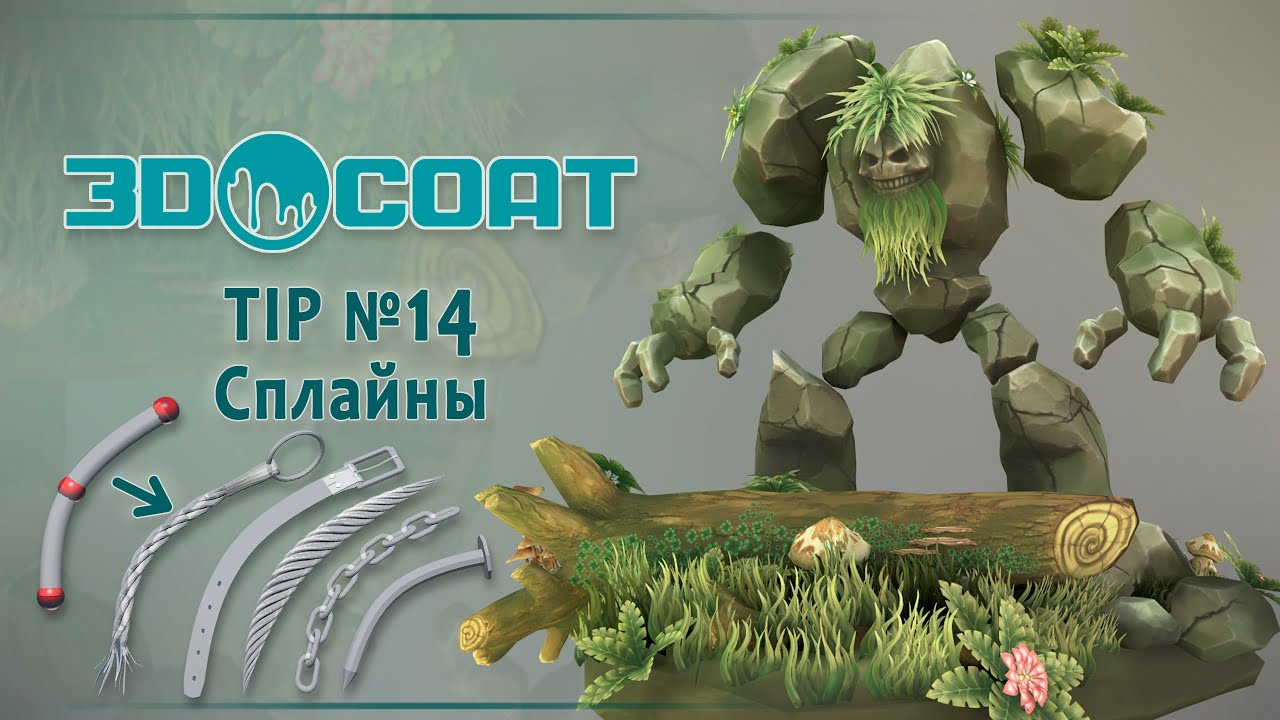
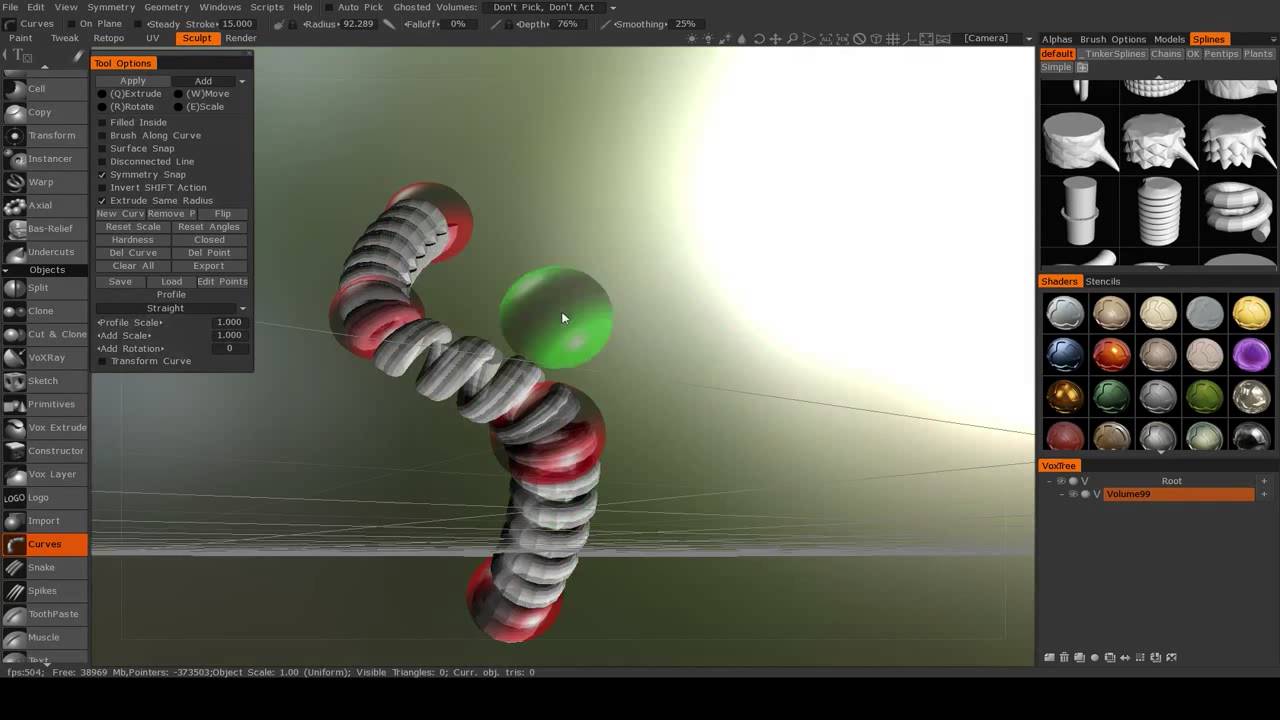
Curves in 3D-Coat is a wonderful feature which allows to quickly create organic tube-like shapes, chains or flat shapes defined by spline points. You can model your own spline models to use with your curves for infinite possibilities.
In this tutorial I take a look how to create a base shape for carabiner.
I used reference image by Zakabog under Creative Commons license https://en.wikipedia.org/wiki/Carabin...
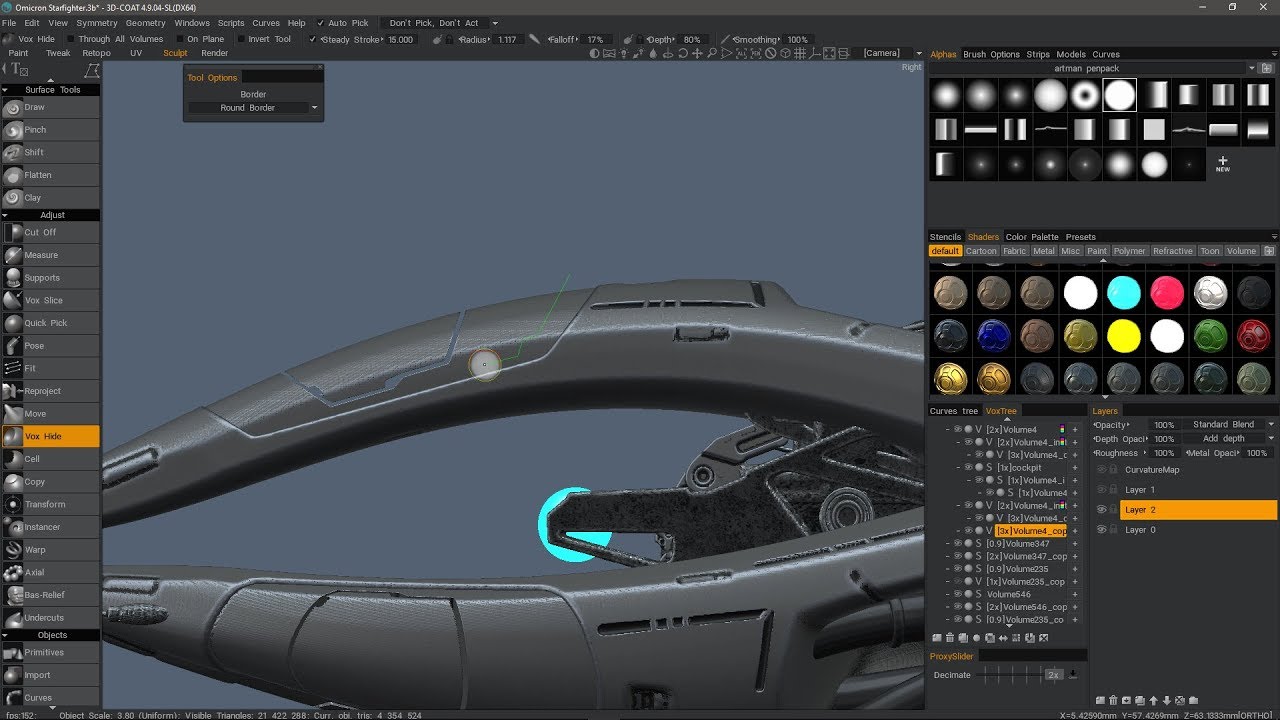
You can adjust the curve in many ways by editing the individual spline points in the editor or by transforming the points. It takes a little practise to get used to but once you master this, this will be definitely big help for you in the further modelling process.
You can also use brush as a curve. I used this to smooth edges in a 3D model I made before. I will make another video about how to use this soon.
When you are done, remember to apply this to a layer.
Subscribe to my channel at:
/ @yaschan99
Thank you for watching.
Please visit my website
http://www.creativewithjaakko.com
Повторяем попытку...

Доступные форматы для скачивания:
Скачать видео
-
Информация по загрузке: