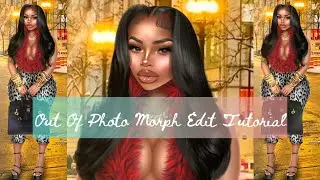
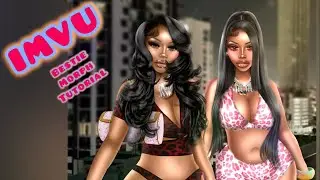
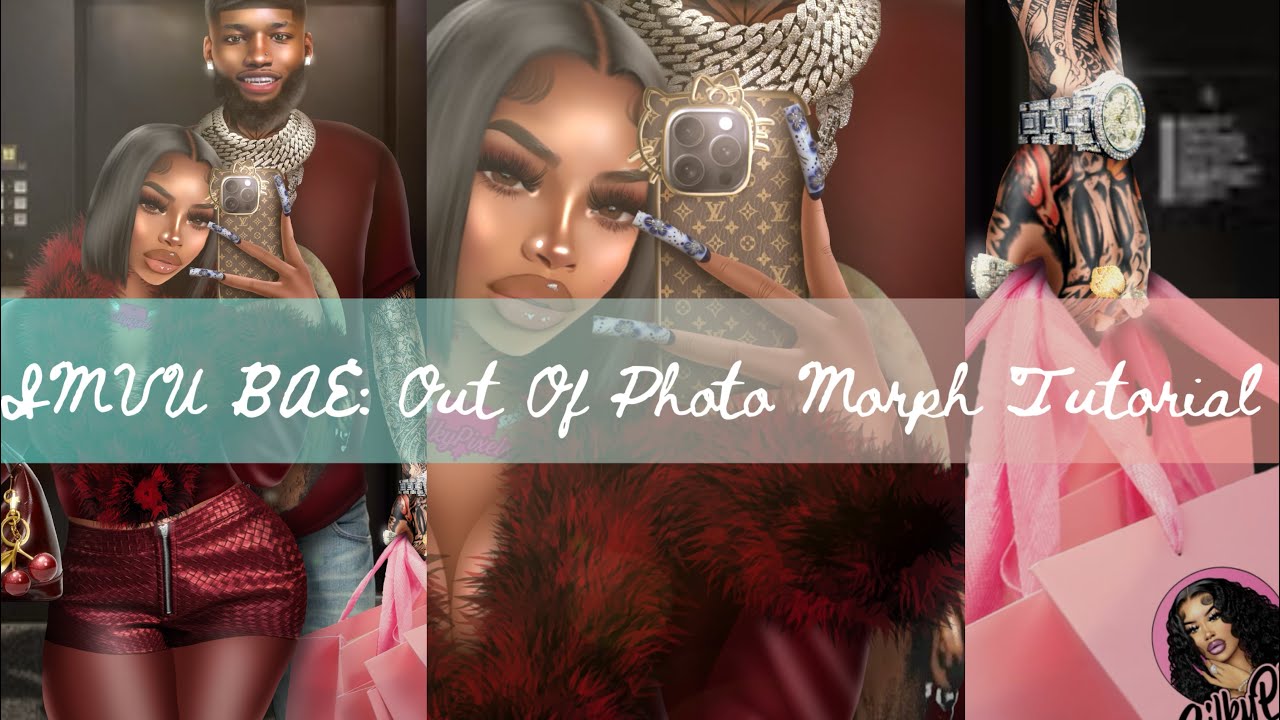
IMVU Bae Edition: DOUBLE Out Of Photo Morph Edit Tutorial 🖤🍇🍷
Автор: Silky Pixels
Загружено: 2026-01-06
Просмотров: 112
Описание:
Hey Everybody this is Terrell!! Aka "TeeRell" my pookie, he's such a sweetie y'all go follow him on vu show him some lurvvv, so today I am showing how I did this edit of us it came out so teaa omg, So also hit up my bookie @yksookie on Instagram for all your png needs, she made my chain and my logo and I love them so so muchhhh, Thank you all so much for all the support ! Please Like Subscribe & Comment! Love You Guyss!! 🖤💓❤️🧡💞✨
Pinterest Board: https://pin.it/432ohmLhP
Sookie IG: / yksookie
My IMVU: https://go.imvu.com/av/theemumu/
Here Are Tips To Follow Along To:
Use the head of your avatar and line it up as well as you can with the head of your model in the picture you chose
Make a new layer & copy the base skin tone of your avatar (usually around the mouth) and color in the skin of the model
Make that layer transparent
Make a new layer & copy the darkest part of your avatars face (usually the cheek bones or ears) and outline the hands and body creases of the model in the photo you intend to morph
Make a new layer underneath the last layer and highlight the lighter parts of the body (chest, breasts, arms, belly, legs, thighs, etc.)
Edit your avatars face, make sure everything blends well together
Make a new layer, using layer mode (soft light) and make your brush black, lowlight all darker parts of the body (nose contour, underarms, thigh touching, underboob, under the chin)
Make a new layer, using layer mode (overlay or ADD) make your brush white and highlight body parts that should be a bit brighter (nose and face highlight, breast highlight, collar bone, shoulder, etc.)
Thank You So Much For Your Support & Please Don't Hesitate To Contact Me With Any Questions 💖
Повторяем попытку...
Доступные форматы для скачивания:
Скачать видео
-
Информация по загрузке: