How to Use Technology for Bible Study with Dyslexia
Автор: Atarah Group International
Загружено: 2025-09-20
Просмотров: 798
Описание:
#AtaraGroupInternational #dyslexia #biblestudy
Tech Tips for Bible Study with Dyslexia
We decided to write this blog in response to a comment we received from @Mountaingoat59. This subscriber stated that Bible Study was nearly impossible due to a diagnosis of dyslexia. We wanted to offer some support and assistance.
Technology has transformed the way we learn, work and connect. For people with dyslexia, it can also revolutionize Bible study. Where traditional reading might feel discouraging, digital tools and modern resources offer new ways to engage Scripture that are accessible, flexible, and even fun.
This post explores how to use technology as your ally in studying God’s Word.
1. Audio Bibles at Your Fingertips
If you have the Audible App – here is a link for an audio Bible – Read by James Earl Jones
https://amzn.to/4mStr5k
Practical Tip: Play Scripture while following along in a digital or print Bible. This multi-sensory approach strengthens comprehension.
2. Adjust Fonts and Layouts Digitally
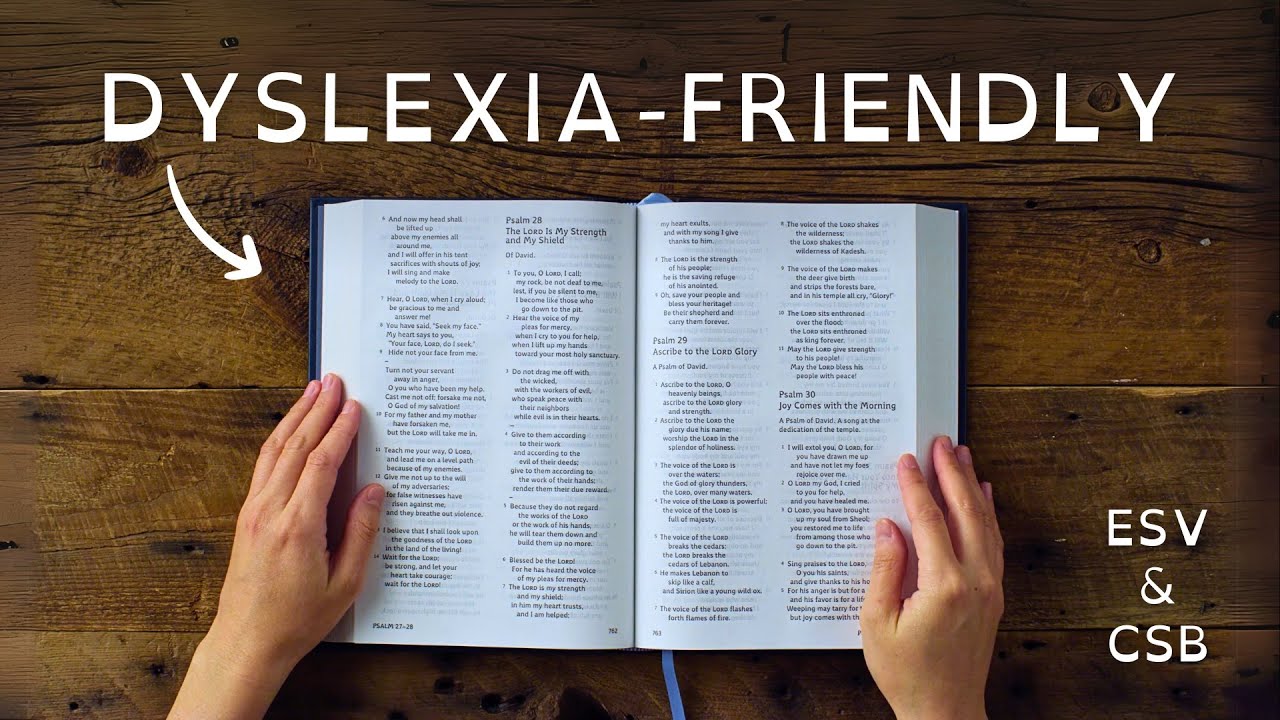
Digital Bible platforms let you customize fonts, spacing and background colors to reduce visual strain. Dyslexia-friendly fonts such as OpenDyslexic or Lexend can make reading smoother. Switching to sepia or cream-colored backgrounds reduces glare and helps letters stay still.
Practical Tip: Increase the font size and spacing so you never feel cramped by the text. Reading should feel comfortable, not stressful.
3. Text-to-Speech Tools
Beyond Bible apps, text-to-speech programs like Natural Reader or Voice Dream can read any digital text aloud, including Bible commentaries, devotionals, and study notes. You control the pace and voice, making study feel more approachable.
Practical Tip: Slow down the reading speed for better comprehension, or replay difficult sections until they sink in.
4. Digital Highlighting and Color Coding
Unlike paper, digital highlighting can be edited, expanded, or reorganized easily.
Practical Tip: Assign consistent colors across your app—green for promises, yellow for commands, blue for encouragement—to keep a unified system that strengthens memory.
https://amzn.to/4m5u6PJ - A kindle fire tablet will allow you to do all three of these. You can adjust the letter size, the background color and it has a text to speech feature so that you can read along. You can also highlight passages for notetaking.
5. Verse-by-Verse Display
Some apps display the Bible one verse at a time instead of filling the screen with long chapters. This eliminates overwhelming images and helps you focus on one thought at a time.
Practical Tip: Pair this with journaling apps where you can type a quick reflection after each verse, or even after just a few words.
6. Bible Study Apps with Integrated Tools
Platforms like Logos Bible Software, Accordance, or Olive Tree combine Scripture with commentaries, dictionaries, and cross-references. For someone with dyslexia, this means you don’t need to juggle multiple books—everything is in one accessible digital space.
Practical Tip: Start with one feature at a time (like word studies or notes) instead of trying to use every tool at once.
7. Voice Notes and Journaling Apps
If writing is a challenge, use your phone’s voice recorder to capture reflections. Apps like Evernote or OneNote let you attach voice clips, images, or typed notes to your study. This creates a multimedia journal of your spiritual growth.
Practical Tip: Consider creating a “voice diary” of your Bible reflections. Over time, you’ll have a rich audio archive of your journey with God.
8. Use Reminders and Reading Plans
Consistency is key, and technology can help with that. Apps allow you to set daily reminders or create manageable reading plans. For example, a plan might assign just five verses per day instead of entire chapters.
Practical Tip: Link your plan to a calendar or notification system so Bible study becomes part of your daily rhythm, not a task you forget. If you want to study in community, join our Patreon Page for daily Bible Study Prompts - patreon.com/AtarahGroupInternational
9. Use a Reading Pen, as these scan text and then read it aloud while highlighting the words on the screen, making it an excellent tool for readers with dyslexia - https://amzn.to/4mRL716
Use technology as a tool. Technology doesn’t replace the heart of Bible study—it opens doors. Whether you listen to Scripture while driving, adjust fonts to ease your reading, or record your thoughts in a voice note, digital tools make God’s Word accessible in new ways.
For someone with dyslexia, technology offers freedom: freedom from frustration, freedom from comparison, and freedom to encounter God’s Word with joy.
If you need more information, feel free to contact us at www.atarahgroupinternational.org for a free 15-minute consultation.
Повторяем попытку...

Доступные форматы для скачивания:
Скачать видео
-
Информация по загрузке: