POCO M8 5G – All Tutorials: Unboxing, Setup, Backup, Tips & Hidden Features
Автор: HardReset.Info
Загружено: 2026-02-13
Просмотров: 448
Описание:
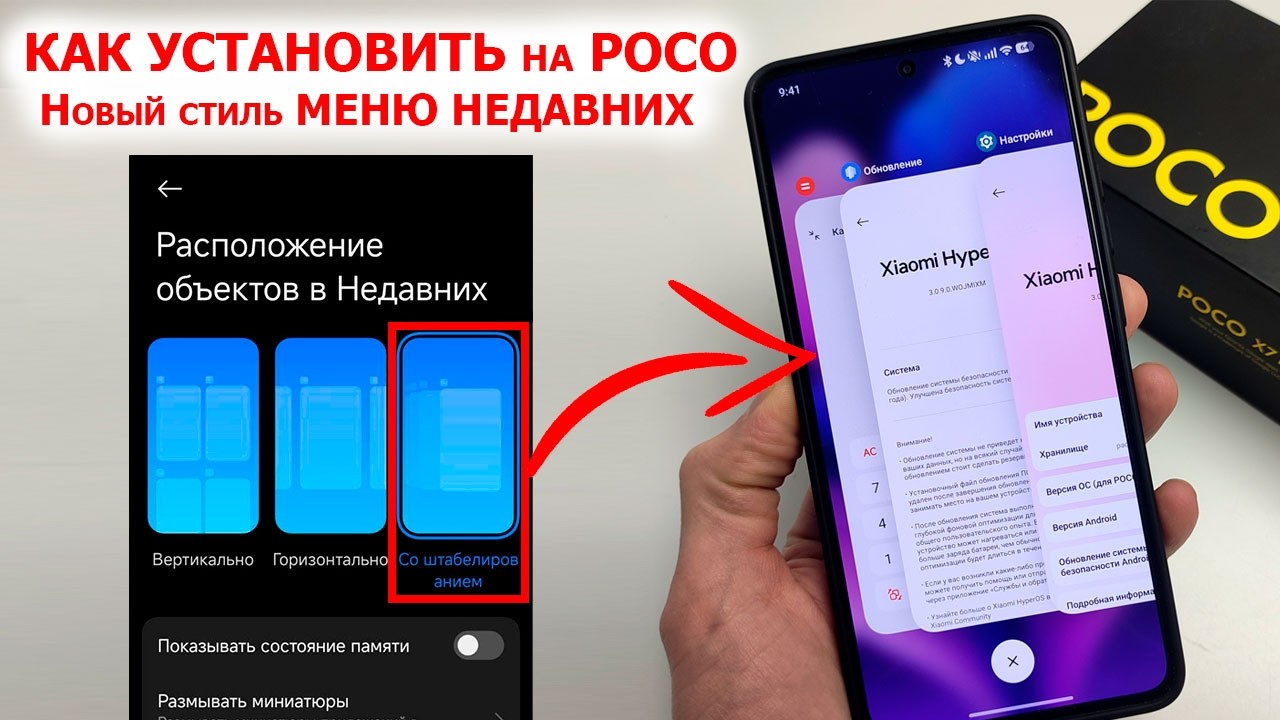
In this long POCO M8 / POCO M8 5G video, you’ll find all the essential tutorials in one place – from unboxing and first setup with HyperOS and Android 15, through data transfer and backups, to everyday settings, personalization, security, battery, and troubleshooting. We start with the full unboxing and a detailed POCO M8 vs POCO M7 comparison (display, CPU, RAM, storage, charging, IP rating), then walk step-by-step through the initial setup, region and privacy choices, Google services, screen lock, and better ways to move your apps and files. Next, you’ll learn how to transfer data to POCO M8, restore backups from Google One, Xiaomi Cloud and a computer, and then dive into practical tutorials: clearing recent apps, changing ringtones, enabling tap and charging sounds, switching system language, blocking numbers, showing battery percentage, managing fingerprints and face unlock, checking IMEI/serial, enabling OTG, changing wallpapers, Always On Display, 120 Hz refresh rate, fast charging, cleaning storage, running a virus scan, using digital wellbeing, printer connection, QR scanning, one-handed mode and much more. If you’ve just bought a POCO M8 5G and want a complete setup, tips & tricks and hidden options in one video, this is your all-in-one guide.
How to set up POCO M8 5G from scratch with HyperOS and screen lock?
How to transfer data and restore backup to POCO M8 5G (Google One, Xiaomi Cloud, PC)?
How to improve POCO M8 5G with 120 Hz refresh rate, fast charging and Always On Display?
#POCOM8 #POCOM85G #XiaomiHyperOS #Android15Tips
Повторяем попытку...

Доступные форматы для скачивания:
Скачать видео
-
Информация по загрузке: