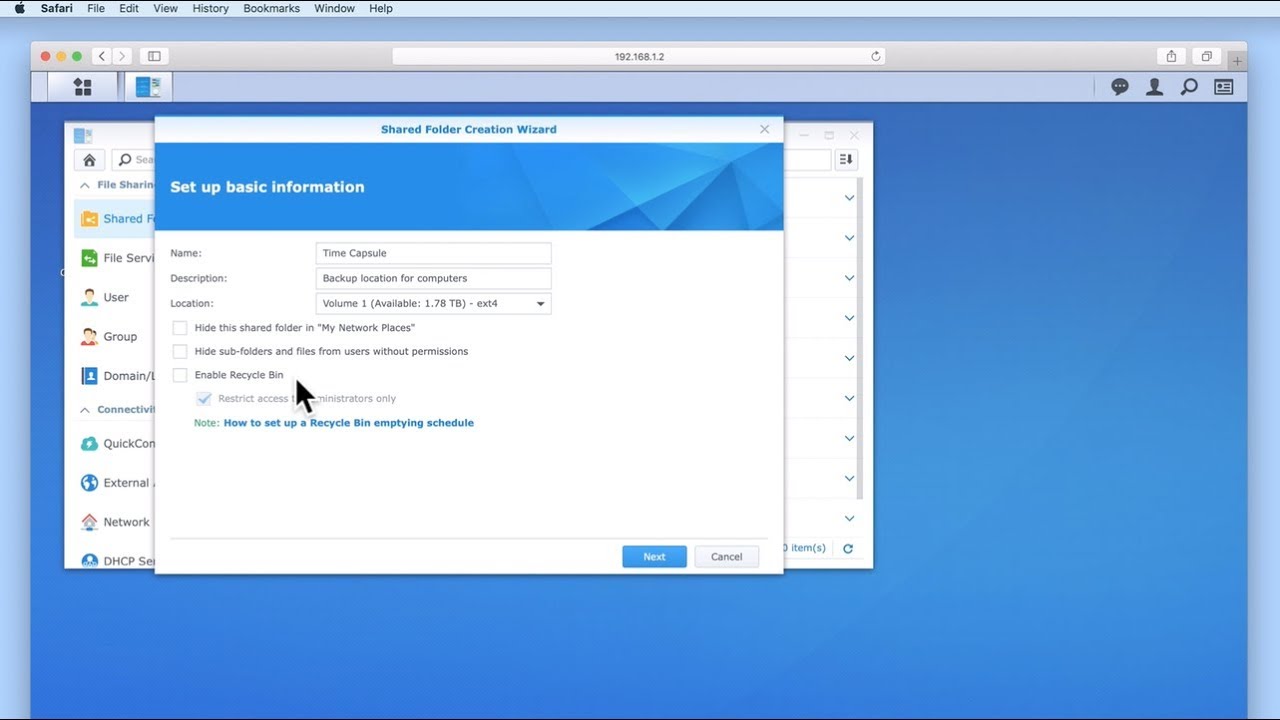
How to setup a Synology NAS (DSM 6) - Part 27: Installing and Configuring Media Server
Автор: mydoodads
Загружено: 2019-03-22
Просмотров: 66238
Описание:
If you found this video useful please like and subscribe to our channel.
In this video we take a look at how to install and configure Media Server onto a Synology NAS. We then review the settings in Media Server, before testing that we can connect Media Server to our Sony PlayStation 4.
The movie used in this video, to demonstrate how Media Server is able to play back a media file, is a movie called Sintel. You can download and find out more about this film by visiting the website, https://durian.blender.org
Sintel, is an open source film licensed with a Creative Commons Attribution 3.0. This means it can be shared and shown freely, as long as the film is attributed to - © copyright Blender Foundation | www.sintel.org
---------------------------------
◽Blog Site: http://mydoodads.com
◽Ko-fi page: ko-fi.com/mydoodads
◽Youtube channel: mydoodads
Products seen in this video:
Synology DS218j 2 Bay Desktop NAS - https://amzn.to/2Hd7Swx
Western Digital Red Hard Drive - https://amzn.to/2MgxHev
Iron Wolf Hard Drive - https://amzn.to/2VZNH9d
The above Amazon affiliate links were included to make it more convenient for you to purchase items seen in the video. If you choose to click on a link and buy something, I may receive a small commission which will help to support the creation of content for the Mydoodads channel.
---------------------------------
Повторяем попытку...

Доступные форматы для скачивания:
Скачать видео
-
Информация по загрузке: